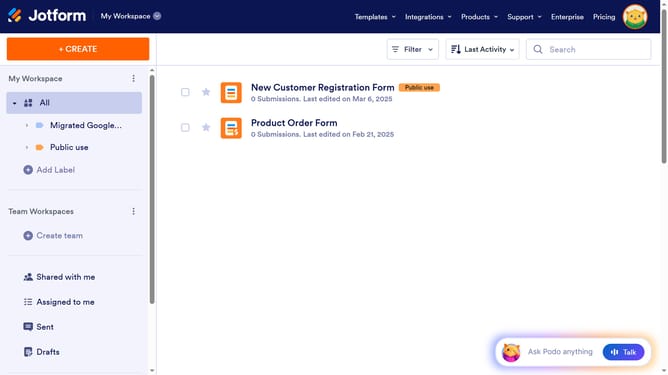
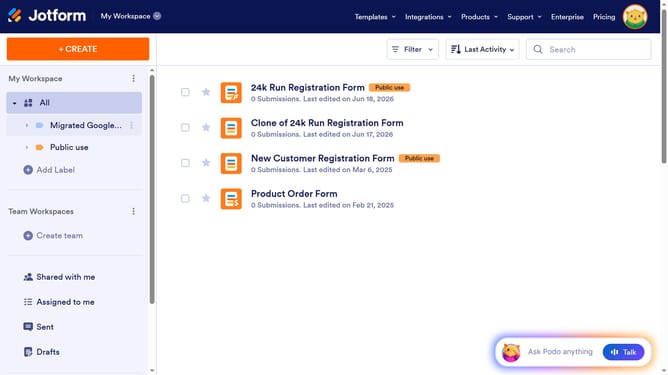
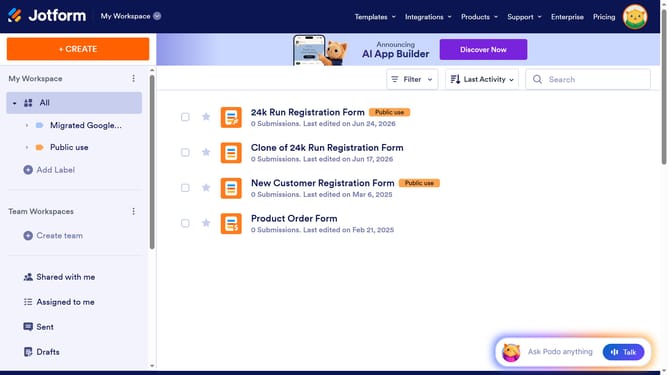
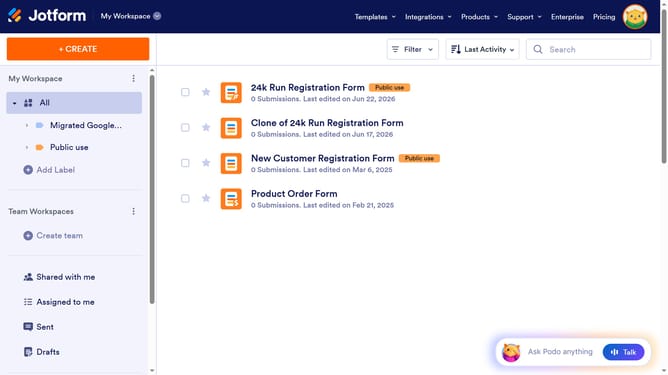
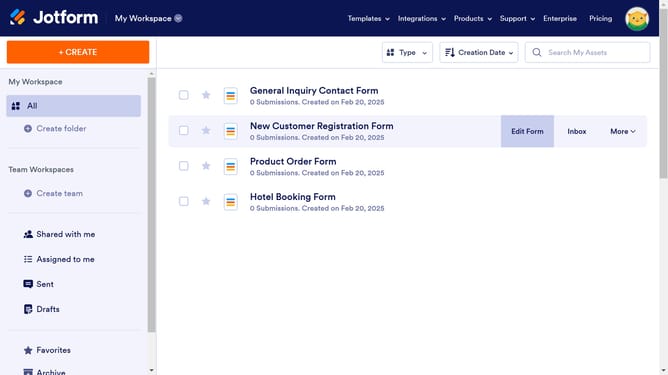
How to get your form's iFrame code on Jotform
Here is how to get your form's iframe code on jotform
- First click on the "PUBLISH" tab in the top navigation menu
- Then click on "EMBED" option in the left sidebar menu
- Next select the "IFRAME" option from the embed options list
- Finally click on "COPY CODE" button in the top-right corner of the iframe code section
Why should you get your form's iFrame code on Jotform
Jotform is a versatile online tool designed to simplify the creation and management of custom forms for any purpose.
One of Jotform's standout features is its ability to provide an iFrame code for your forms. This allows users to seamlessly embed forms into websites, maintaining the form's appearance and functionality across different platforms.
Using iFrame code ensures compatibility with various web environments, enhancing user interaction without altering your site’s design. This method is efficient for maintaining privacy and controlling the display of your forms.
Last update