How to set space above divider in a registration form in Jotform
Here is how to set space above divider in a registration form in jotform
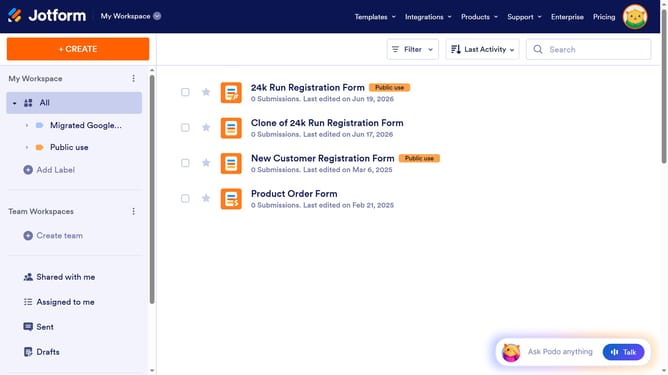
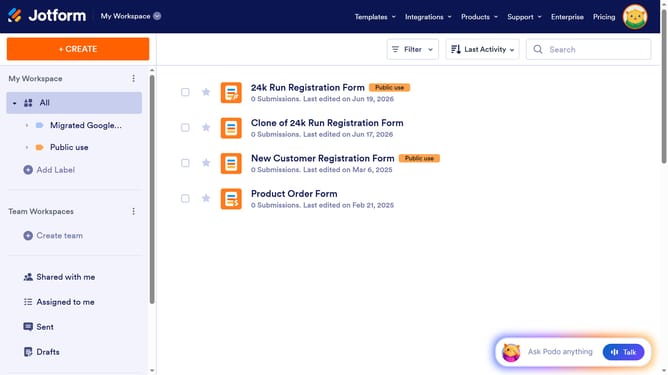
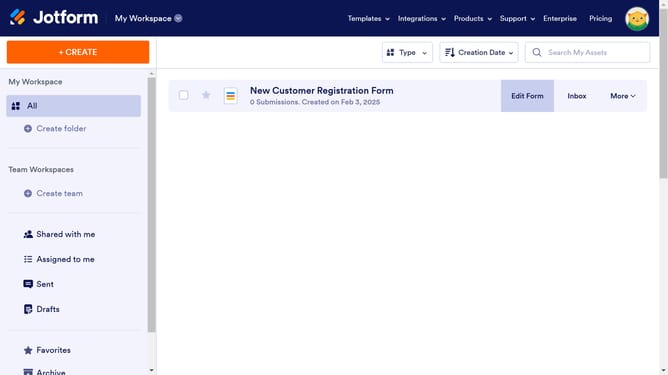
- First click on "All" in the left sidebar
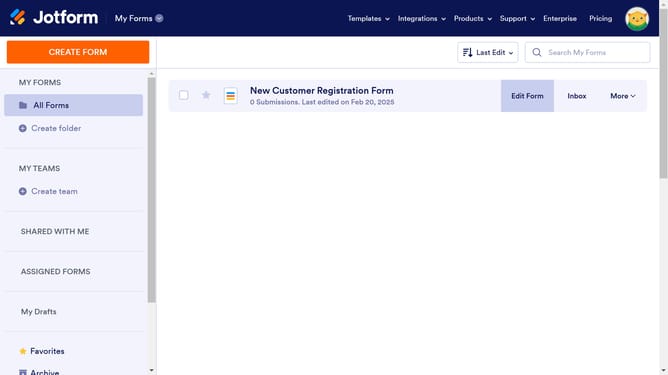
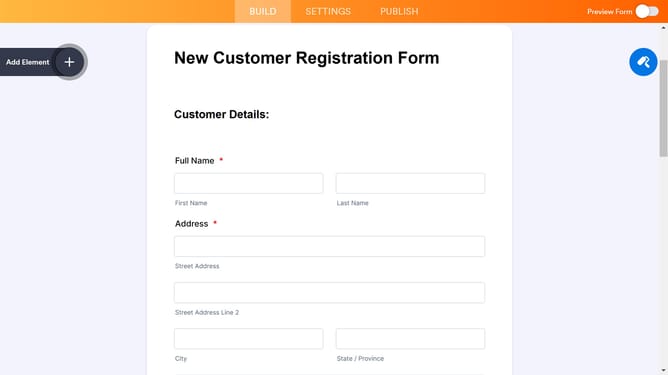
- Then click on the "Edit Form" button
- Next, select the divider field on the form
- After that, click on the "Properties" button
- Finally, click on the input field in the "Space Above" section and enter value
Why should you set space above divider in a registration form in Jotform
Jotform is a versatile online form builder designed to streamline data collection and improve organizational workflows.
Setting the space above a divider in a registration form enhances visual appeal and guides users smoothly through sections. This feature, within Jotform's intuitive interface, allows you to adjust layout effortlessly, contributing to a more organized and engaging form.
By customizing spacing, users can prevent clutter, making registration forms not only functional but also aesthetically pleasing. This results in a more seamless and user-friendly experience, ultimately boosting engagement and completion rates.
Last update