How to add a short text field to a registration form in Jotform
Here is how to add a short text field to a registration form in jotform
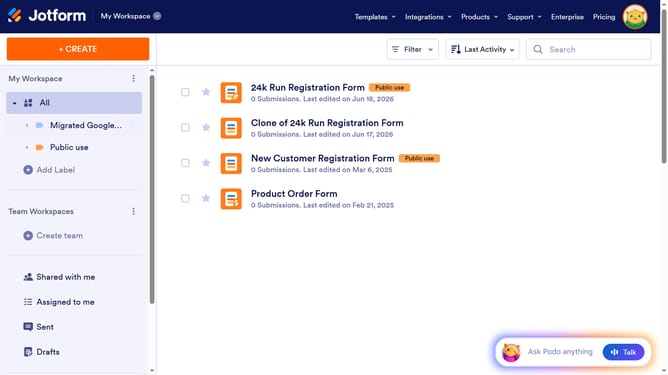
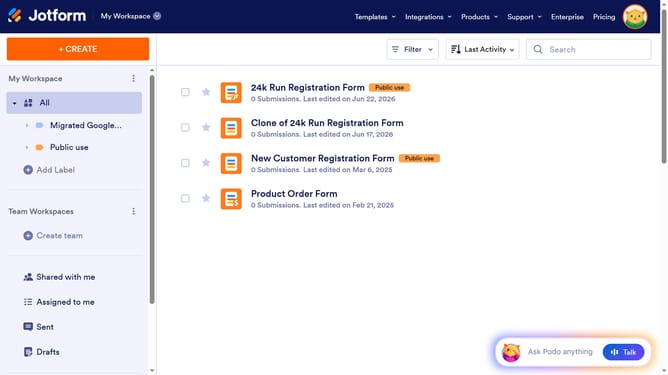
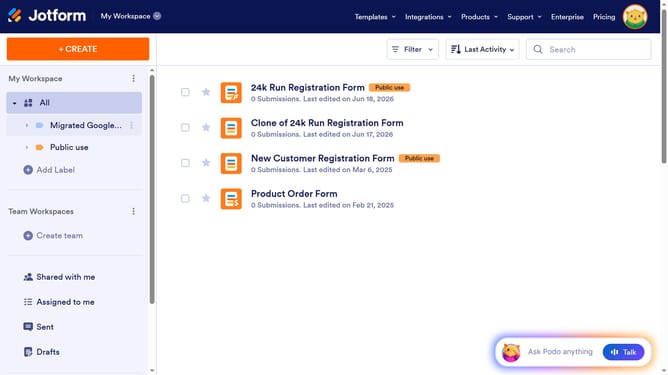
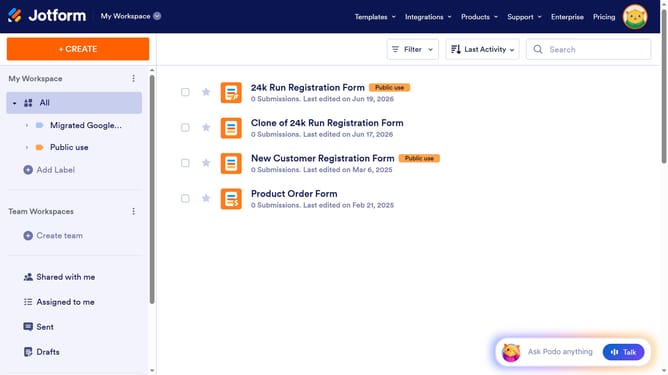
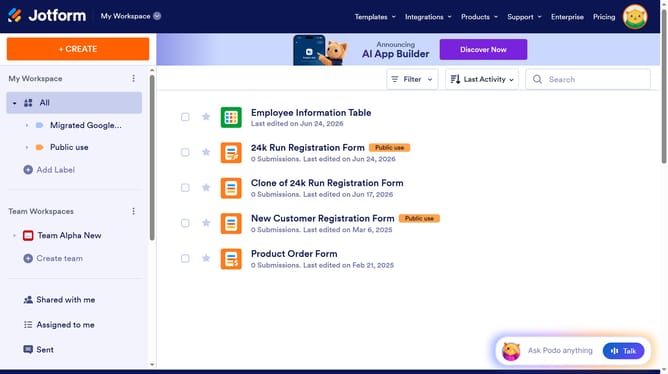
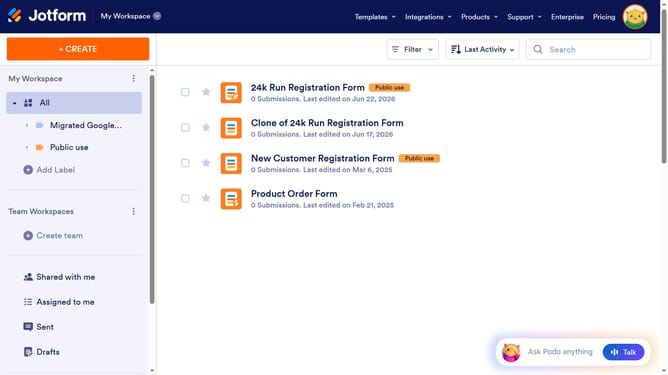
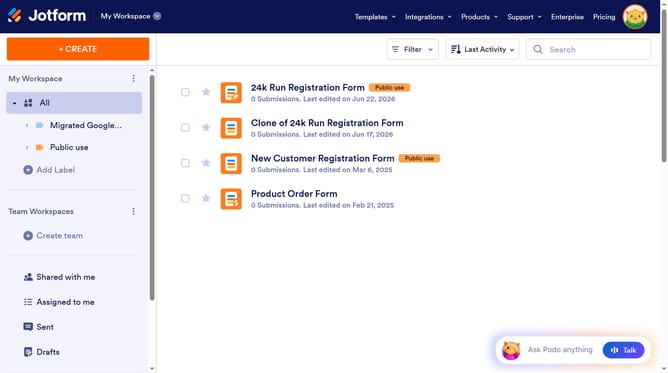
- First click on "All" item in the left sidebar
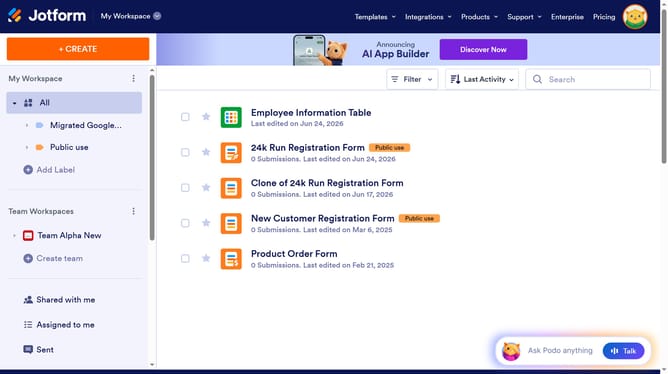
- Then click on "Edit Form" button at the right side next to the form name that you want to edit
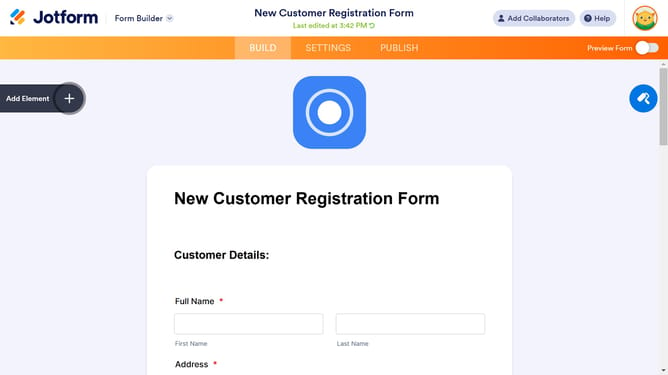
- Next click on "Add Element" button in the left sidebar
- Finally select "Short Text" from the Basic Elements list
Why should you add a short text field to a registration form in Jotform
Jotform is a powerful tool designed to simplify form creation and streamline data collection.
Adding a short text field to your registration form in Jotform is an intuitive feature that enhances user interaction by allowing respondents to provide succinct information swiftly.
It is particularly beneficial for gathering essential details like names or brief comments, ensuring your form remains concise and user-friendly.
This feature optimizes the user experience by reducing the complexity of responses, making data analysis more efficient and straightforward.
Last update