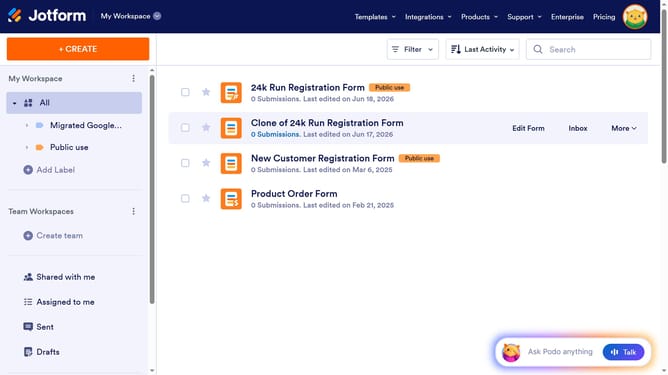
How to add a number column in a data table in Jotform
Here is how to add a number column in a data table in jotform
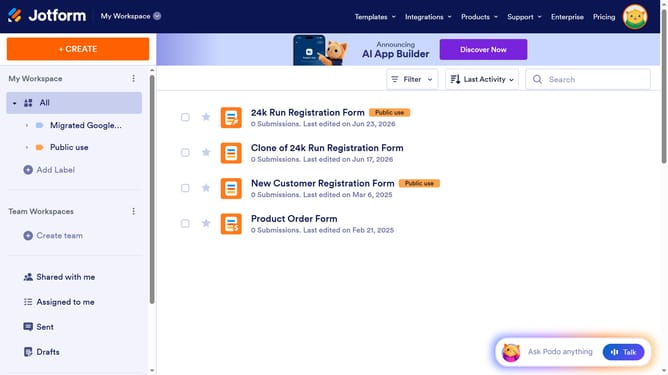
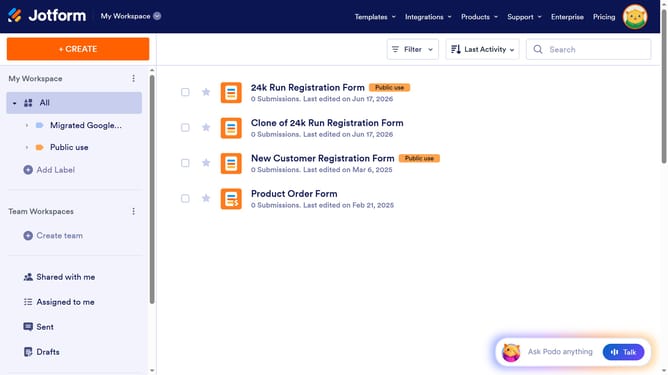
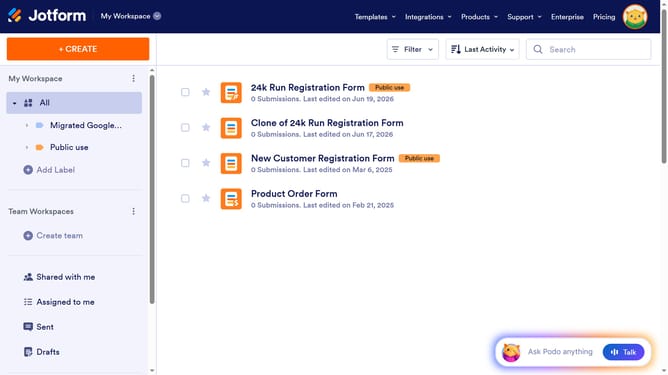
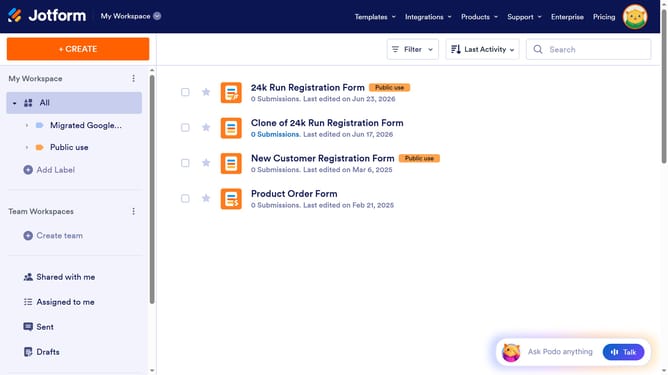
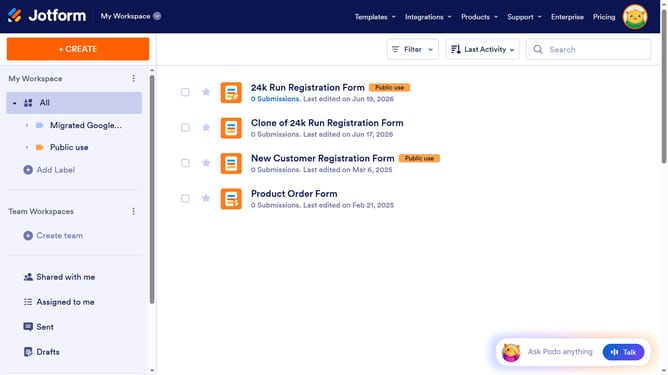
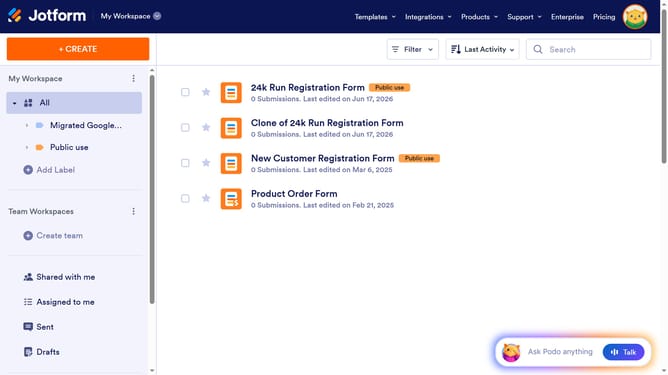
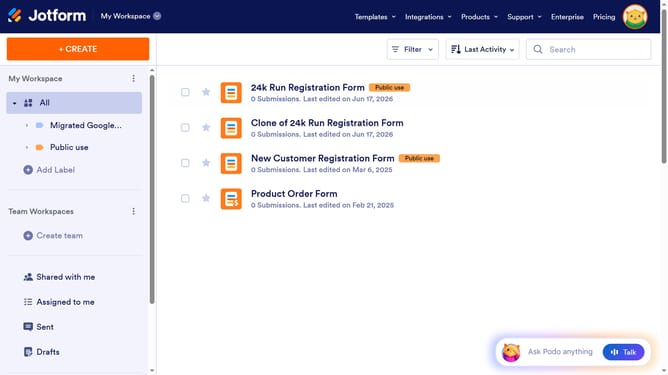
- First, click on the "All" option in the left sidebar
- Next click on "View Table" button at the right side of the table name that you want to manage
- Next, click on the "ADD" button with a plus icon
- Click on the "Number" option
- Then click on the "NEXT" button
- Enter column name in the "ENTER A COLUMN NAME" input field
- Click on the "NEXT" button
- Finally, click on the "CREATE COLUMN" button
Why should you add a number column in a data table in Jotform
Jotform is a versatile online platform designed for creating and managing forms effortlessly.
Adding a number column in a data table on Jotform can efficiently streamline your data collection process. This feature allows you to organize numerical data effectively, making analysis and reporting much simpler.
Utilizing number columns helps in maintaining accurate records, providing clear insights, and enabling smooth integration with other data systems. It enhances precision in tracking metrics and supports better decision-making by presenting clear, quantifiable information.
Overall, the ability to add a number column elevates the way you visualize and work with data on Jotform, making it an invaluable tool for any data-driven task.
Last update