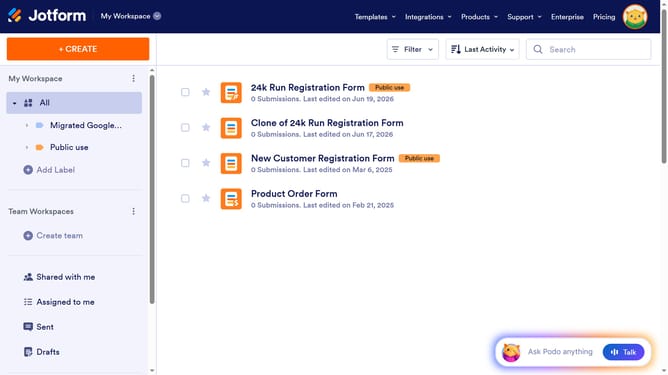
How to exclude suffix in the full name field in a registration form in Jotform
Here is how to exclude suffix in the full name field in a registration form in jotform
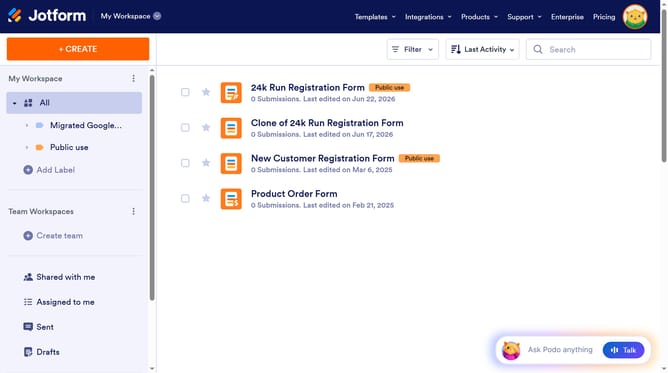
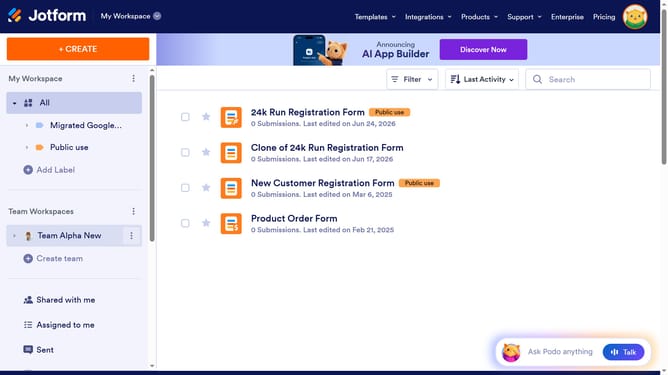
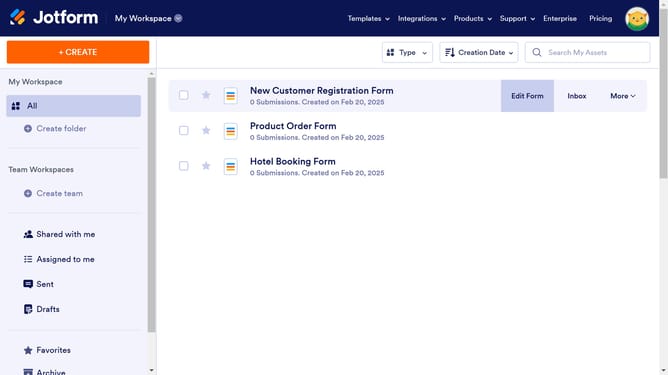
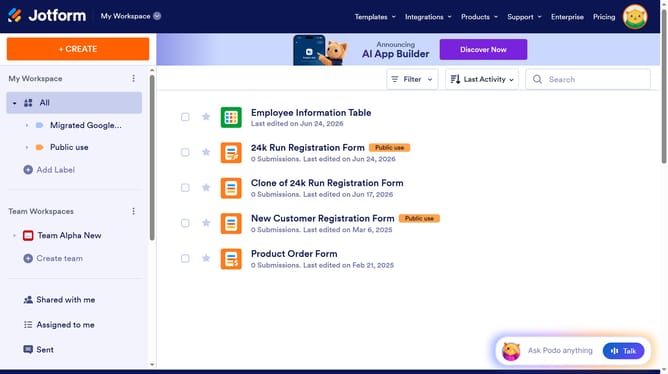
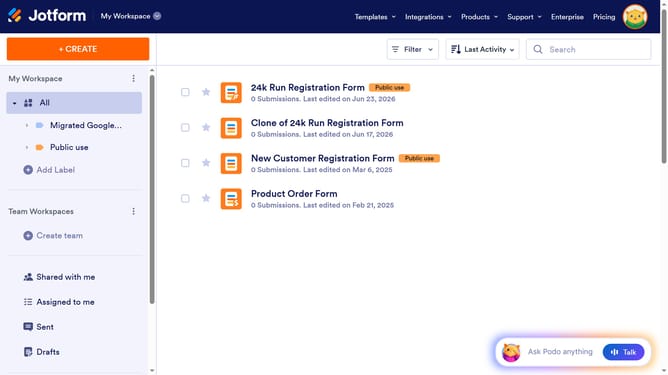
- First click on "All" item in the left sidebar
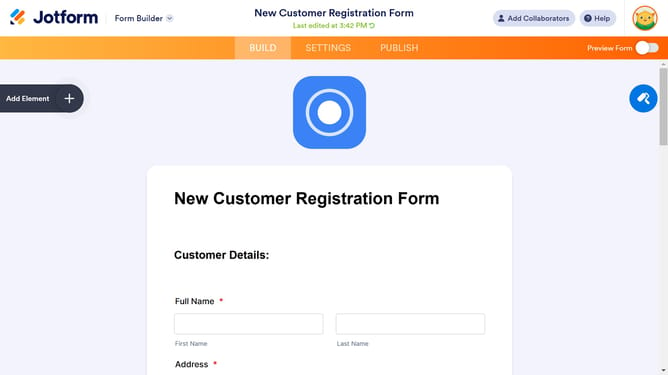
- Then click on "Edit Form" button at the right side of the form name that you want to edit
- Then click on the "Name" input field
- Then click on the "Properties" button
- Then click on the "Options" tab
- Finally toggle OFF the "Suffix" input field
Why should you exclude suffix in the full name field in a registration form in Jotform
Jotform is a versatile online tool designed to streamline creating customized forms for various needs.
When using Jotform's registration forms, removing the suffix in the full name field ensures cleaner data collection and processing.
This feature is particularly beneficial for organizations looking to maintain a standardized database without unnecessary clutter. Excluding suffixes enhances data clarity, leading to easier searches and more efficient data management.
Overall, this feature helps maintain consistency, ultimately improving workflow efficiency and accuracy.
Last update