How to disable selection limit in a multiple choice field in a registration form in Jotform
Here is how to disable selection limit in a multiple choice field in a registration form in jotform
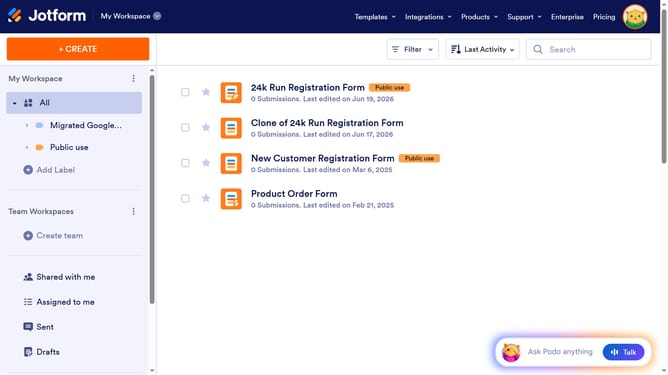
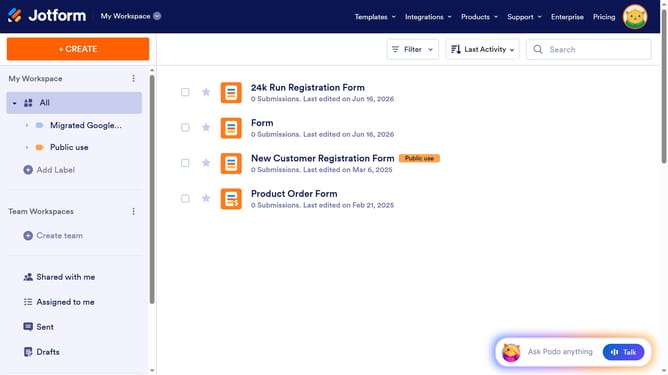
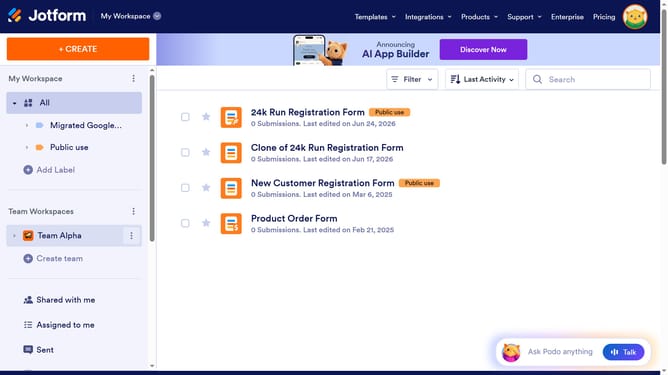
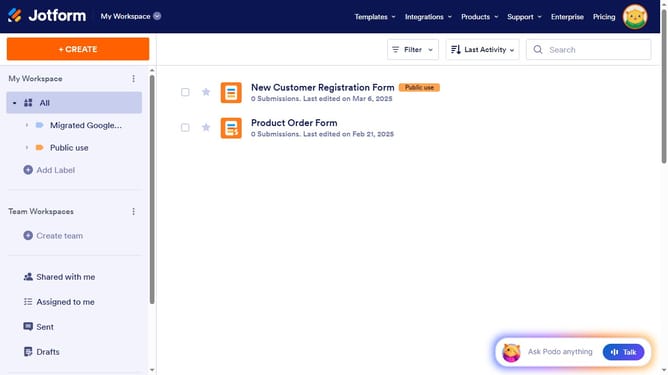
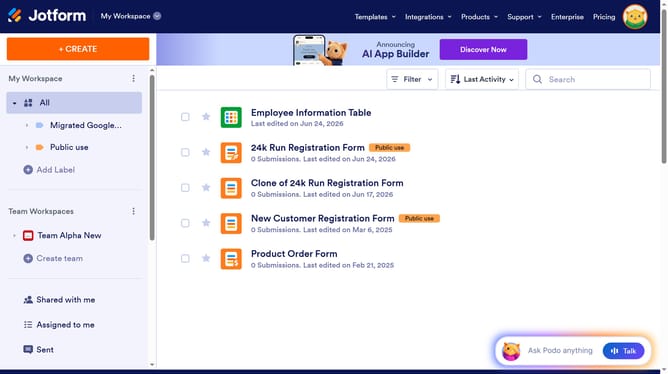
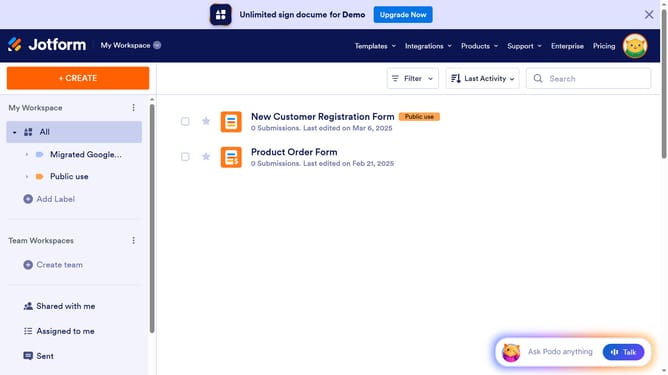
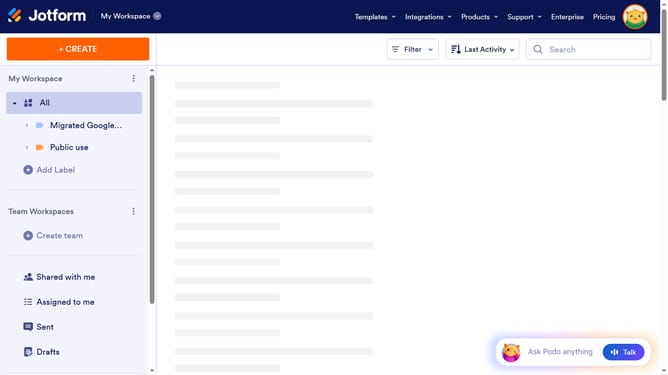
- First click on the "All" item in the left sidebar menu
- Next click on "Edit Form" button at the right side of the form name that you want to edit
- Then click on the multiple option field in the form builder
- Then click on the "Properties" button
- Then click on the "Surveying" tab in the properties panel
- Finally click on the slider for the "Entry Limits" to disable it
Why should you disable selection limit in a multiple choice field in a registration form in Jotform
Jotform is a versatile tool for crafting impactful online forms with ease and efficiency.
Disabling the selection limit in a multiple choice field within a Jotform registration form offers several advantages. It allows respondents to choose multiple options without restrictions, providing greater flexibility in collecting comprehensive data.
This feature is particularly beneficial for surveys or events where participants may need to select several preferences or interests. Allowing unlimited selection ensures participants can express themselves fully, enhancing the overall quality of the data collected.
Additionally, enabling unrestricted selections can lead to more inclusive participation, as respondents are not forced to prioritize choices, fostering a more complete understanding of user preferences.