How to not allow forms to be cloned by other users in Jotform
Here is how to not allow forms to be cloned by other users in jotform
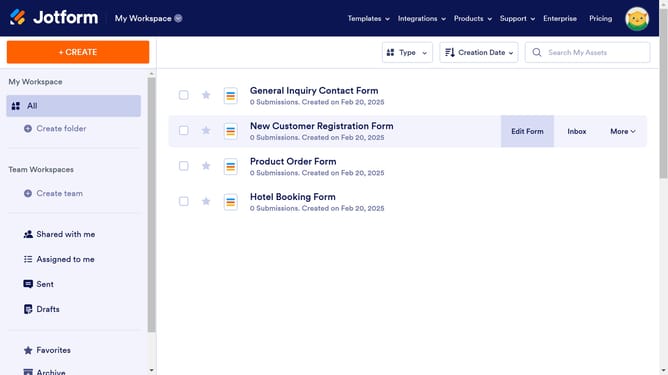
- First click on the user profile icon in the header
- Then click on "Settings" in the dropdown menu
- Next click on "Security" in the sidebar
- Finally click on the checkbox next to "Do not allow my forms to be cloned by other users."
Why should you not allow forms to be cloned by other users in Jotform
Jotform is a versatile online form builder that empowers users to create custom forms with ease for various needs.
A key feature of Jotform is the ability to prevent others from cloning your forms. This ensures your unique data collection structure and content are protected from unauthorized duplication.
Using this feature promotes data integrity and helps maintain the originality of your creative and hard work, ensuring that your careful design remains uncompromised by unwanted use.
Ultimately, this enhances control over your online forms, providing peace of mind in the constantly evolving digital landscape.
Last update