How to duplicate a column in a data table in Jotform
Here is how to duplicate a column in a data table in jotform
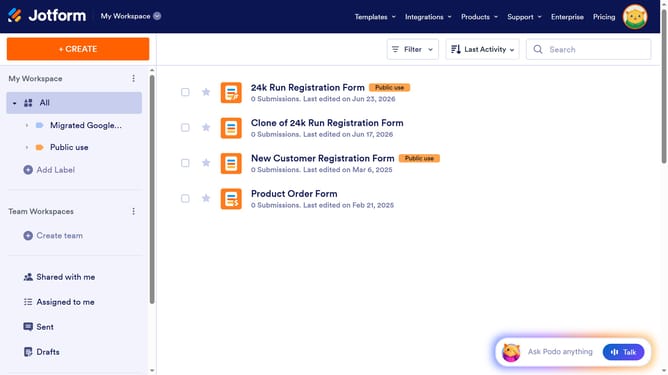
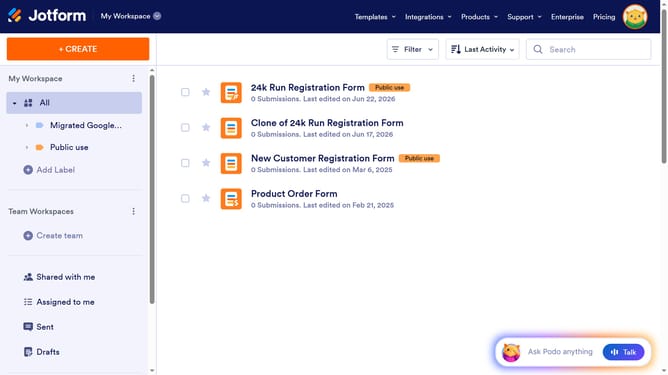
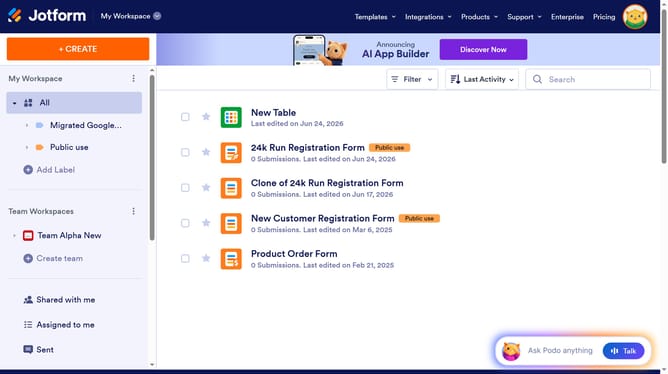
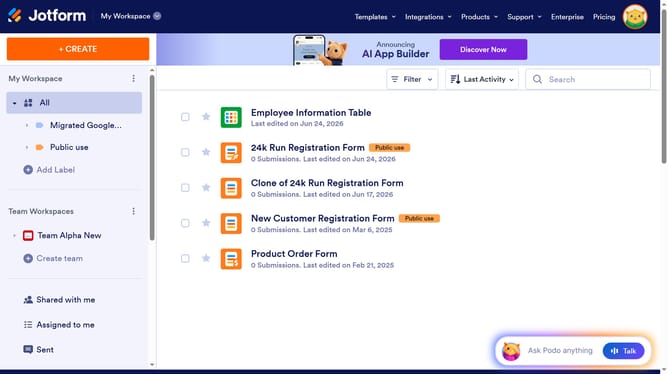
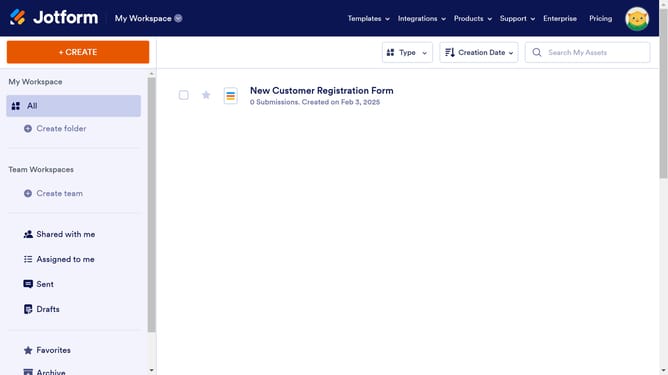
- First click on "All" in the sidebar
- Next click on "View Table" button at the right side of the table name that you want to manage
- Next click on the three dots icon next to the column header that you want to duplicate
- Then select "Duplicate column" option
- Finally click on "Duplicate" button
Why should you duplicate a column in a data table in Jotform
Jotform is a versatile platform designed to simplify and streamline the process of collecting and managing data through customizable forms.
One standout feature is the ability to duplicate columns in a data table, which enhances efficiency and convenience. This feature allows users to effortlessly replicate existing data structures, saving time and minimizing errors when handling large datasets.
By duplicating columns, users can quickly adapt existing templates to new needs, foster consistency, and ensure workflows remain fluid and uninterrupted.
Overall, this capability significantly boosts productivity, making data management more intuitive and efficient.
Last update