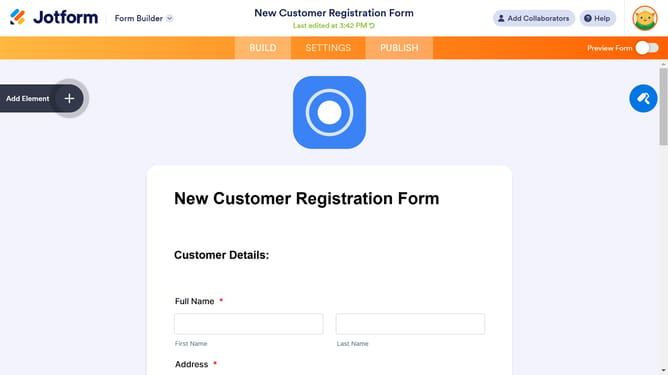
How to edit submit button text in a registration form in Jotform
Here is how to edit submit button text in a registration form in jotform
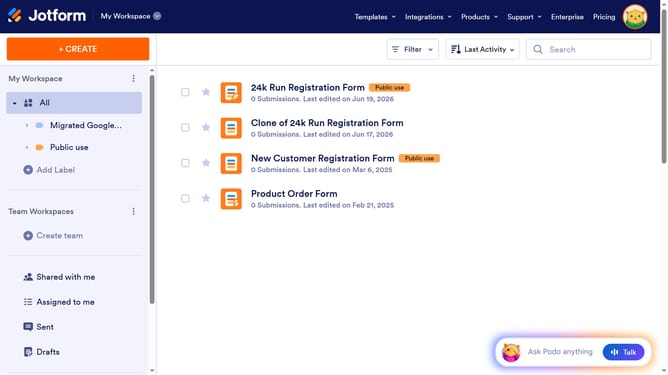
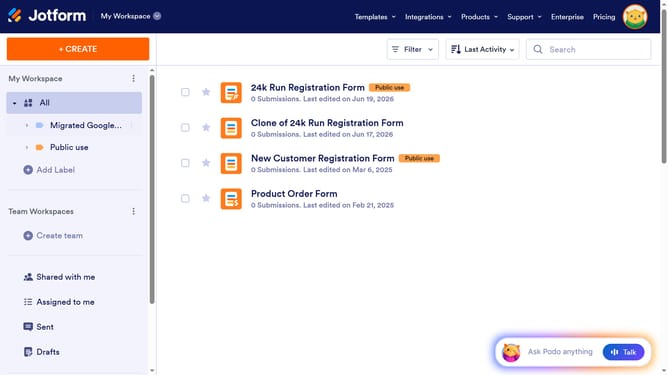
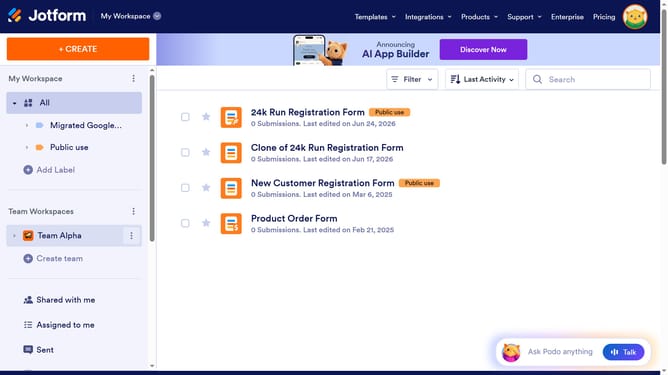
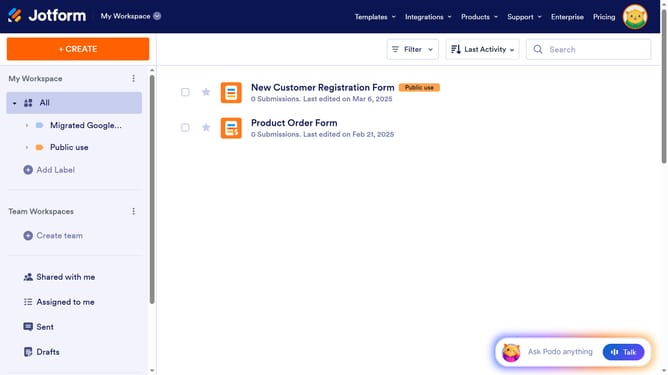
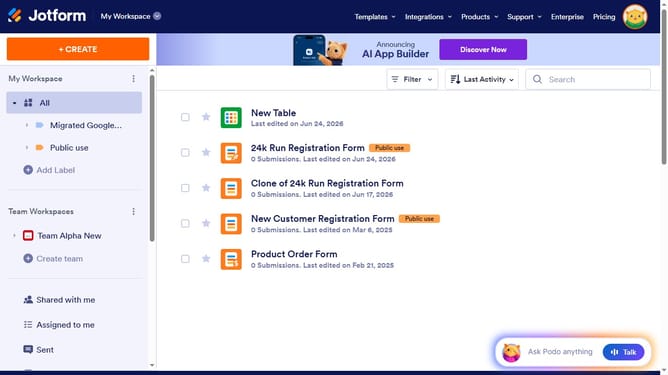
- First click on "All" in the left sidebar menu
- Next click on "Edit Form" button at the right side of the form name that you want to manage
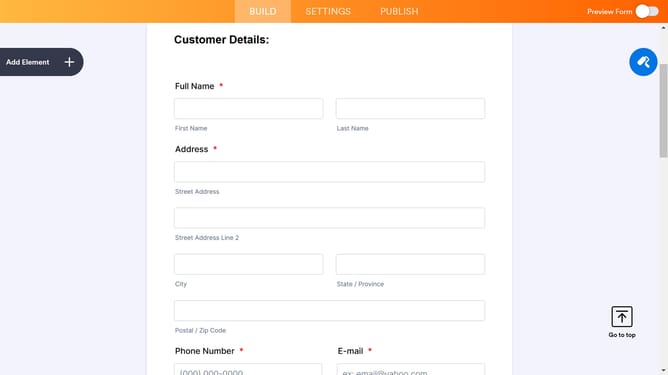
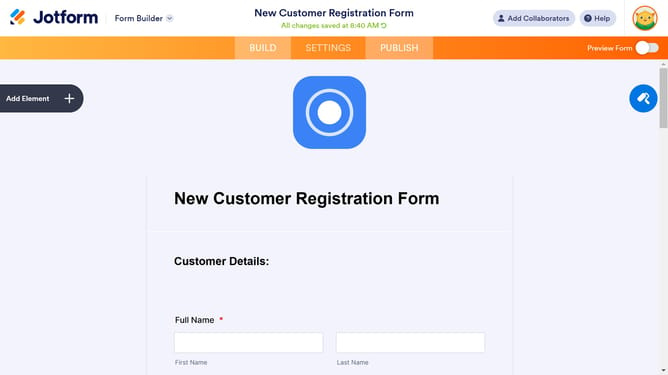
- Then click on the "Submit" button area
- Then click on the settings icon
- Finally click on the button text input and edit it
Why should you edit submit button text in a registration form in Jotform
Jotform is a versatile online form builder designed to simplify data collection and enhance productivity.
One of its standout features is the ability to effortlessly edit the submit button text in a registration form. Personalized button text can significantly improve the user experience by clearly indicating the form's purpose, such as "Join the Event" or "Sign Me Up," which increases form completion rates.
Customizing the submit button text enables clear communication with your audience, reflecting your brand's voice and increasing engagement. This feature's flexibility ensures that your forms are intuitive and cater to your audience's needs.
Last update