How to set default fields in the address field in a registration form in Jotform
Here is how to set default fields in the address field in a registration form in jotform
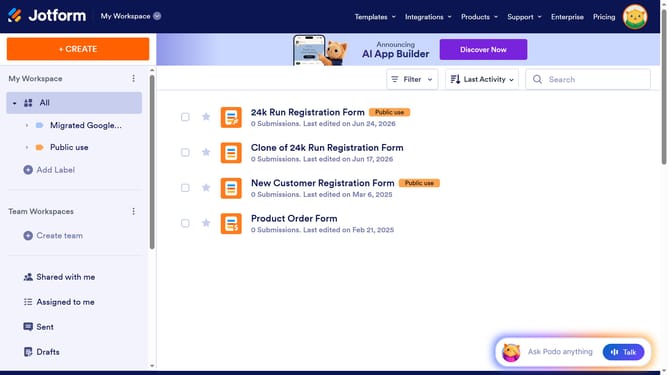
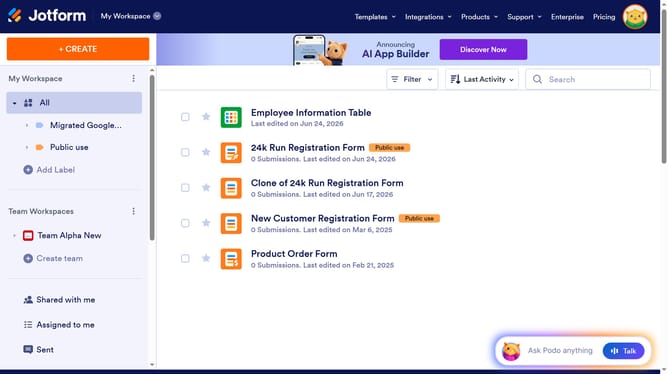
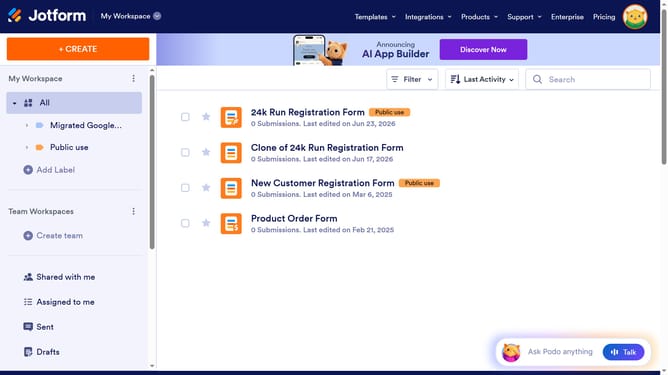
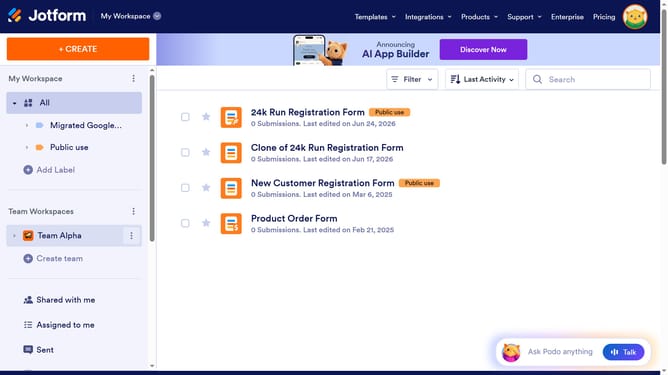
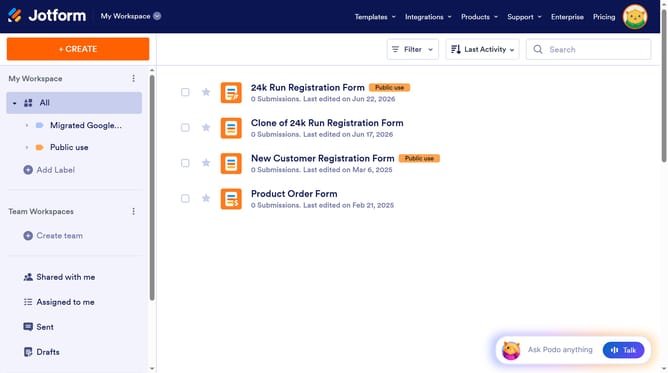
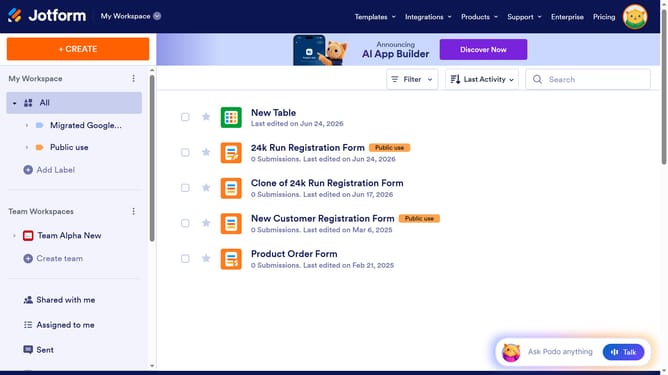
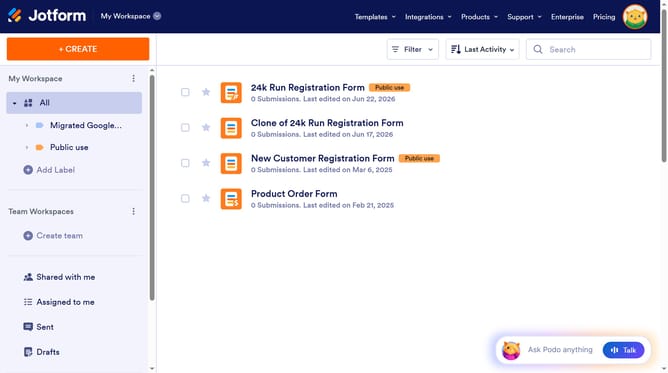
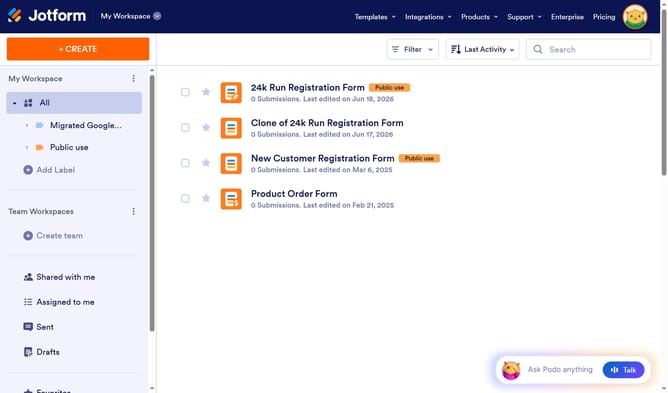
- First click on the "All" option in the left sidebar
- Next click on "Edit Form" button at the right side of the form name that you want to edit
- Next click on the "Address" section
- Click on the "Properties" button
- Then select the "Options" tab
- Finally, click on the "Street Address" checkbox and all other checkboxes that you wanted to include in the form
Why should you set default fields in the address field in a registration form in Jotform
Jotform is a versatile online form builder designed to streamline data collection effortlessly.
The ability to set default fields in the address section of a registration form in Jotform is an incredibly valuable feature that enhances user experience and efficiency. By pre-filling common address components, users save time and avoid repetitive input, ensuring a smoother form submission process.
This feature boosts form accuracy, reduces user mistakes, and elevates the overall professionalism of your form. Utilizing default fields in Jotform ultimately maximizes productivity and data consistency for any organization.
Last update