How to restore a deleted a data table in Jotform
Here is how to restore a deleted a data table in jotform
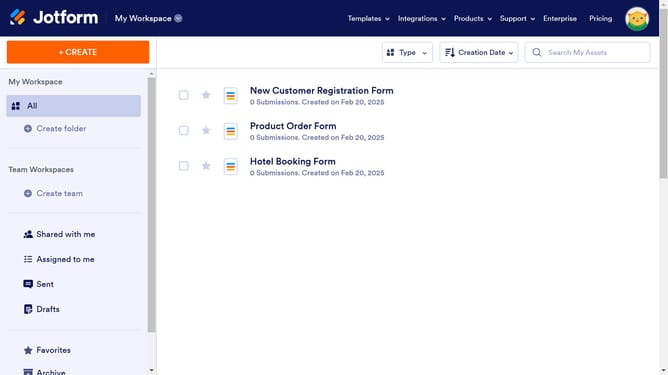
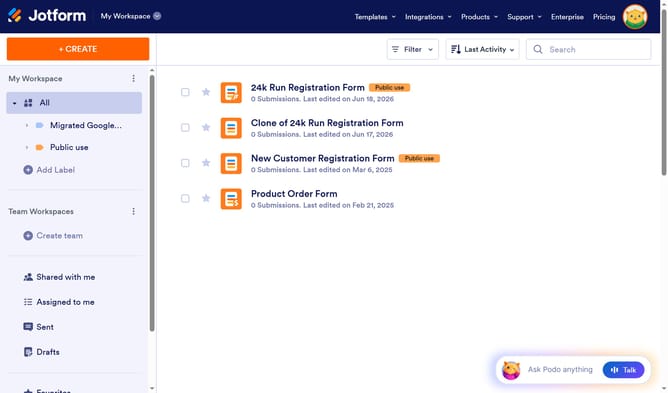
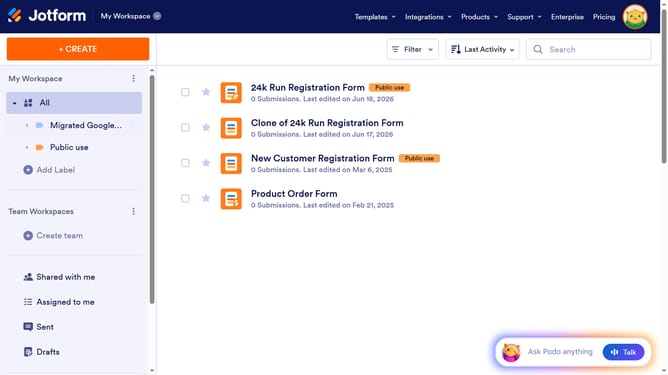
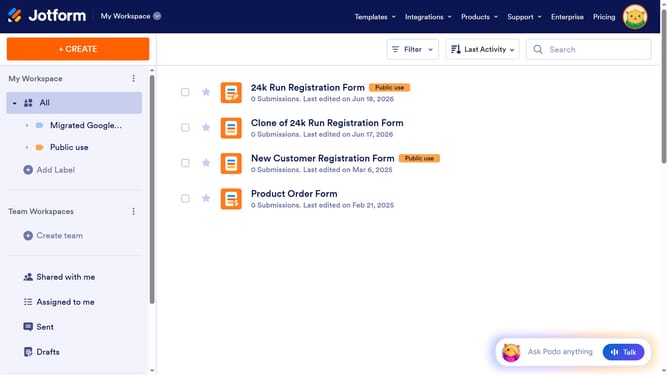
- First click on "Trash" item in the left sidebar
- Then click on the checkbox next to the item you want to restore
- Finally click on the "Restore" button
Why should you restore a deleted a data table in Jotform
Jotform is a versatile online form builder designed for simple, efficient data collection and management.
Accidentally deleting a data table can be a concern, but Jotform's restoration feature ensures your valuable data isn't permanently lost. Restoring a deleted data table is part of what makes Jotform reliable and user-friendly.
This feature provides peace of mind by preserving your data integrity, allowing you to recover important information seamlessly. It enhances productivity by minimizing downtime and ensuring continuous access to your data without any hassle.
Last update