How to add a spinner field to a registration form in Jotform
Here is how to add a spinner field to a registration form in jotform
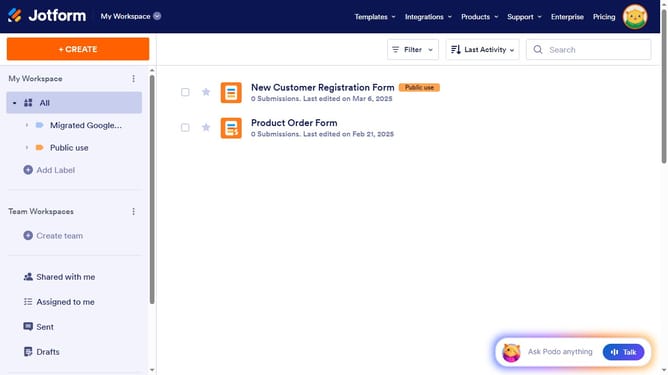
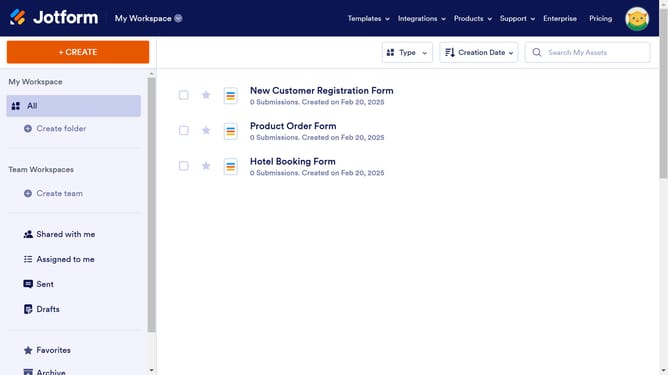
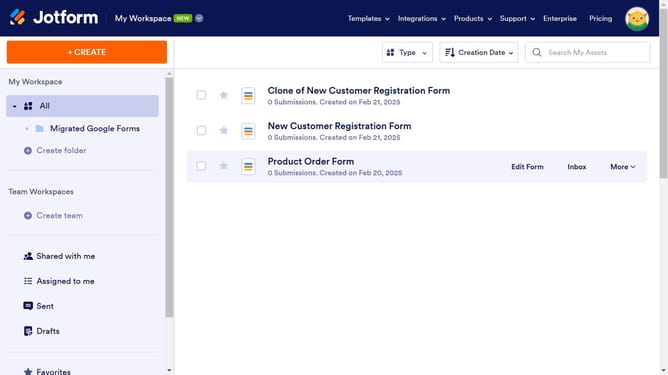
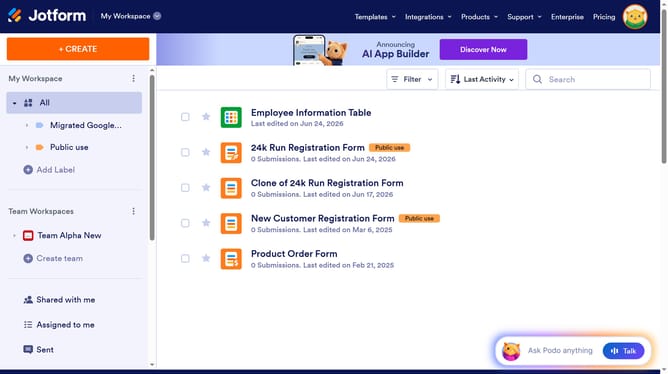
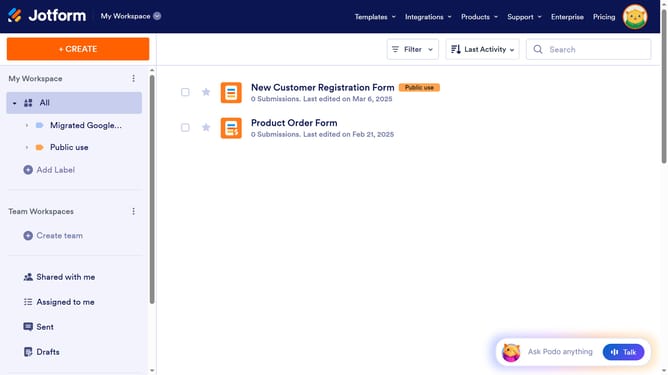
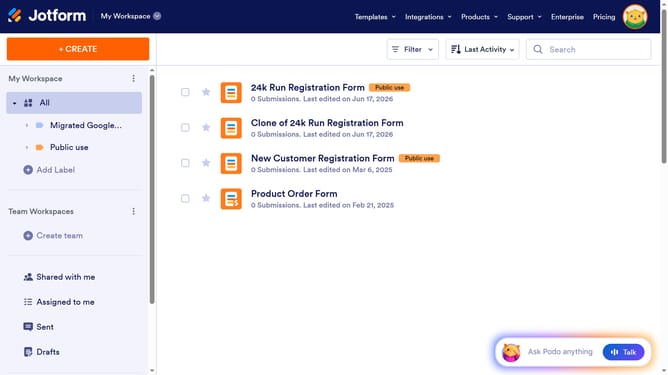
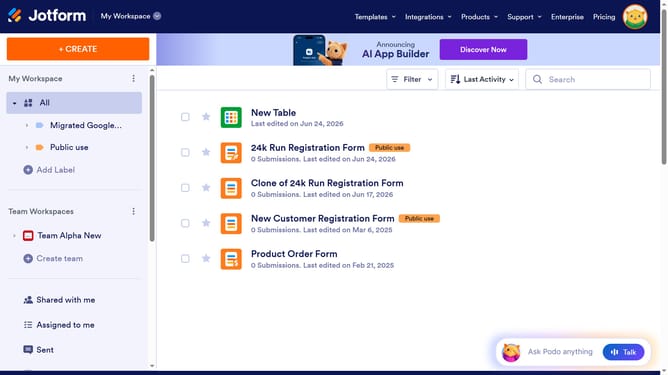
- First click on "All" in the left sidebar
- Then click on "Edit Form" button at the right side of the form name that you want to edit
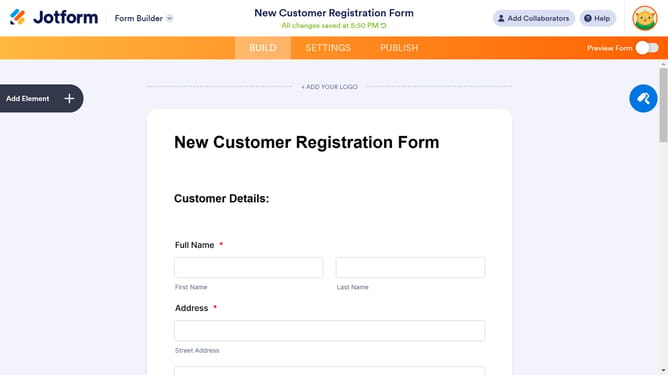
- Next click on "Add Element" button in the left sidebar
- Finally select "Spinner" element in the left sidebar
Why should you add a spinner field to a registration form in Jotform
Jotform is a versatile online form builder designed to simplify the process of collecting information efficiently.
One of its beneficial features is the ability to add a spinner field to your registration forms, enhancing user interaction.
The spinner field allows users to select a value from a predefined numeric range, making it ideal for age or quantity selection in registrations.
Utilizing this feature ensures precision and simplifies data collection, ultimately enhancing user experience and form completion rates.
Last update