How to create a contact form in Jotform
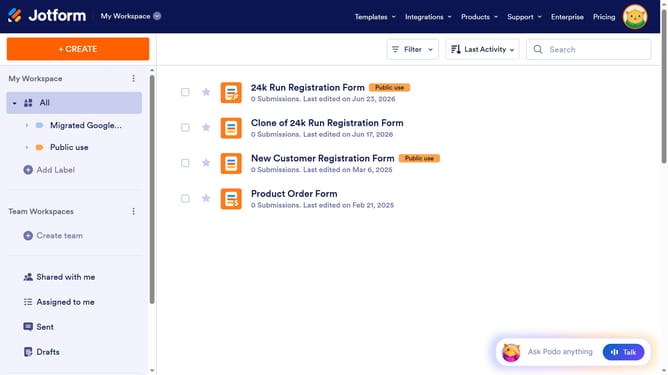
Here is how to create a contact form in jotform
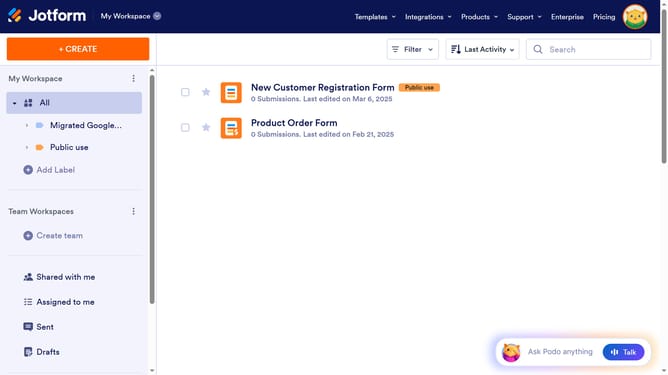
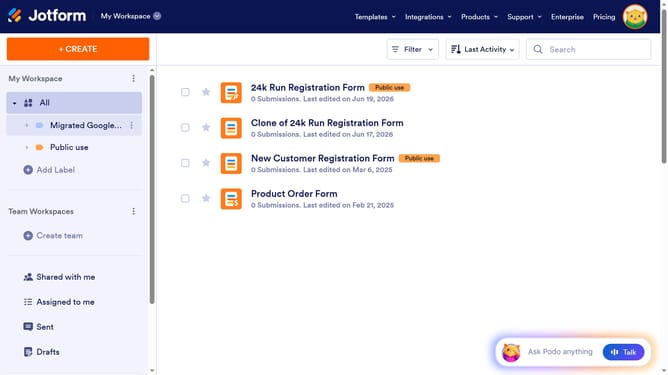
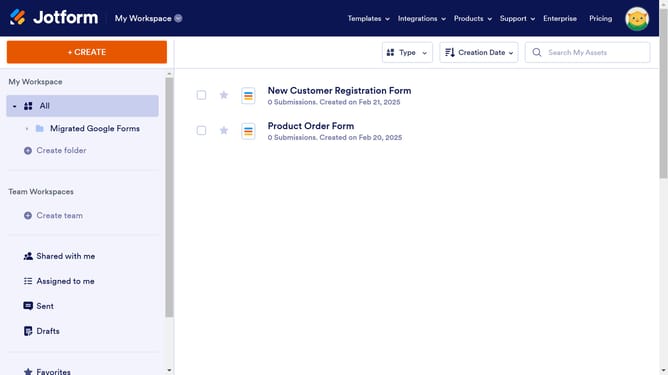
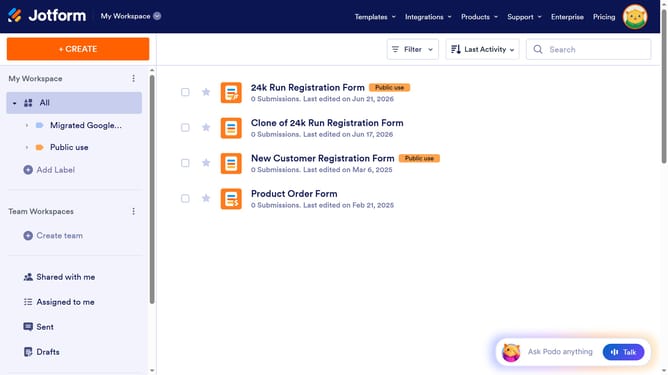
- First click on the "CREATE" button in the top menu bar
- Then click on the "Form" option in the creation menu to start building a new form
- Next click on "Use Template" option to choose from pre-made form templates
- Then click on "Contact Forms" in the left sidebar menu
- Finally click on the "Use Template" button under the template you want to use
Why should you create a contact form in Jotform
Jotform is an intuitive platform designed to effortlessly create custom online forms for various needs.
Creating a contact form in Jotform is simple and efficient. This feature allows businesses to seamlessly connect with their audience by collecting essential contact information.
The ability to customize the form provides flexibility, catering to unique business requirements. Utilizing Jotform’s contact forms enhances interaction and improves customer engagement. Additionally, the integration with other tools streamlines data management and communication, making it a valuable tool for any organization.
Last update