How to change reset button text in a registration form in Jotform
Here is how to change reset button text in a registration form in jotform
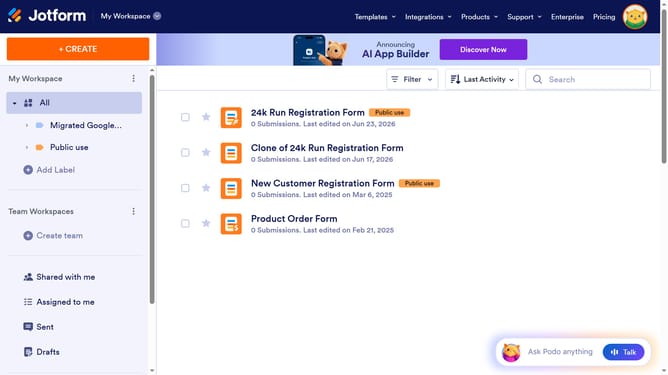
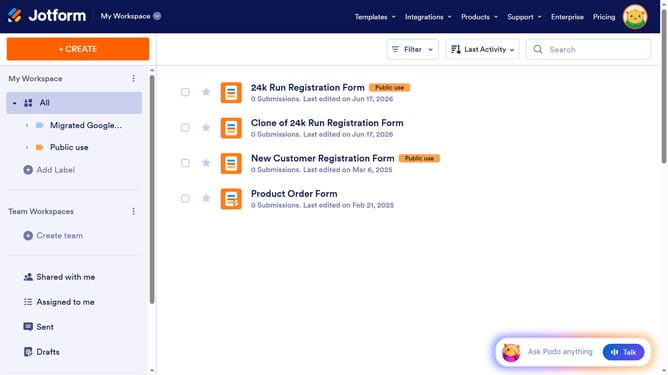
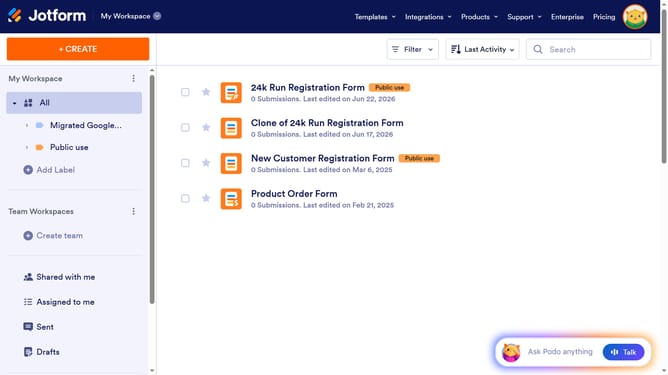
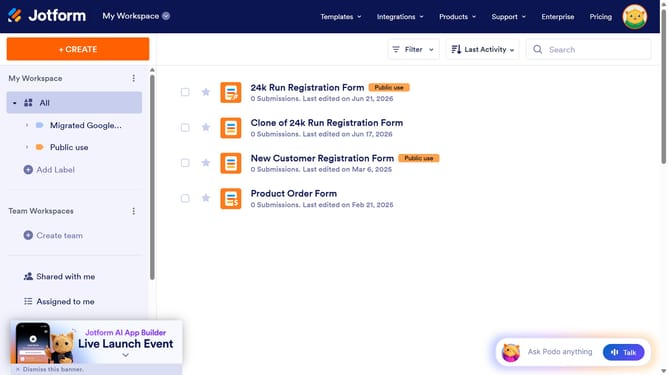
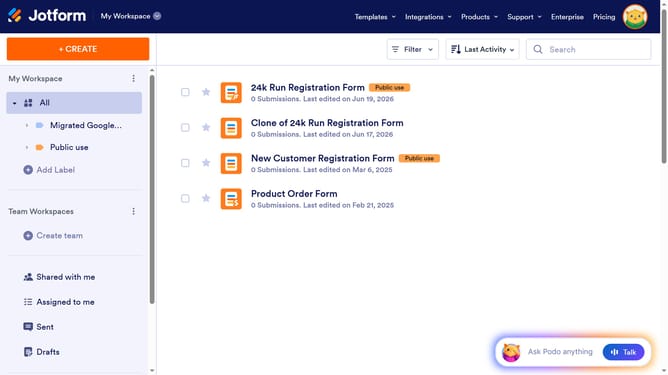
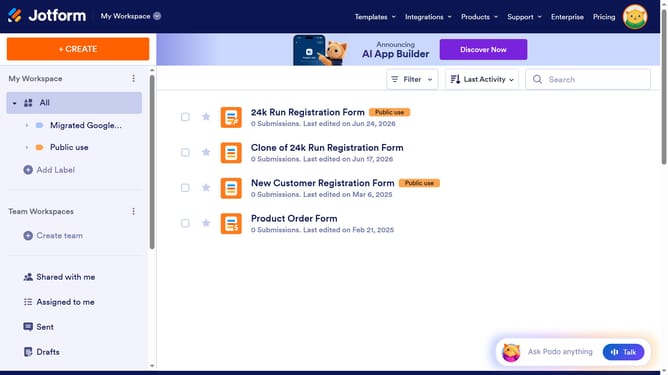
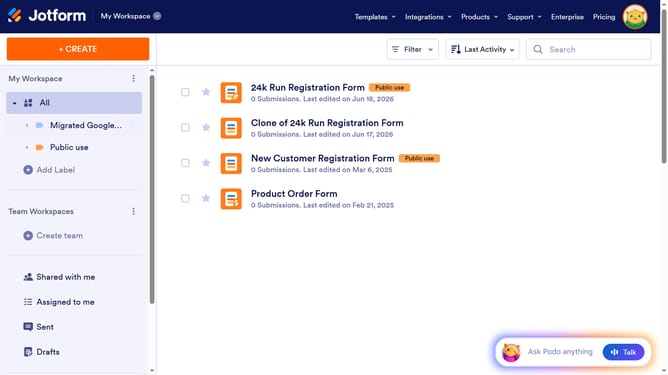
- First click on the "All" button in the left sidebar
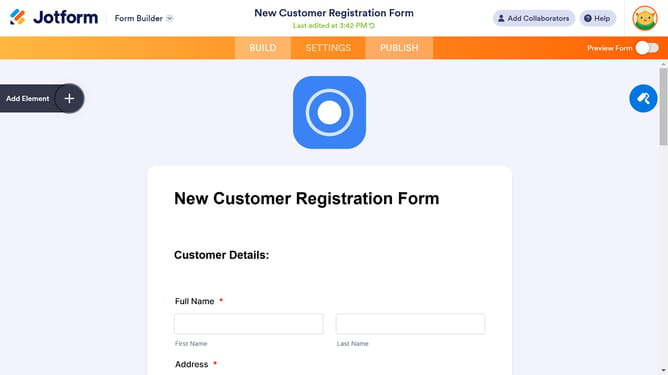
- Next click on "Edit Form" button at the right side of the form name that you want to manage
- Then click on the gear icon
- Then click on the gear icon next to the "Next" button
- Then click on the "Advanced" tab
- Finally click on the reset button text input field to edit it
Why should you change reset button text in a registration form in Jotform
Jotform, an intuitive online form builder, empowers you to create customized, user-friendly forms effortlessly.
In Jotform, you can easily change the reset button text in your registration form to better match your form’s tone and purpose.
This feature provides a more personalized and engaging user experience, enhancing the form's professionalism and clarity.
By customizing the reset button text, users are guided seamlessly through the registration process, reducing potential submission errors.
Last update