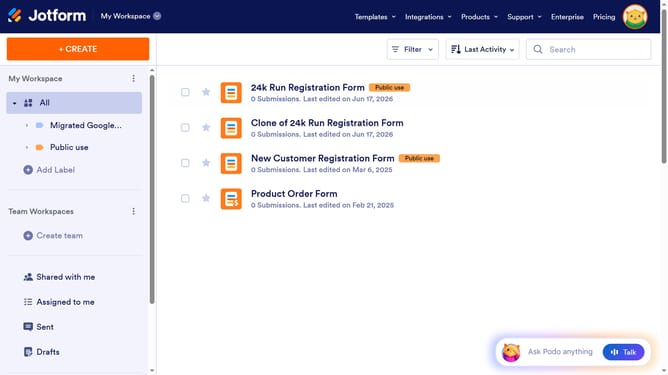
How to add a print button in a registration form in Jotform
Here is how to add a print button in a registration form in jotform
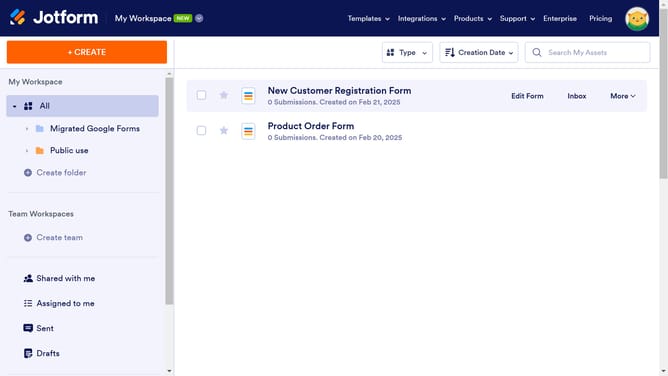
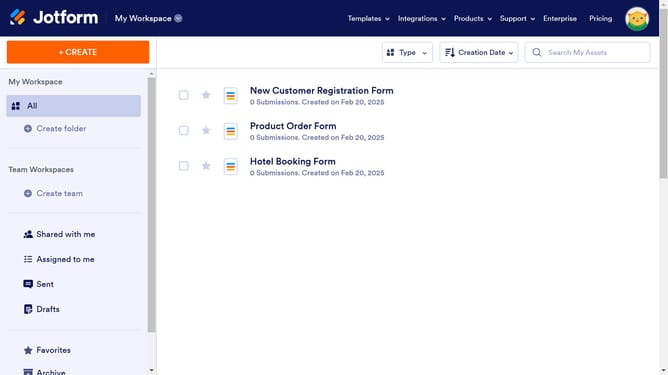
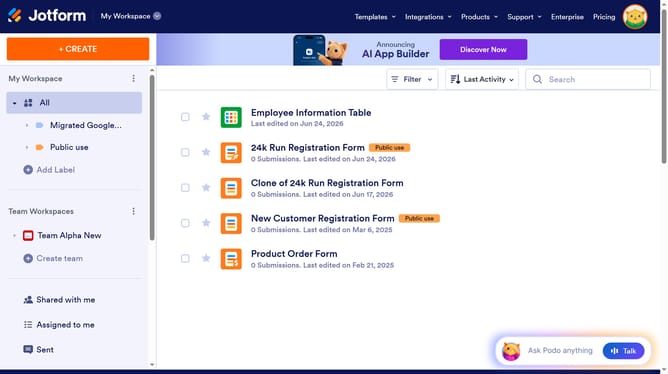
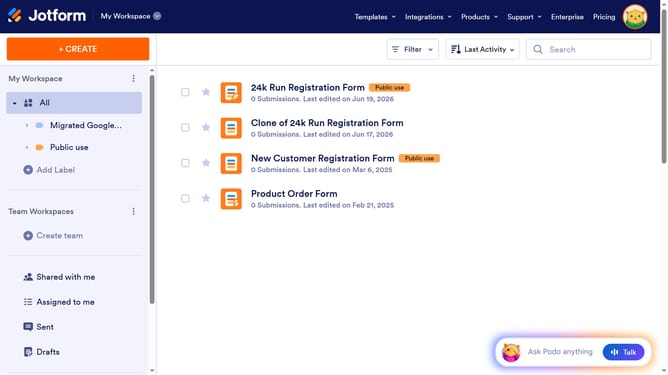
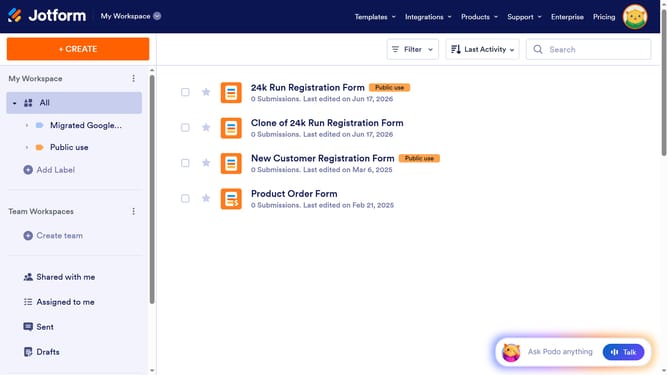
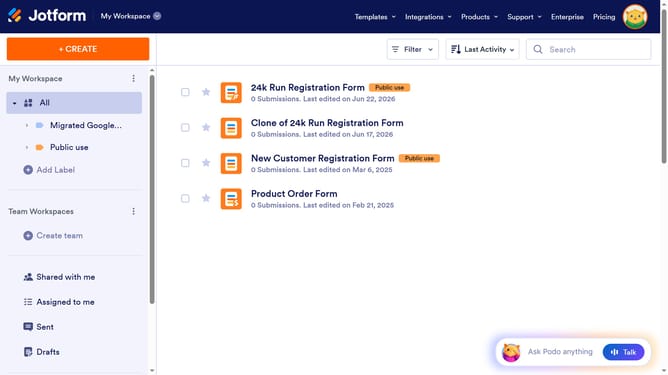
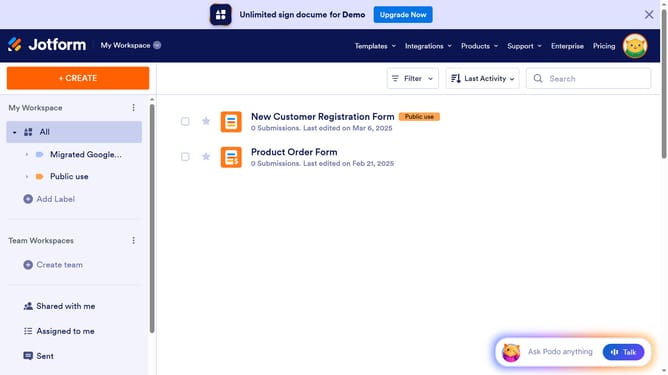
- First click on "All" category in the left sidebar
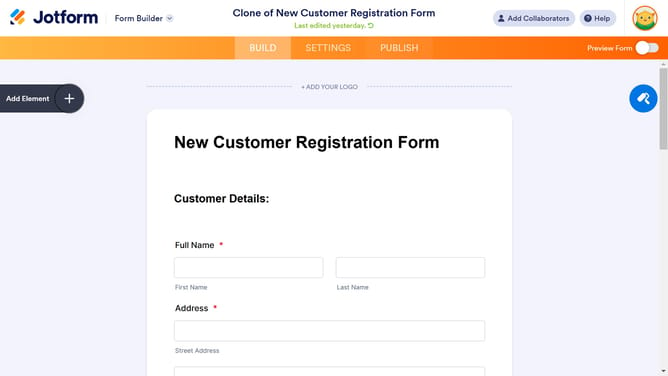
- Next click on "Edit Form" button at the right side of the form name that you want to manage
- Now click on "Submit" button area in the form properties
- Then click on the properties button
- After that, click on the "ADVANCED" tab in the "Submit Properties" section
- Finally, click on the toggle switch for the "Print" option to enable it
Why should you add a print button in a registration form in Jotform
Jotform is an intuitive online form builder designed to simplify data collection and organization.
Adding a print button to a registration form in Jotform enhances usability and convenience for both the form creator and respondents.
This feature allows users to easily print their filled forms, aiding in document retention and facilitating offline processing, especially in environments where physical copies are essential.
This ensures the data remains accessible and organized, enhancing the overall efficiency of form-based operations.
Last update