How to add a sub header to a registration form in Jotform
Here is how to add a sub header to a registration form in jotform
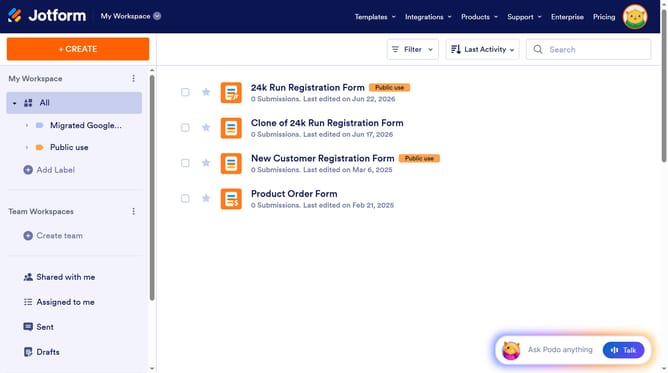
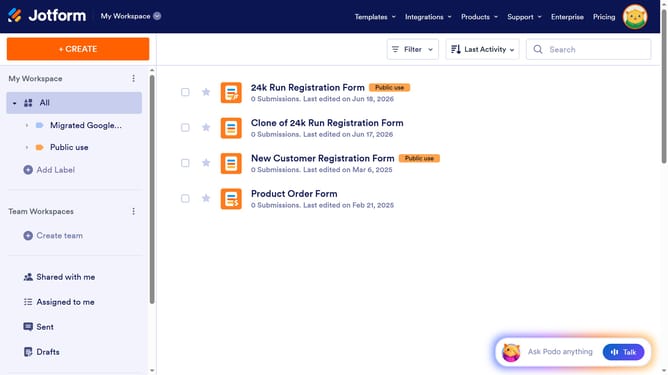
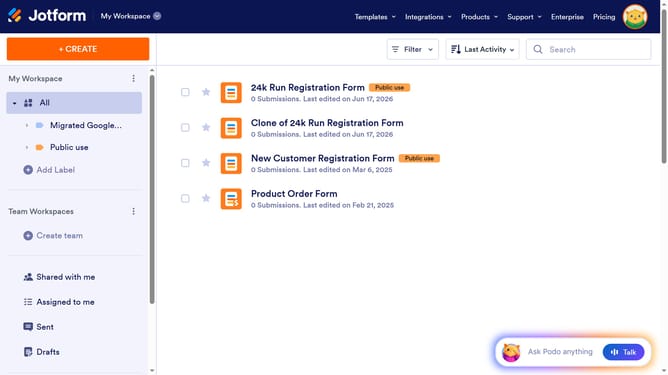
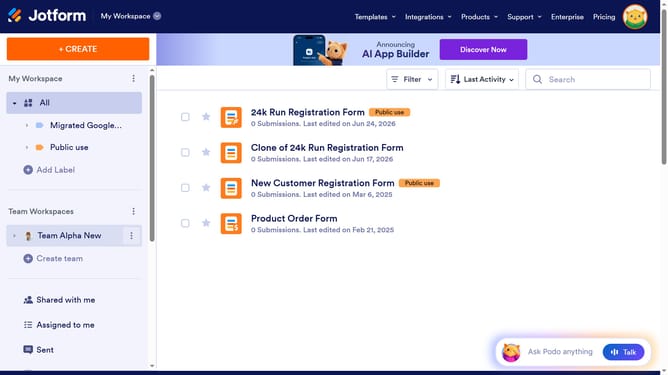
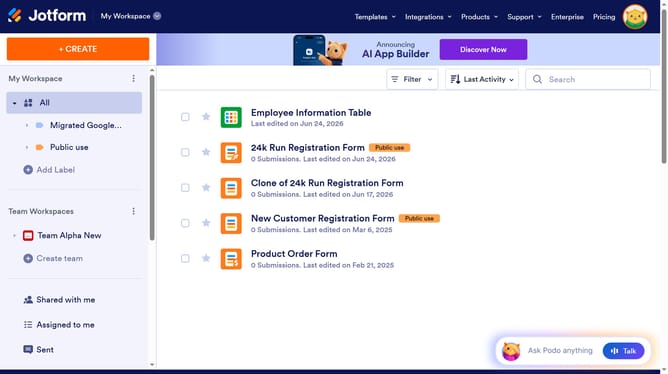
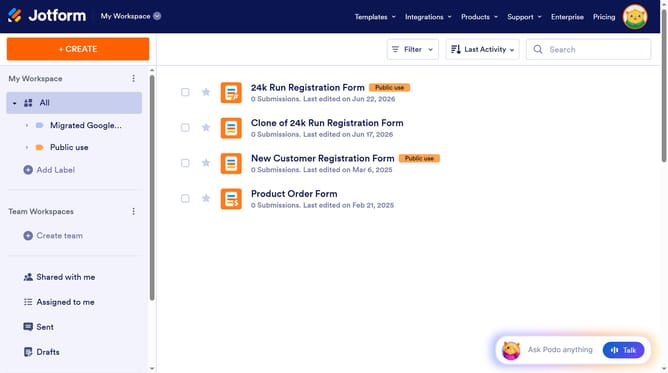
- First click on "All" button in the sidebar
- Then click on the checkbox next to the form name
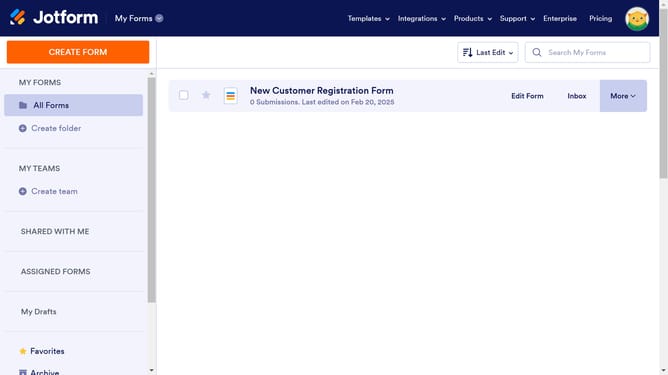
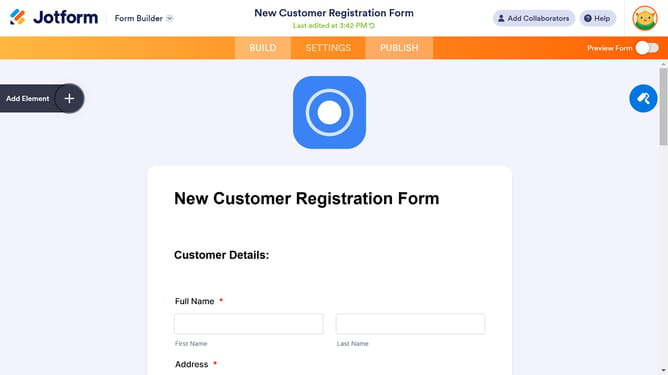
- Next click on "Edit Form" button
- Then click on the form title
- Finally click on the "Type a subheader" input field and enter your subheader
Why should you add a sub header to a registration form in Jotform
Jotform is an intuitive online tool designed to simplify the creation of custom forms.
Adding a subheader to a registration form in Jotform effectively organizes information and guides users through the form seamlessly. A well-placed subheader clarifies the intent of different sections, enhancing the user experience.
This feature is particularly beneficial for maintaining a clean and professional layout, ensuring participants remain engaged and informed. Leveraging this simple yet impactful element can greatly improve the form's effectiveness and overall presentation.
Last update