How to add email to a registration form in Jotform
Here is how to add email to a registration form in jotform
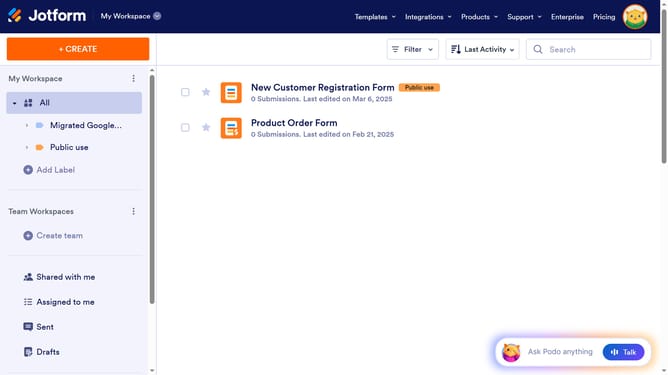
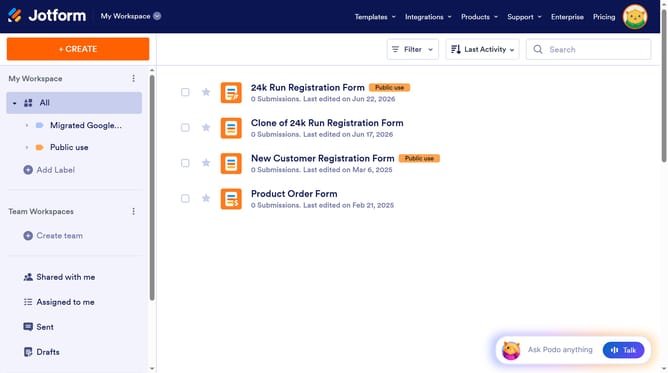
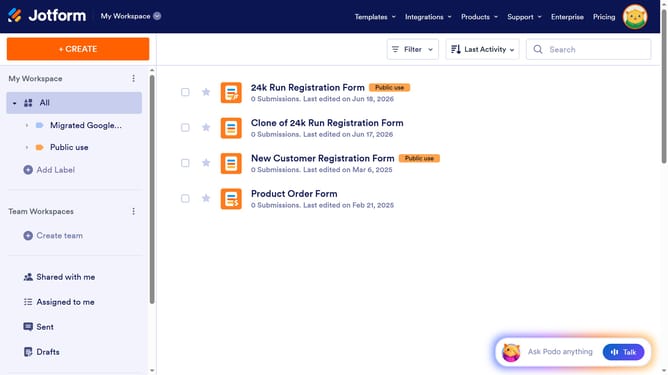
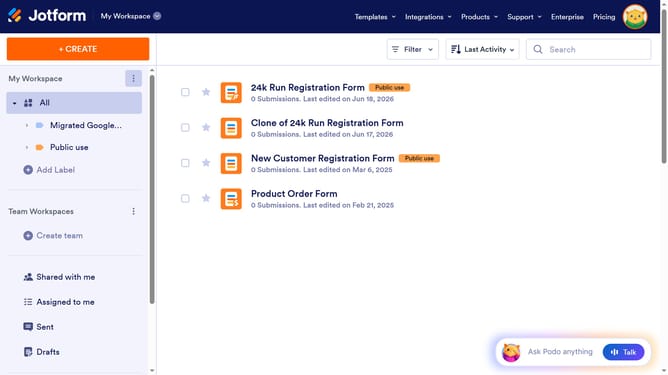
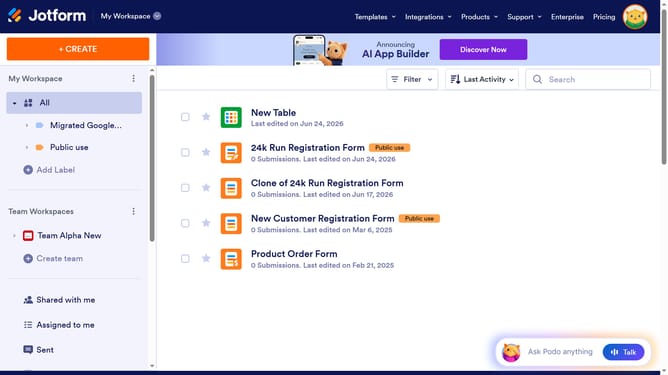
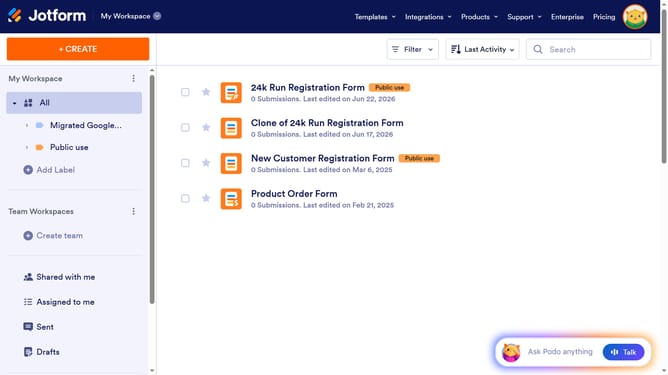
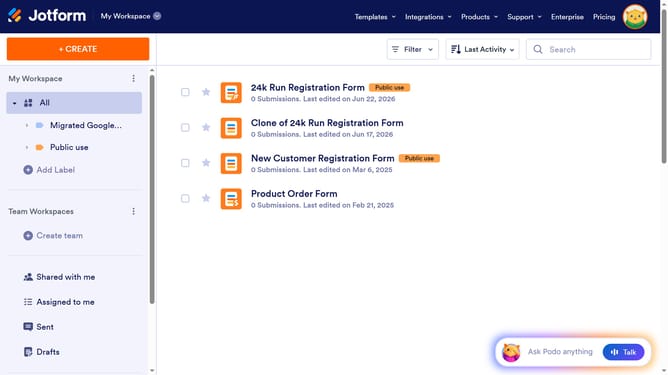
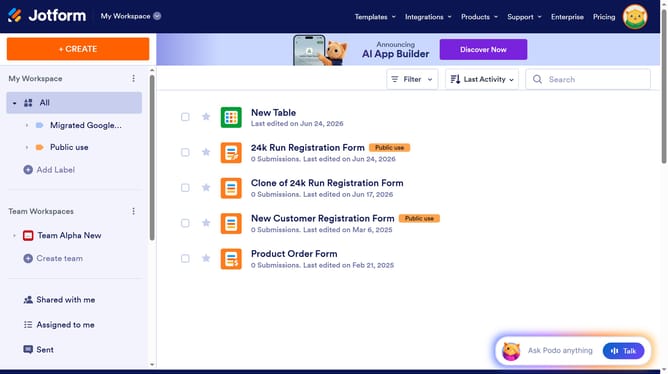
- First, click on "All" in the left sidebar
- Then click on "Edit Form" button in the right side of the form title
- Next, click on the "Add Element" button in the left sidebar
- Finally, select "Email" from the list of form elements
Why should you add email to a registration form in Jotform
Jotform is an intuitive, user-friendly platform designed to streamline the creation of customized online forms.
Incorporating an email field into your registration form is effortless with Jotform’s straightforward interface.
Adding email fields not only enhances the communication pathway between you and your users but also aids in efficient database management. It ensures you have a reliable way to follow up with participants, confirming registrations or sending valuable information.
Using Jotform for this task ensures a seamless experience, boosting the professionalism of your form.
Last update