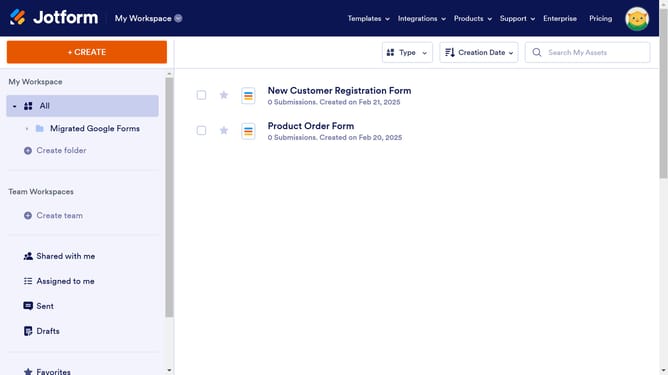
How to enable a time field in a registration form in Jotform
Here is how to enable a time field in a registration form in jotform
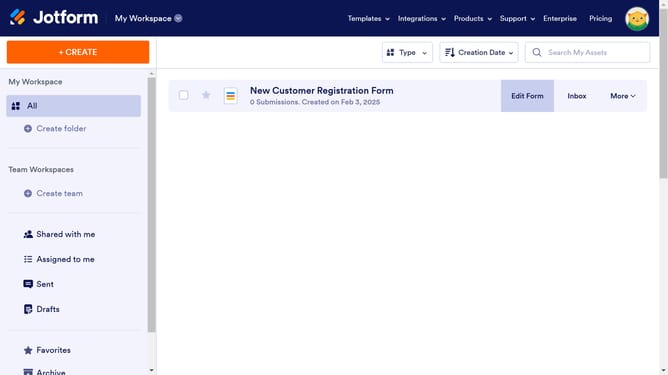
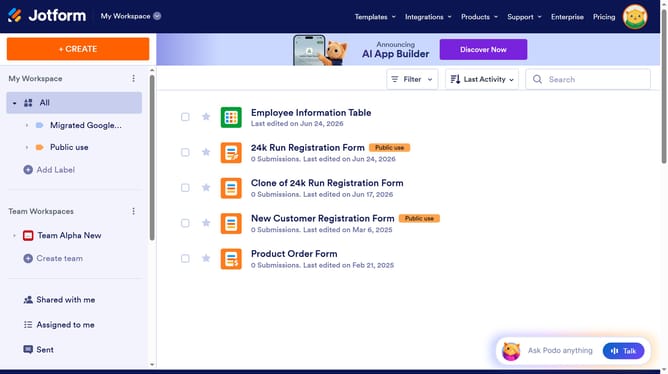
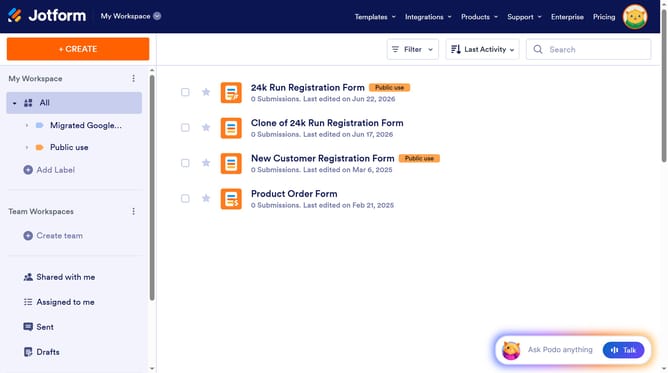
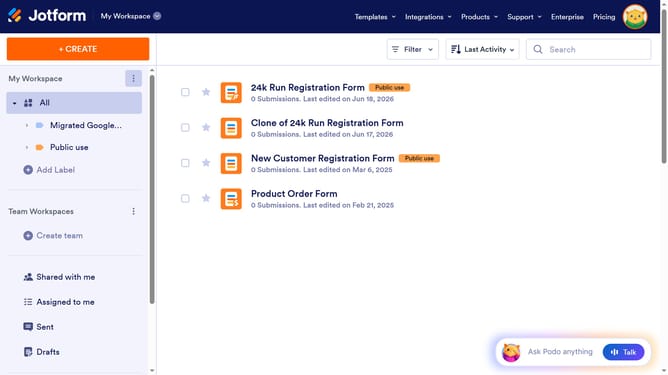
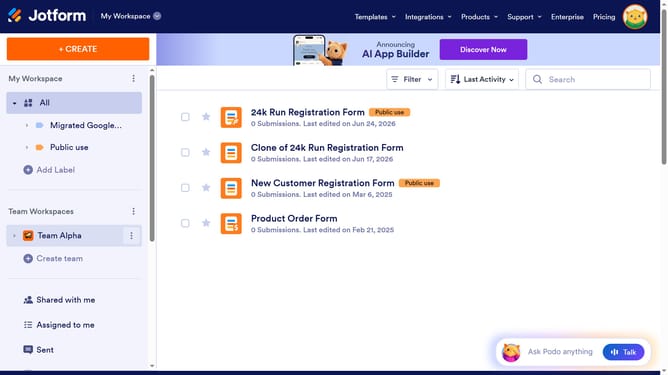
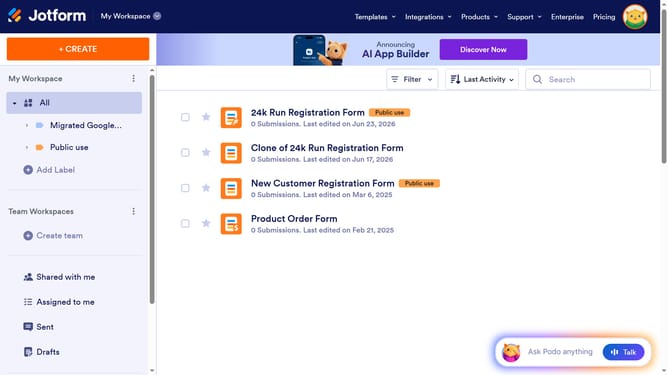
- First, click on "All" in the sidebar
- Next click on "Edit Form" button at the right side of the form name that you want to edit
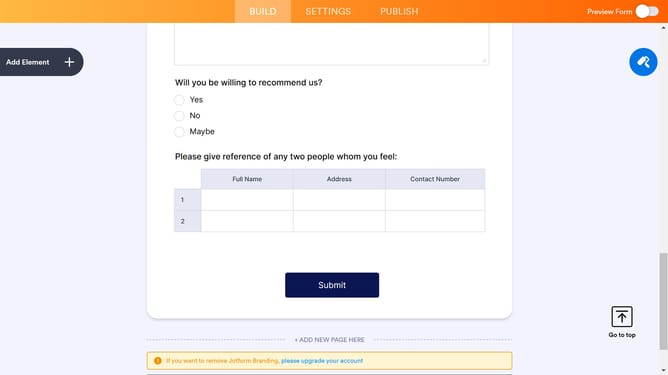
- Next, click on the "Day" input field in the form builder
- After that, click on the settings icon
- Then, click on the "Time" tab
- Finally, click on the "Time Field" toggle to enable it
Why should you enable a time field in a registration form in Jotform
Jotform is a versatile platform designed to streamline the creation of customizable online forms for any need.
Integrating a time field into your registration form on Jotform is a straightforward feature that optimizes data collection.
Including a time field allows for precise scheduling, enhances user experience, and ensures clear communication of time-related information.
This element proves valuable in managing appointments, events, or any scenario where time tracking is essential, leading to improved organization and efficiency.
Last update