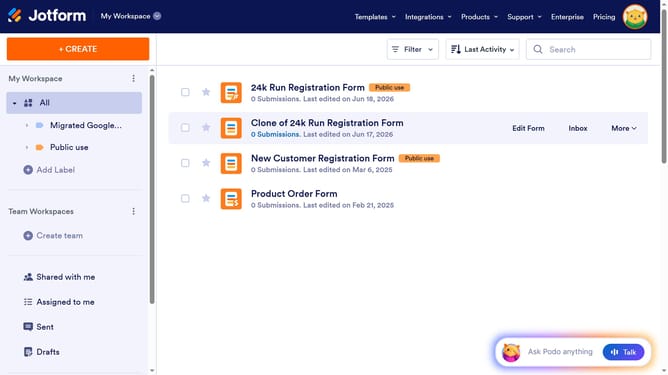
How to add a phone number column in a data table in Jotform
Here is how to add a phone number column in a data table in jotform
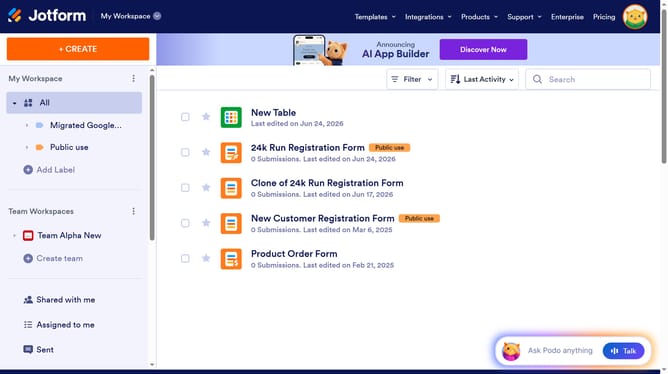
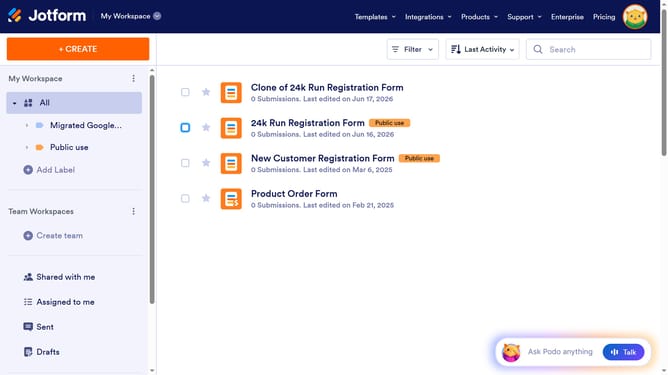
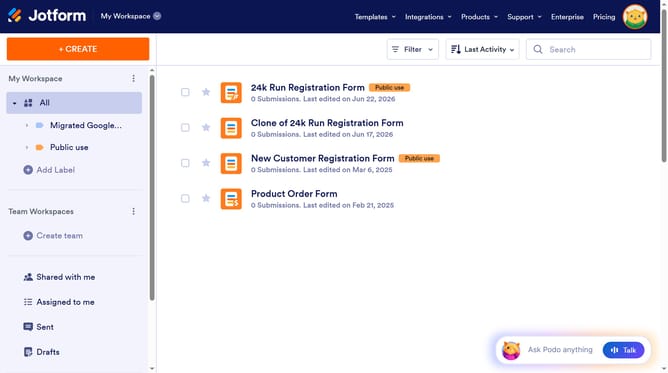
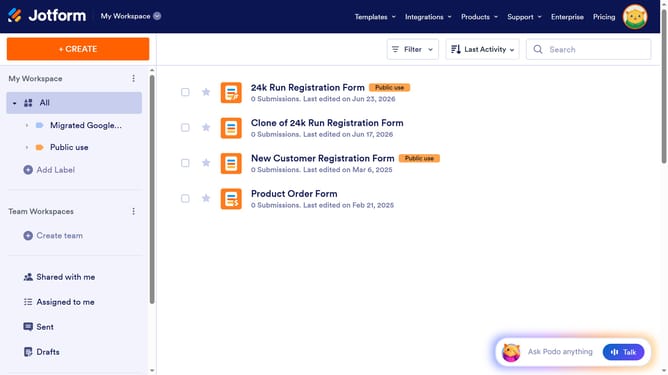
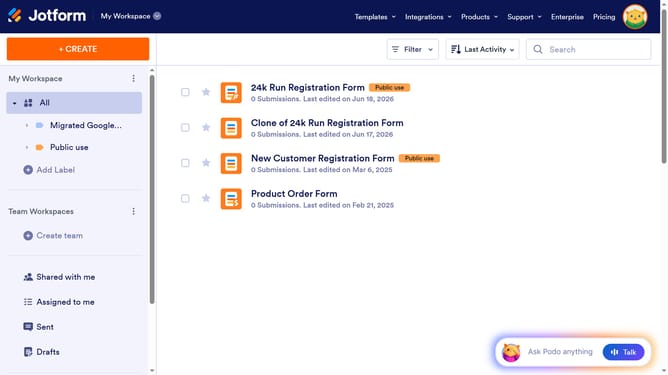
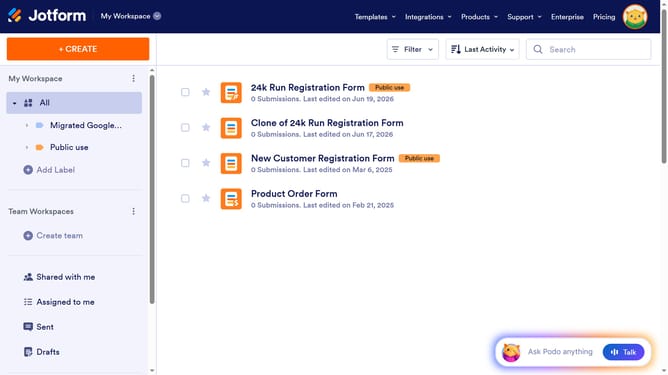
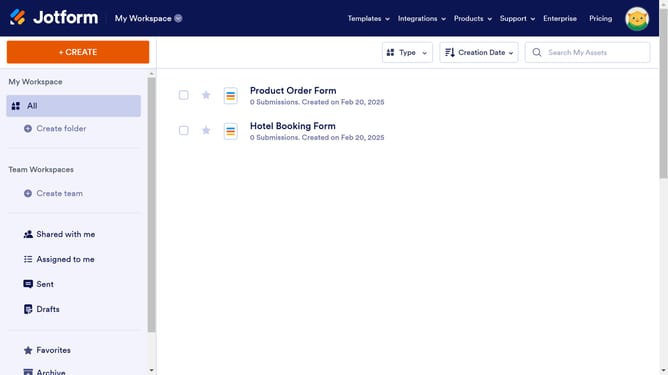
- First, click on "All" in the left sidebar
- Next click on "View Table" button at the right side of the table name that you want to manage
- Next, click on the "+ ADD" button to add a new column
- Then, select "Phone Number" from the column type options
- Next, click on the "NEXT" button to proceed
- Enter column name in the input field for the column name
- Then, click on the "NEXT" button again
- Finally, click on the "CREATE COLUMN" button
Why should you add a phone number column in a data table in Jotform
Jotform is an intuitive online form builder designed to streamline data collection for a wide range of needs.
Incorporating a phone number column in your Jotform data table is a straightforward process that enhances the utility of your form data. This feature allows for seamless integration of contact information, enabling efficient communication and follow-ups with form respondents.
Adding this column bolsters your data management capabilities, ensuring that you have direct access to essential contact information whenever you require it, thereby increasing productivity and responsiveness.
Last update