How to add a section collapse in a registration form in Jotform
Here is how to add a section collapse in a registration form in jotform
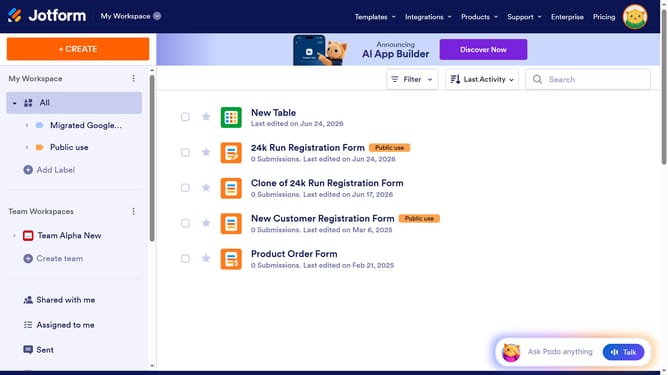
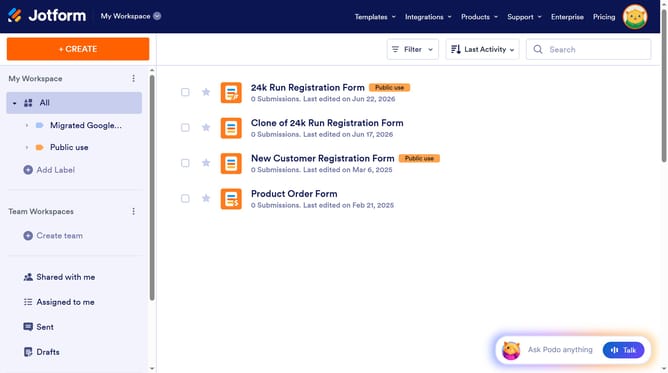
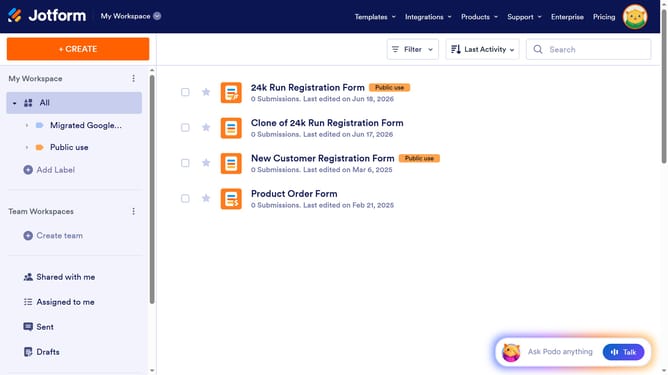
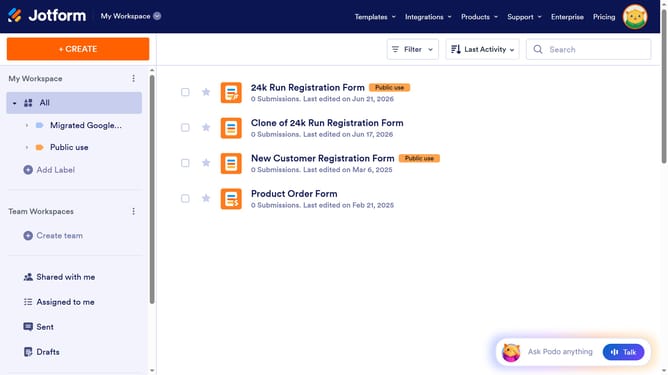
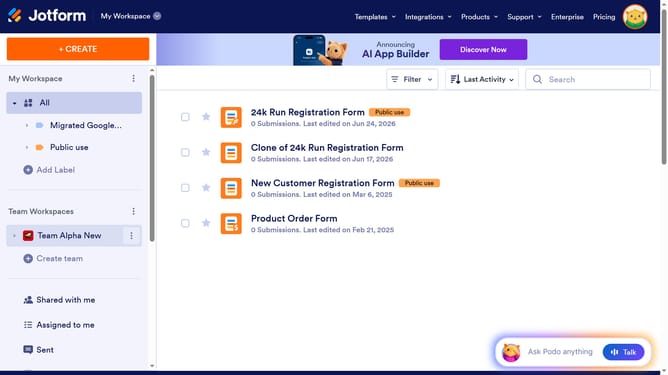
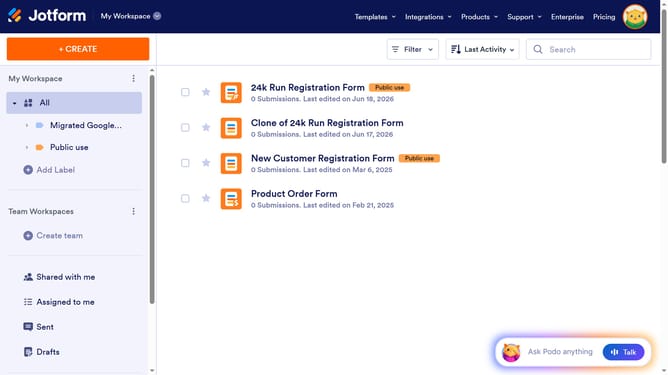
- First click on "All" in the left sidebar
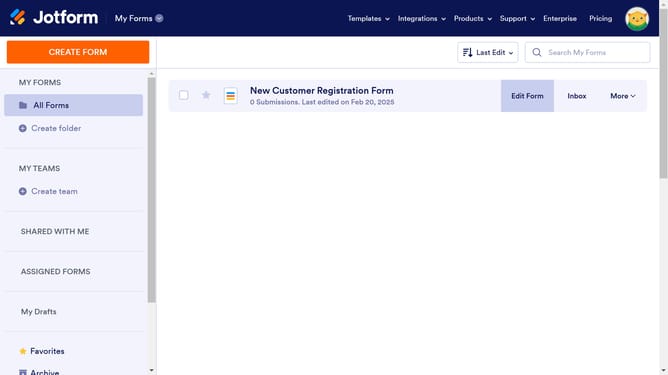
- Then click on "Edit Form" button at the right side of the form name that you want to edit
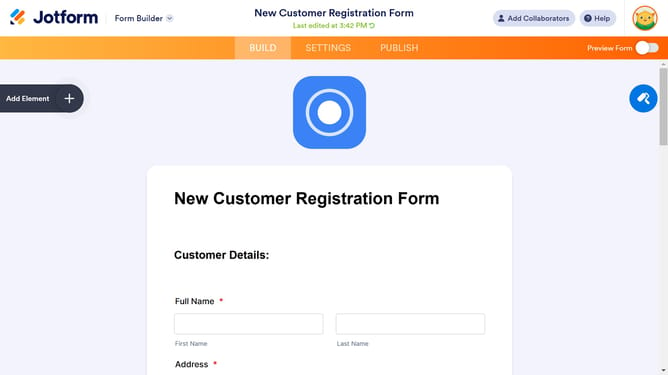
- Then click on the "Add Element" button in the left sidebar
- Finally select "Section Collapse" element in the left sidebar
Why should you add a section collapse in a registration form in Jotform
Jotform is a versatile online form builder designed to simplify data collection and enhance productivity.
The feature to add a section collapse in a registration form enhances user experience by streamlining lengthy forms into manageable sections. By organizing content into collapsible fields, users can focus on one part at a time, reducing cognitive overload.
This approach not only keeps the form neat but also encourages more people to complete and submit their details, thereby improving completion rates and data collection efficiency.
Last update