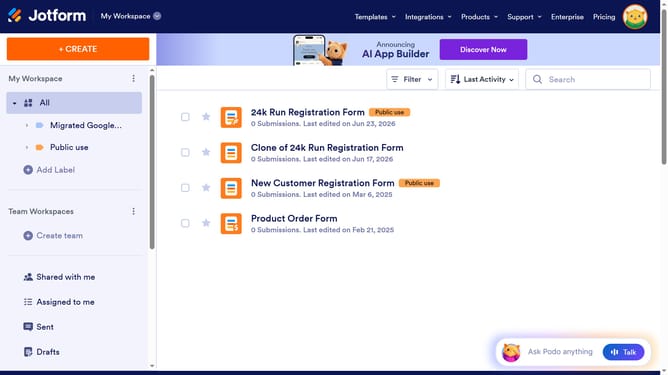
How to include suffix in the full name field in a registration form in Jotform
Here is how to include suffix in the full name field in a registration form in jotform
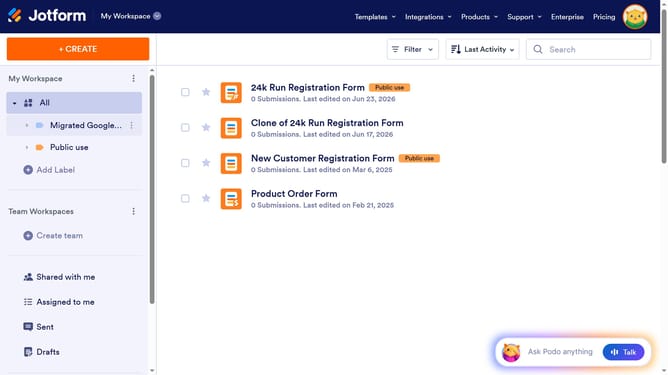
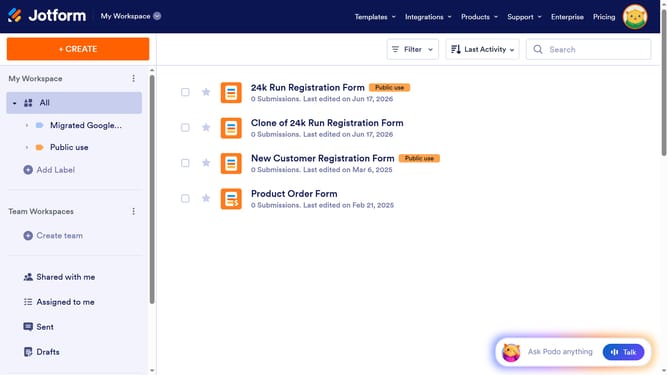
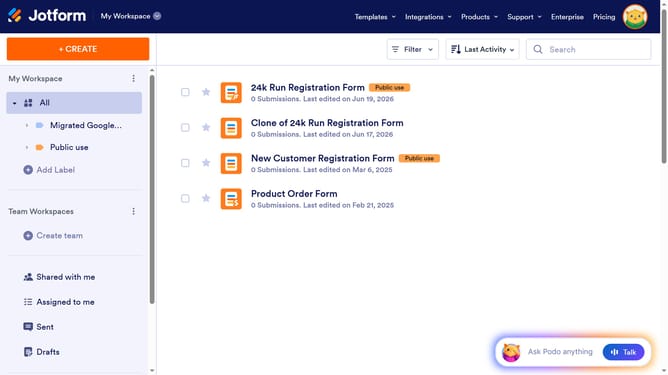
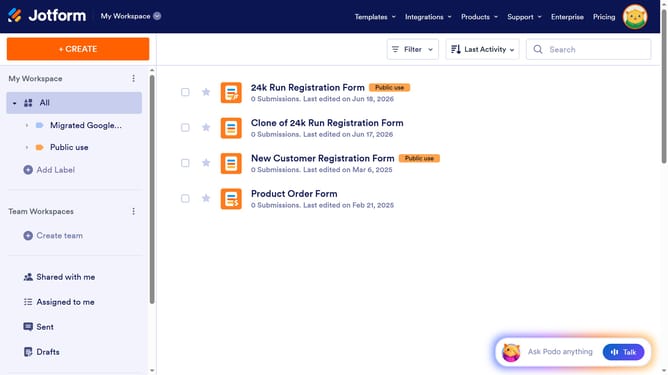
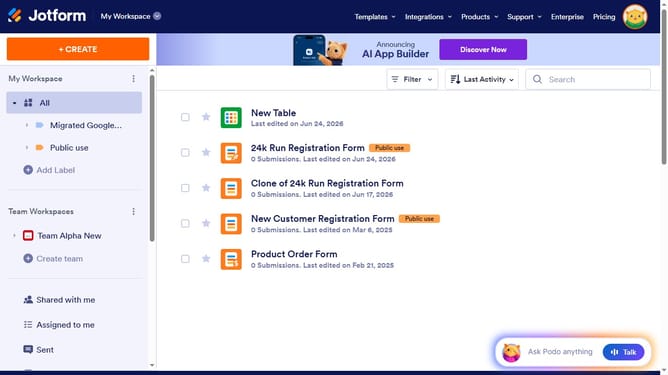
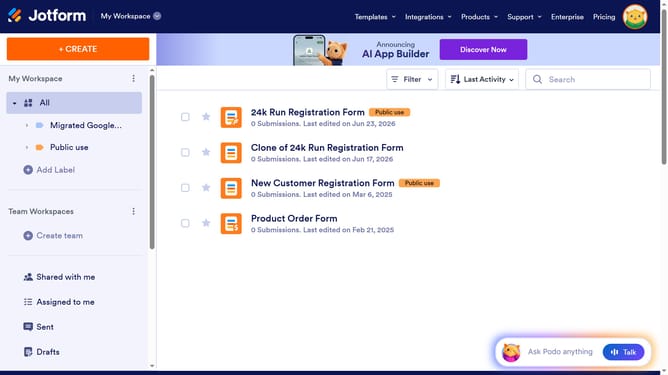
- First click on the "All" item in the left sidebar
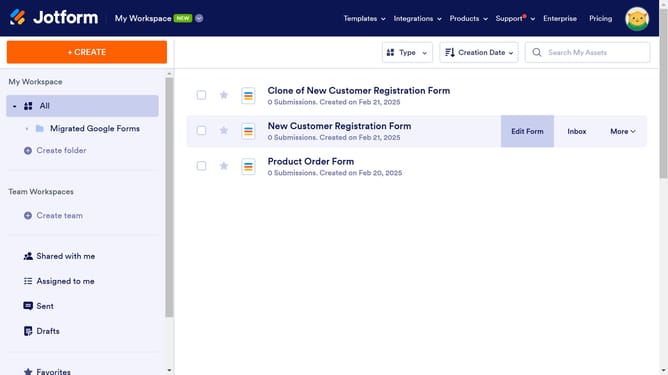
- Then click on the "Edit Form" button
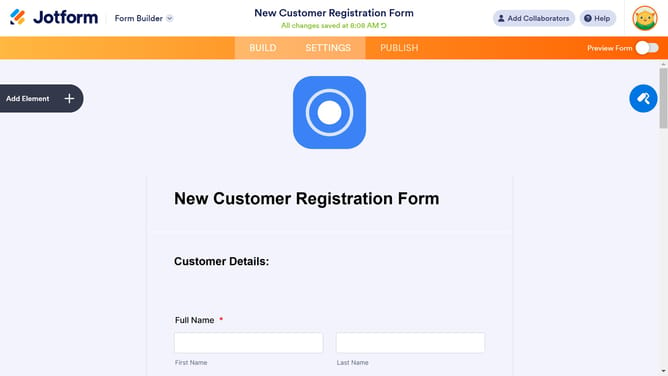
- Next click on the "Name" field in the form
- Then click on the "Properties" button
- Next click on the "Options" tab
- Finally toggle ON the "Suffix" input field
Why should you include suffix in the full name field in a registration form in Jotform
Jotform revolutionizes the way individuals and businesses create and manage forms seamlessly.
Including a suffix in the full name field of a Jotform registration enhances personalization and accuracy. This feature accommodates diverse naming conventions, providing a professional touch to any form submission.
By incorporating suffixes, communication is more personalized, ensuring data integrity and eliminating ambiguity. This simple addition can elevate the user experience and streamline data management, reflecting Jotform's commitment to flexibility and user-centric design.
Last update