How to set submit button image in a registration form in Jotform
Here is how to set submit button image in a registration form in jotform
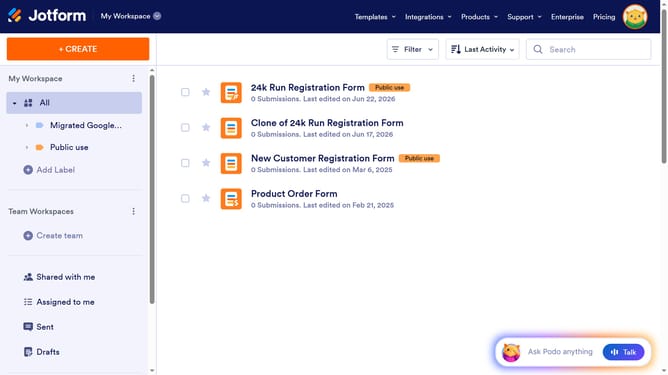
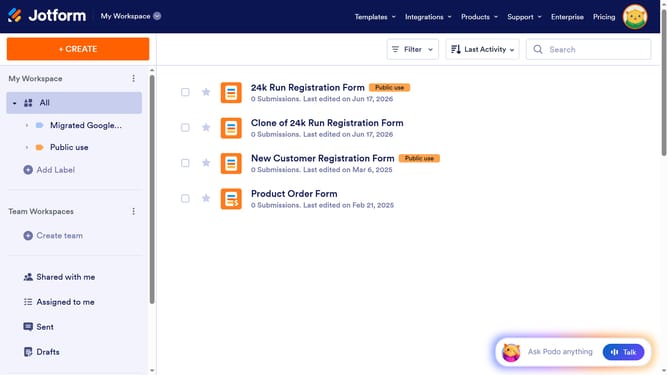
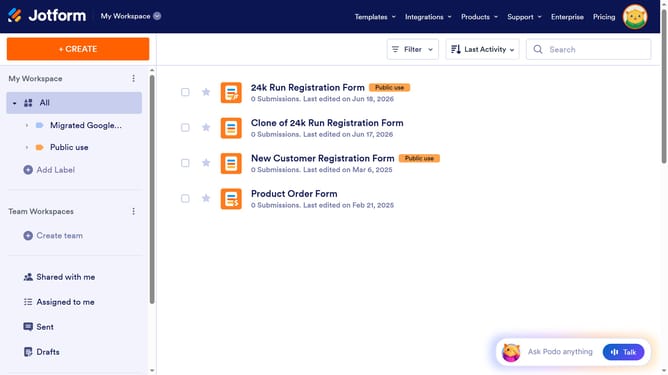
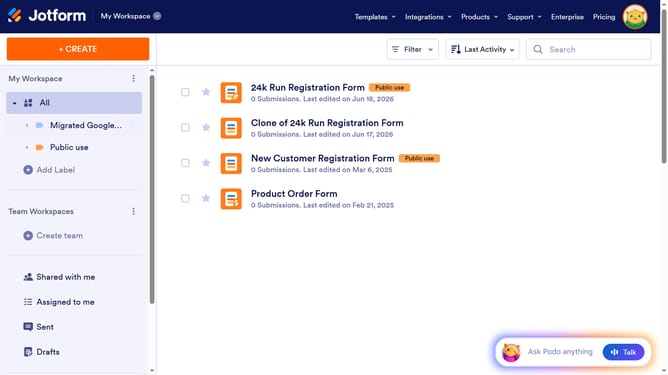
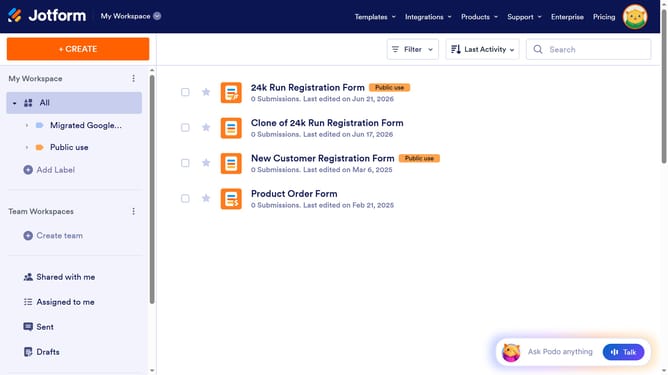
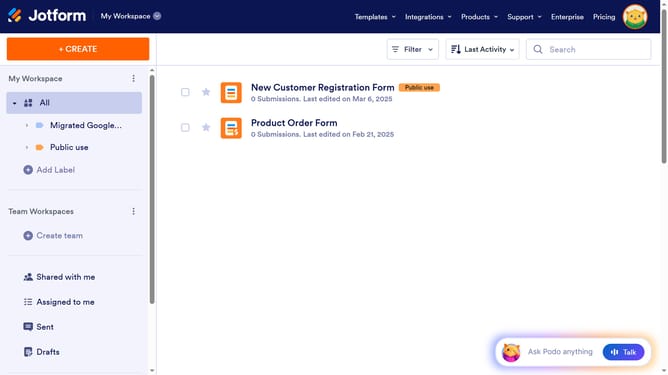
- First click on "All" button in the left sidebar
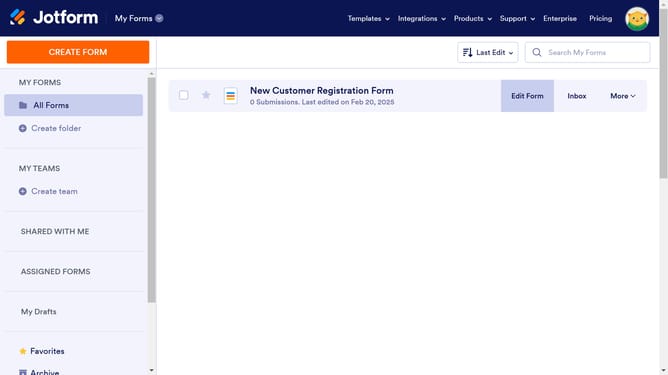
- Next click on "Edit Form" button at the right side of the form name that you want to manage
- Then click on the "Submit" button area
- Then click on "Properties" button
- Finally click on "Choose a file" button in the submit properties section and choose your preferred image
Why should you set submit button image in a registration form in Jotform
Jotform is a versatile online form builder designed to streamline data collection with ease and efficiency.
Enhancing your registration form by setting a custom image on the submit button can significantly elevate the user experience. It allows you to tailor the aesthetic to your brand identity, making the form more engaging.
Utilizing an image instead of a traditional submit button can also capture the attention of users, increasing submission rates and ensuring that your forms are visually appealing and effective.
Last update