How to import Google Forms to Jotform
Here is how to import google forms to jotform
- On the main page, click the "Migrate Forms to Jotform" button located in the center of the page
- In the migration section, click the "Migrate Your Forms to Jotform" green button at the bottom of the page
- In the account confirmation popup, click the "Continue" blue button to proceed with the current Google account
- In the migration dialog, click on the checkbox of the form you want to import
- Click the "Migrate" green button in the migration dialog to start the transfer process
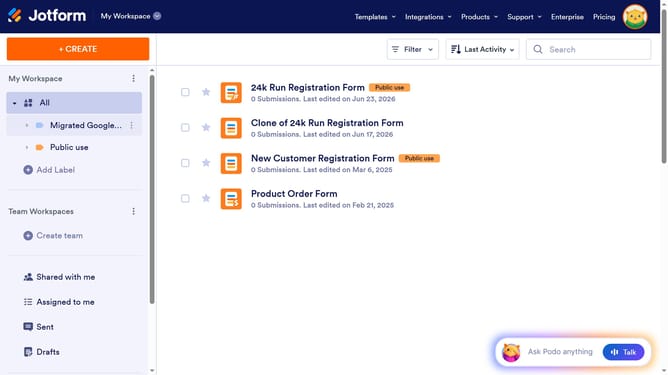
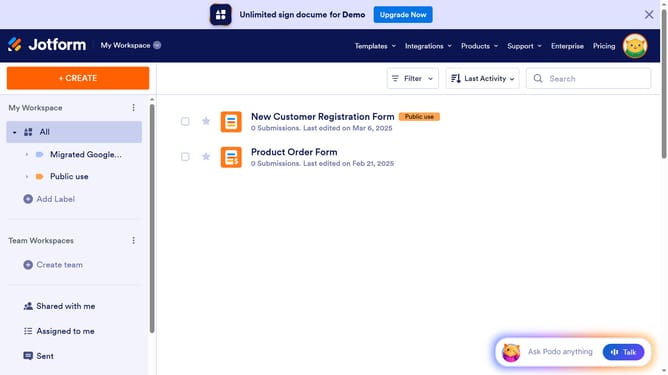
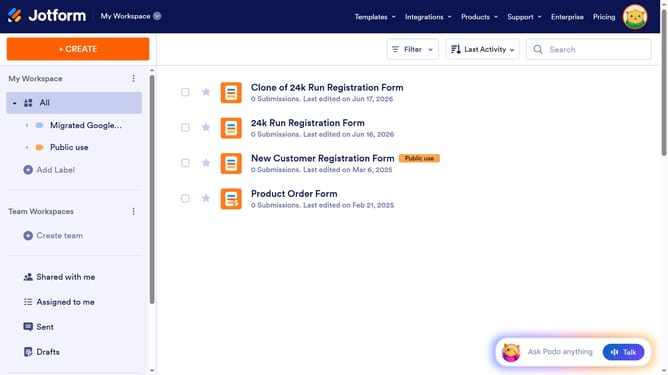
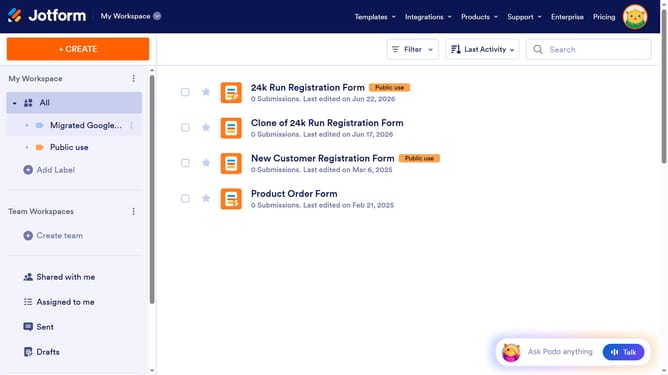
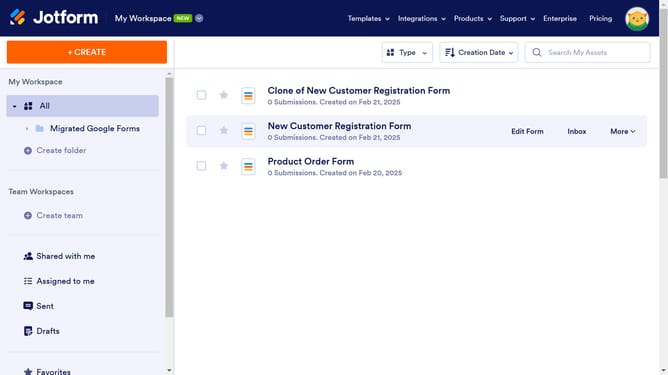
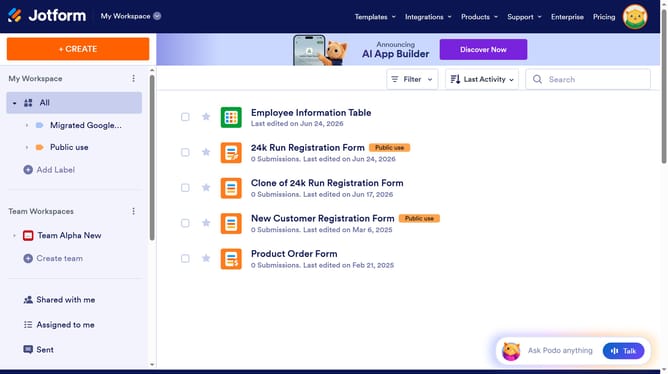
- After migration completes, click the "Go to My Forms" green button to view your migrated forms
- Finally, click the "×" close button in the top-right corner to dismiss the AI Agents promotional overlay
Why should you import Google Forms to Jotform
Jotform is a dynamic platform designed to simplify the creation and management of online forms.
Integrating your existing Google Forms with Jotform allows you to effortlessly transition your data into a more flexible and feature-rich environment.
This feature offers a seamless experience, enabling you to leverage Jotform's extensive customization options without losing any of your valuable data.
By importing Google Forms to Jotform, you streamline your workflow, enhance design capabilities, and ensure better data collection and organization.
Last update