How to add more options in a single selection column in a data table in Jotform
Here is how to add more options in a single selection column in a data table in jotform
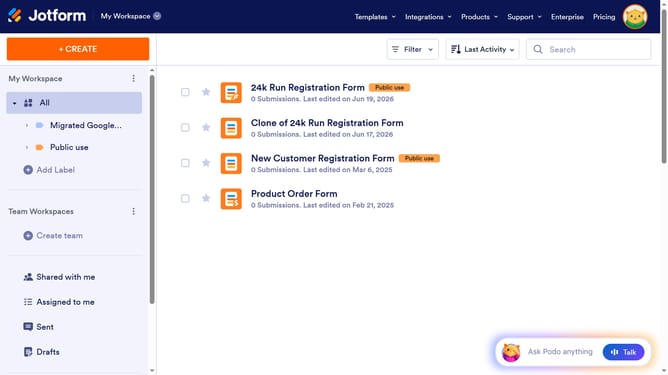
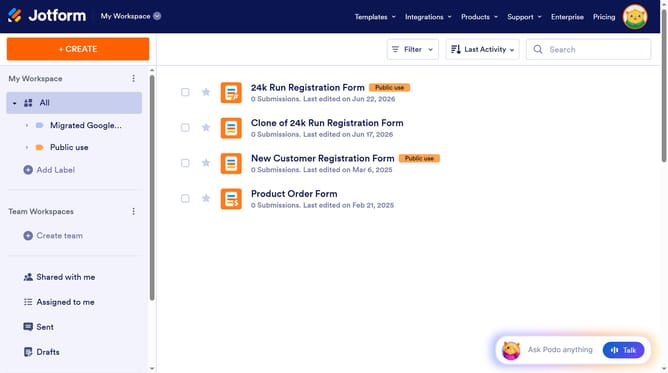
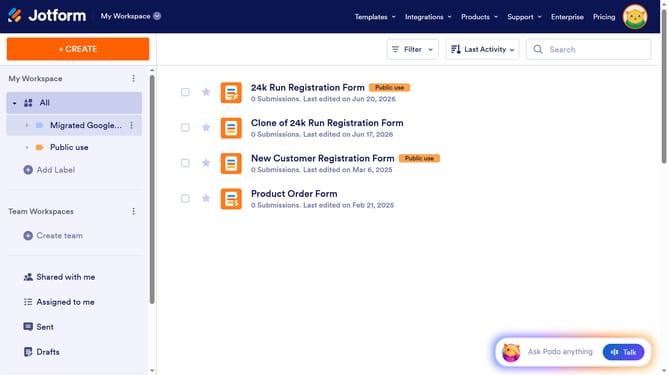
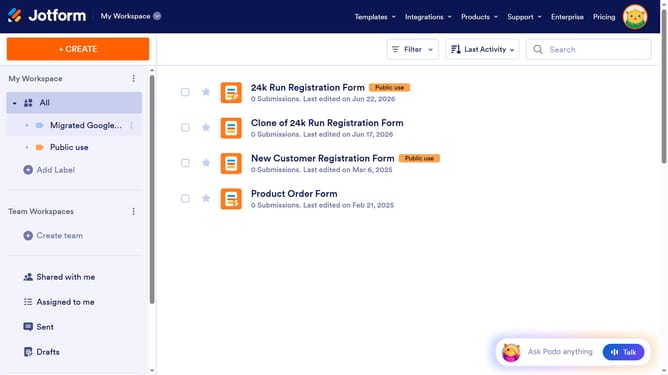
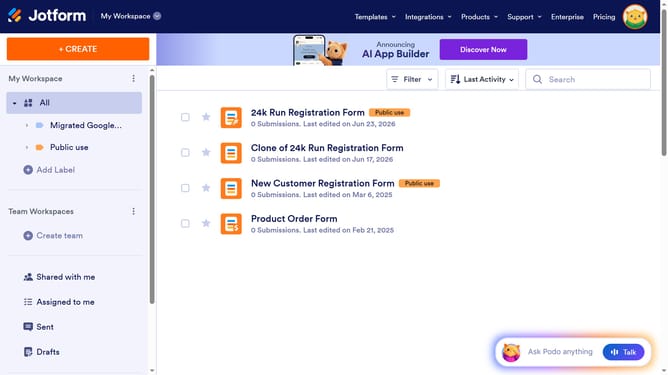
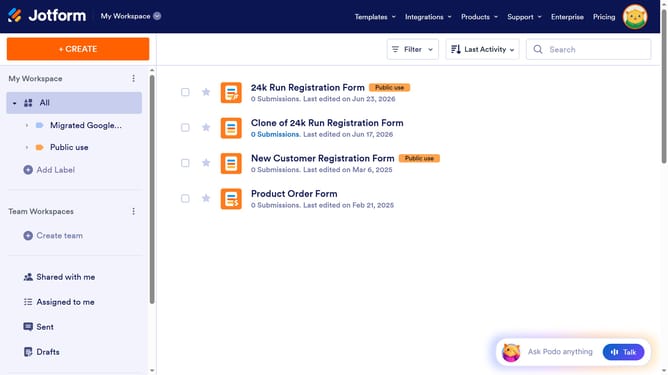
- First click on "All" item in the left sidebar
- Next click on "View Table" button at the right side of the table name that you want to manage
- Then click on the three dots icon next to the column you want to manage
- Then select "Edit column preferences" option
- Then click on the text input field and enter your additional option
- Then click on the "+ Add" button
- Finally click on "Apply Changes" button
Why should you add more options in a single selection column in a data table in Jotform
Jotform is a dynamic platform designed for easily creating and managing online forms.
By adding more options in a single selection column within a data table in Jotform, users can enhance data entry options with greater flexibility and precision.
This feature provides a powerful tool for customizing data collection processes, making it easier to capture specific, varied responses.
Such adaptability in form customization ensures that users can cater to diverse data requirements with improved accuracy and efficiency.
Last update