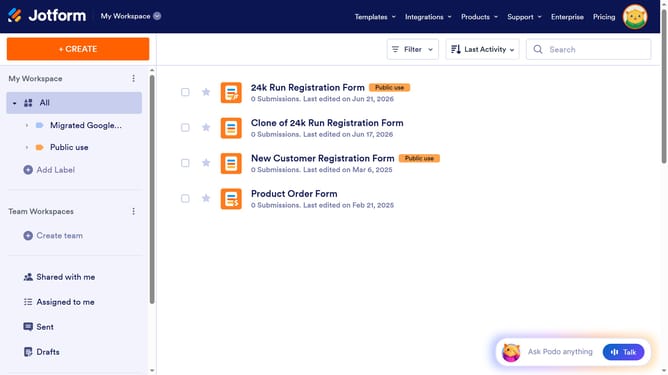
How to align text in a paragraph field in a registration form in Jotform
Here is how to align text in a paragraph field in a registration form in jotform
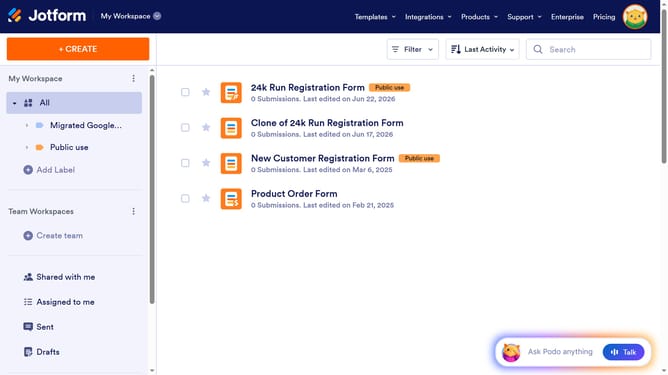
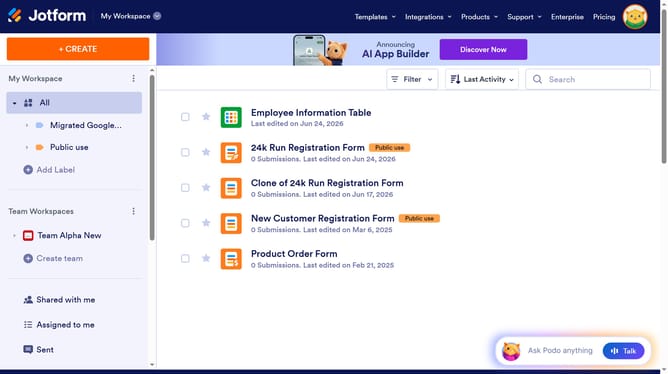
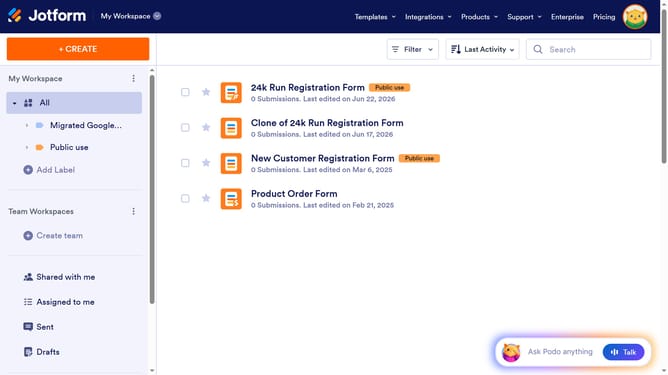
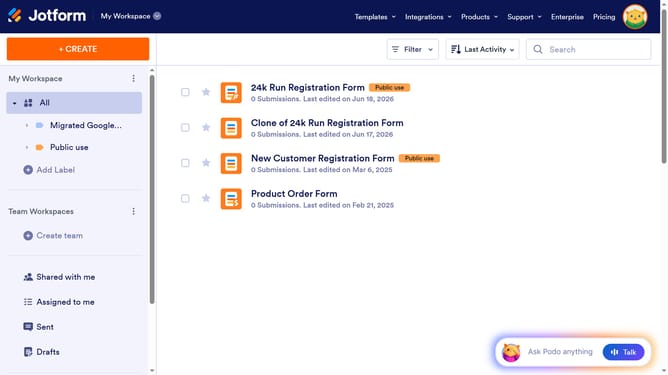
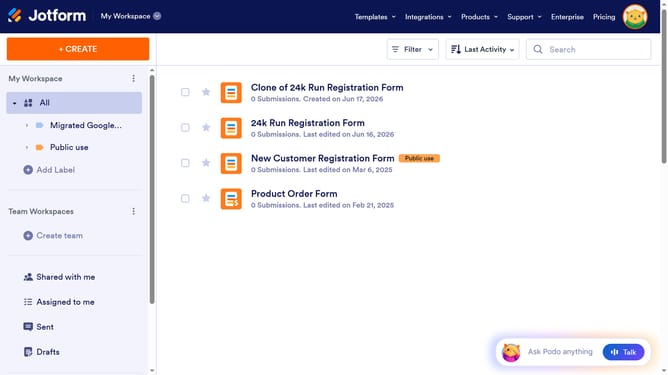
- First click on "All" item in the left sidebar
- Next click on "Edit Form" button at the right side of the form name that you want to manage
- Then click on the paragraph field in the form builder
- Click on "Edit Text" button
- Next click on the text that you want to edit to highlight it
- Then click on the "Text Align" icon
- Click on the "Text Align" icon again
- Finally click an option from the alignment options
Why should you align text in a paragraph field in a registration form in Jotform
Jotform streamlines the process of creating customizable online forms with ease.
Aligning text in a paragraph field within a registration form on Jotform adds a layer of professional polish and readability. By fine-tuning text alignment, users ensure that their forms maintain a cohesive and visually appealing layout.
This feature is particularly beneficial for enhancing user experience. It promotes clarity and engagement, as well-aligned text is easier to read and interpret. The structured appearance can also enhance brand credibility and trustworthiness, making forms not only functional but also compelling.
Last update