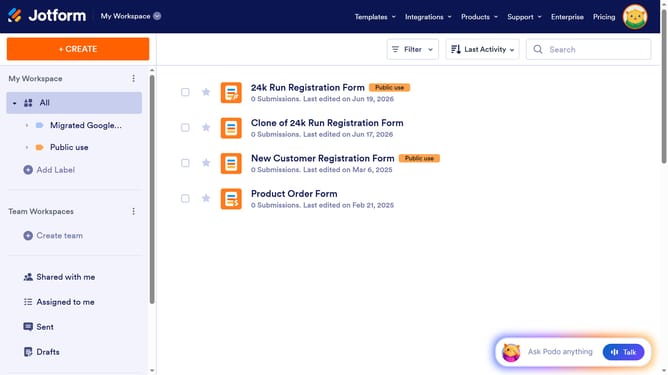
How to restore deleted forms on Jotform
Here is how to restore deleted forms on jotform
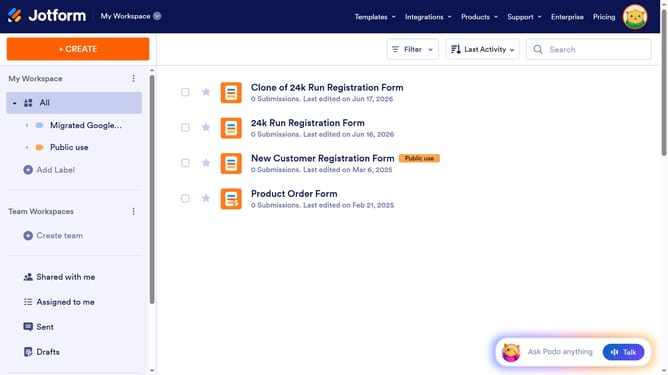
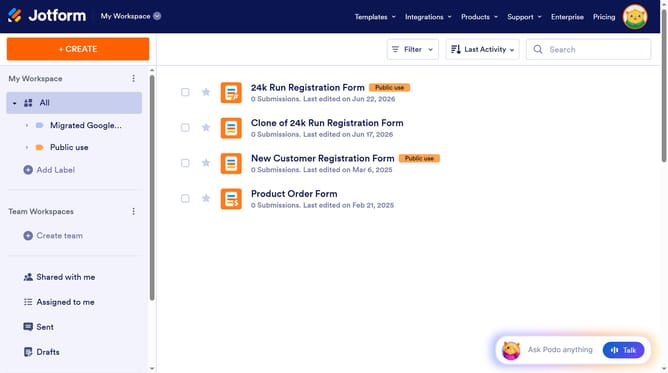
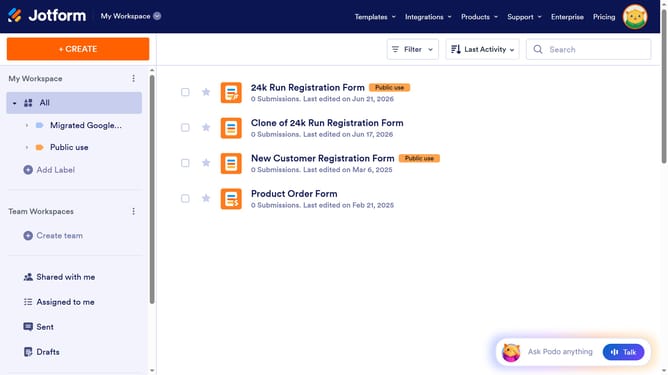
- First click on the "Trash" option in the left sidebar menu to access deleted items
- Then click on the "Restore" button next to the form you deleted
Why should you restore deleted forms on Jotform
Jotform is a versatile platform designed to simplify the creation and management of online forms.
A standout feature is its ability to restore deleted forms, providing peace of mind when managing important data. Whether a form was removed by mistake or on purpose, retrieving it is swift and straightforward.
This feature ensures that your efforts aren't lost and can be easily reinstated, keeping your projects on track and minimizing disruptions. It empowers you to work confidently, knowing that your data can be readily retrieved anytime.
Last update