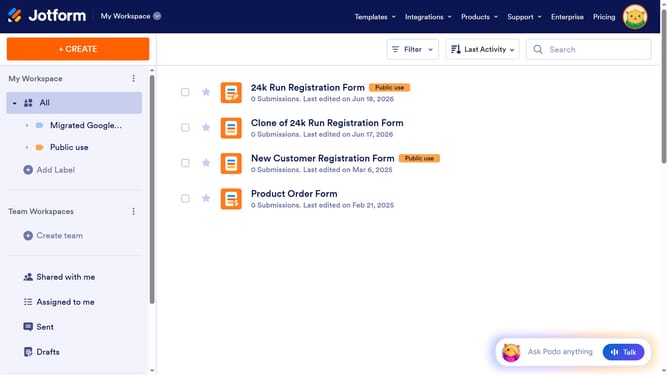
How to embed a Jetform form to WordPress
Here is how to embed a jetform form to wordpress
- First click on the "PUBLISH" button in the top navigation menu
- Then click on "PLATFORMS" option in the left sidebar
- Click on the "WordPress.com" platform card in the platforms list
- Next click on the "COPY CODE" button to copy the embed code
- click on the "Plus" icon in the left sidebar of WordPress editor
- Then click on the "Custom HTML" widget in the blocks sidebar
- Click in the HTML code input area
- Paste the copied embed code into the HTML input area
- Finally click the "Save" button in the top right corner of the editor
Why should you embed a Jetform form to WordPress
Jotform is a versatile platform designed for creating intuitive online forms effortlessly.
Embedding a Jotform form into WordPress is a straightforward way to integrate powerful forms within your website. This feature allows you to seamlessly incorporate interactive forms without the need for extensive coding.
By using Jotform with WordPress, users can enhance engagement and data collection efficiency on their sites, improving interaction and overall user experience.
Last update