How to change team cover image in Jotform
Here is how to change team cover image in jotform
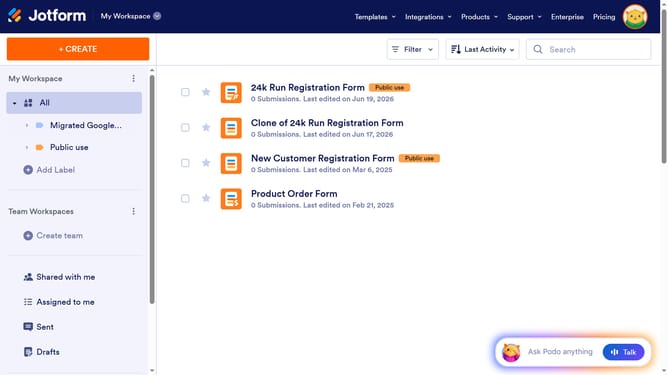
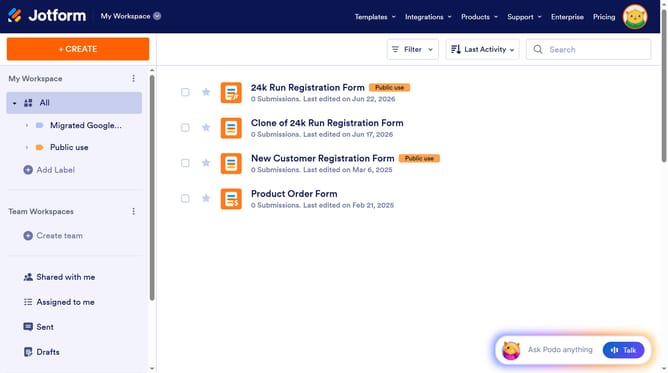
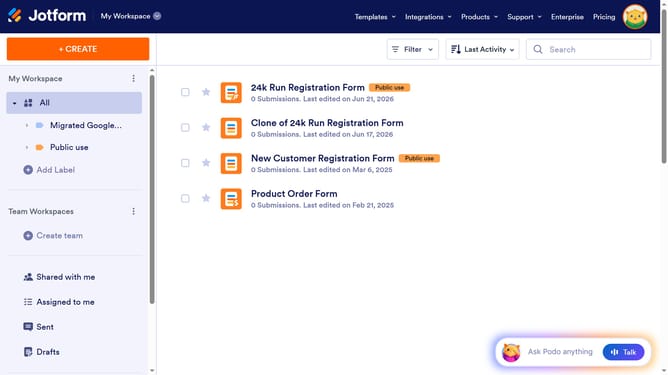
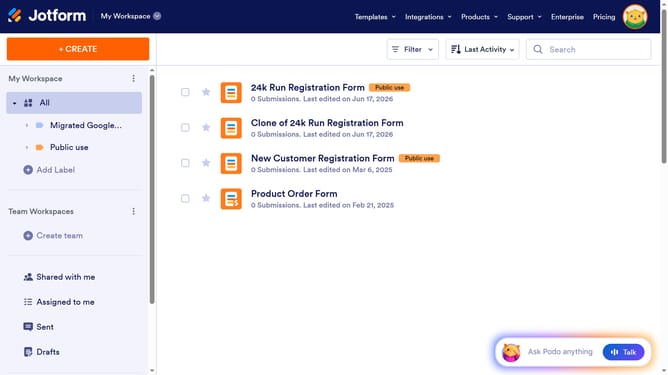
- First click on the three dots next to the team name in the left sidebar
- Then select "Team Settings" from the dropdown menu
- Next click on the "Change Cover" button
- Finally click on a background image to select it as the new cover
Why should you change team cover image in Jotform
Jotform is a versatile tool designed to streamline your form creation and data management needs effortlessly.
Changing the team cover image in Jotform is a straightforward feature that enhances team branding and personalization. By updating your cover image, you instantly elevate your team's professional appearance, creating a cohesive visual identity across your projects.
This simple update not only boosts team morale but also strengthens client trust and engagement through consistent and appealing aesthetics. Personalization in tools like Jotform reflects attention to detail and fosters a sense of unity and pride within the team.
Last update