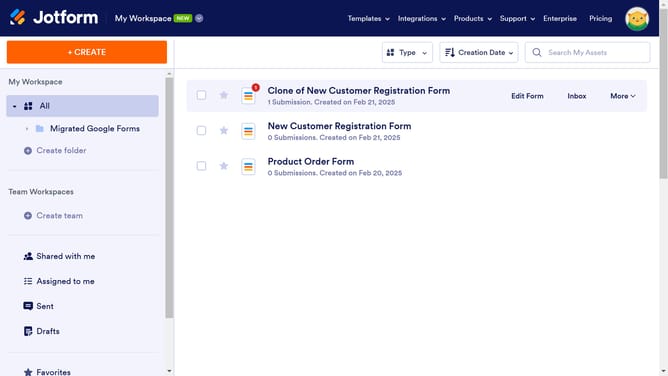
How to disallow free addresses on email field in a registration form in Jotform
Here is how to disallow free addresses on email field in a registration form in jotform
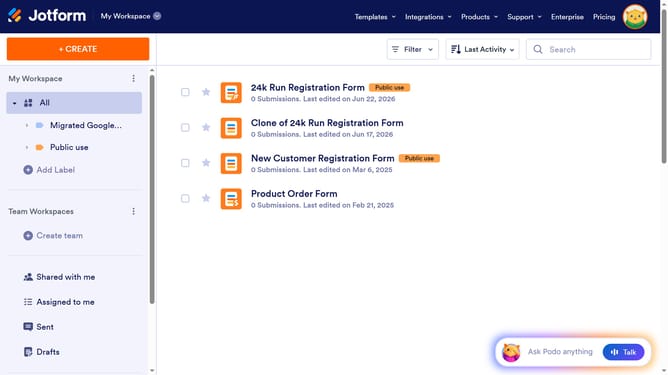
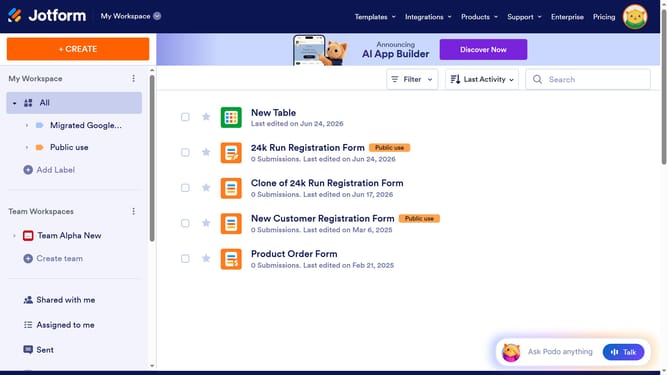
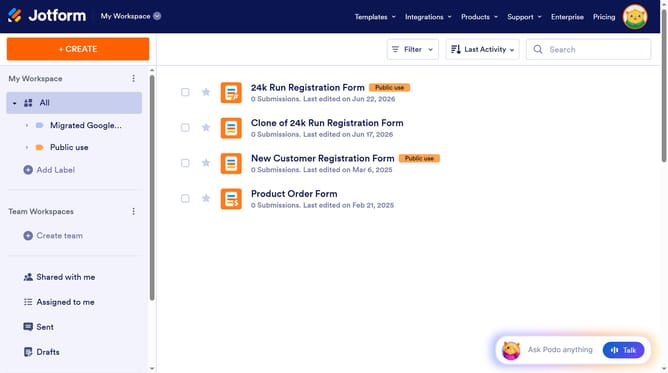
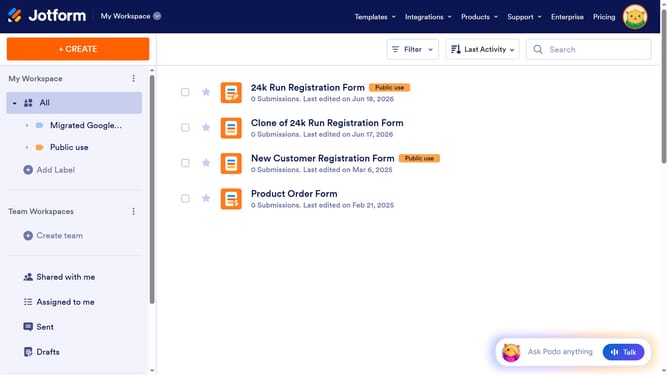
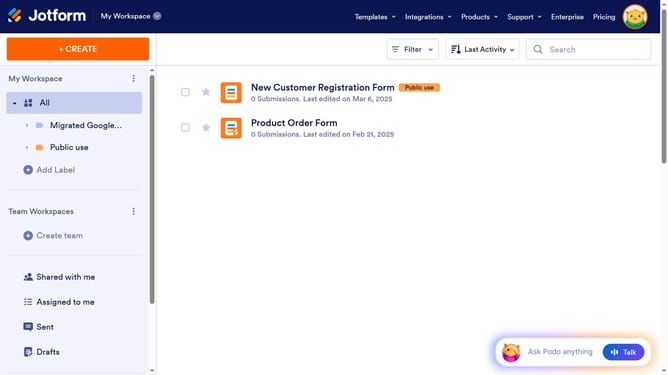
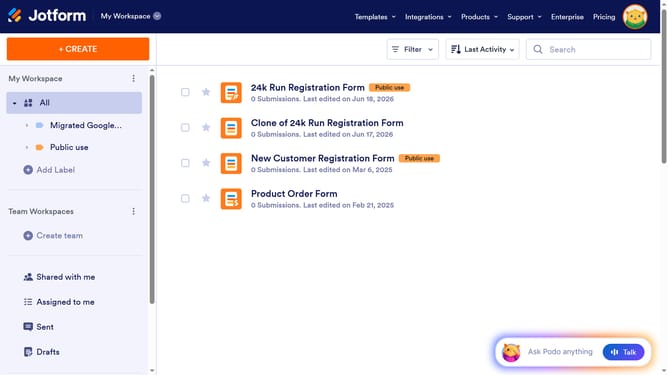
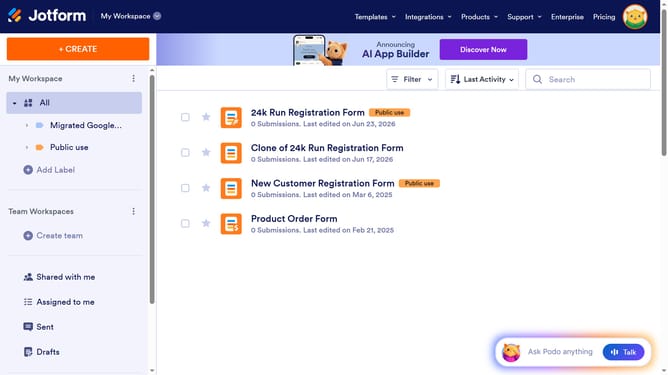
- First click on "All" item in the left sidebar
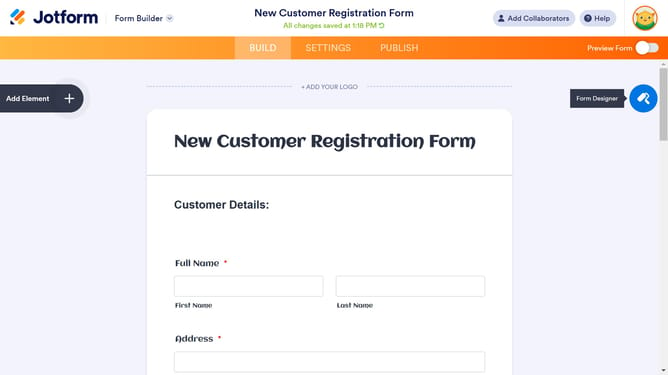
- Then click on "Edit Form" button at the right side of the form name that you want to edit
- Then click on the input field of "Email" section
- Then click on the "Properties" button
- Then click on the "Options" tab
- Finally slide on the "Disallow Free Addresses" slider
Why should you disallow free addresses on email field in a registration form in Jotform
Jotform revolutionizes form creation by offering effortless customization for any form need.
One standout feature is its ability to disallow free addresses on the email field during registration. This ensures your form entries are credible and linked to professional or verified email domains.
By filtering out free addresses, you potentially enhance the quality of your leads and build a more reliable database. This feature is invaluable for businesses aiming to maintain a focused and professional contact list, setting a standard for quality communication.
Last update