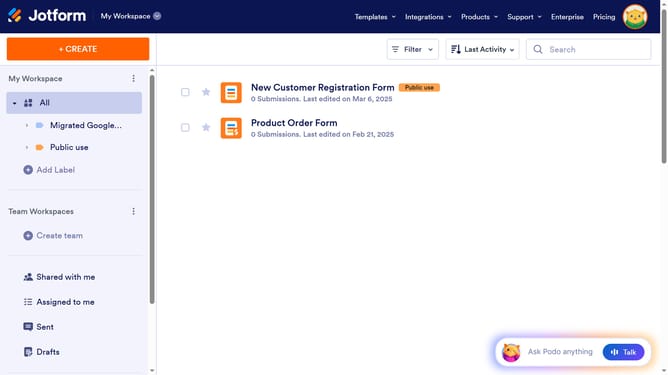
How to add a star rating field to a registration form in Jotform
Here is how to add a star rating field to a registration form in jotform
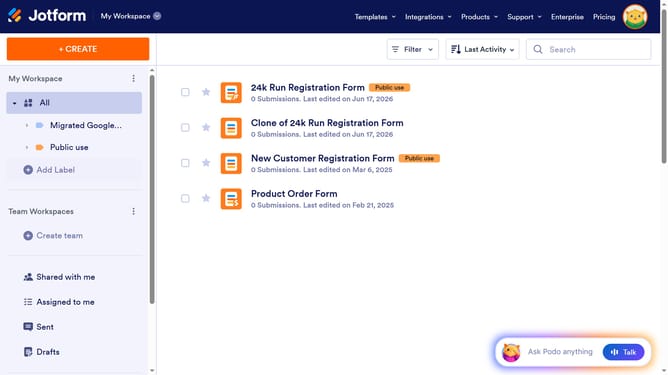
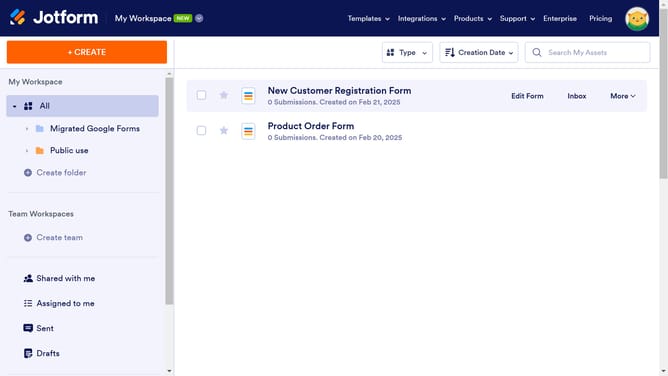
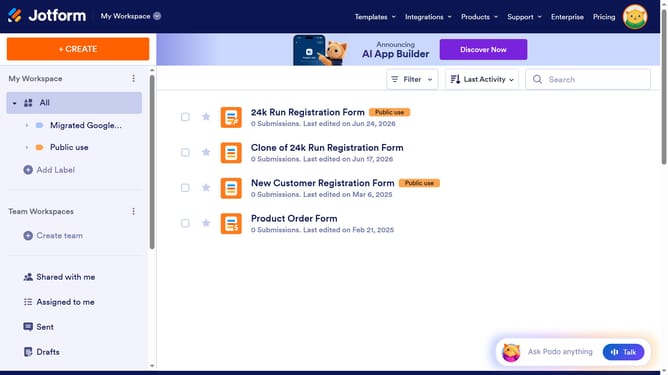
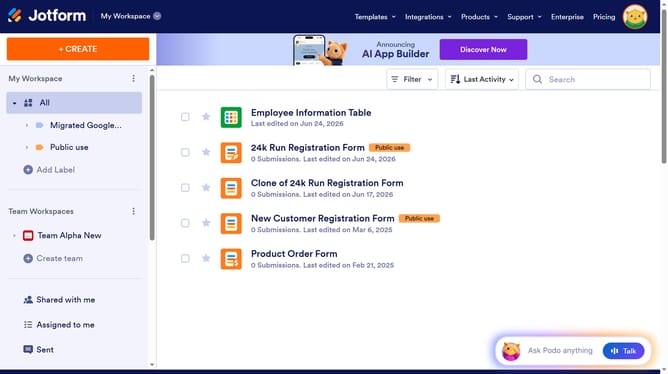
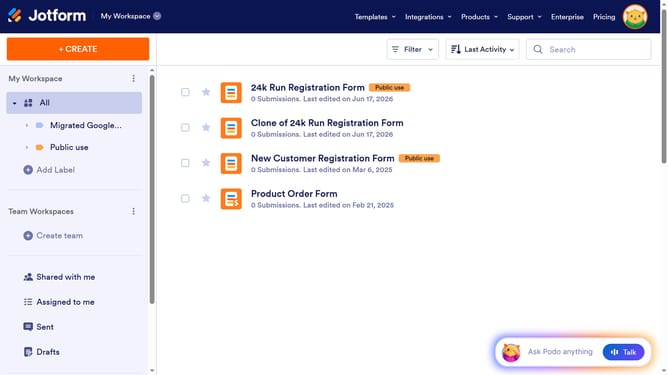
- First click on "All" in the left sidebar
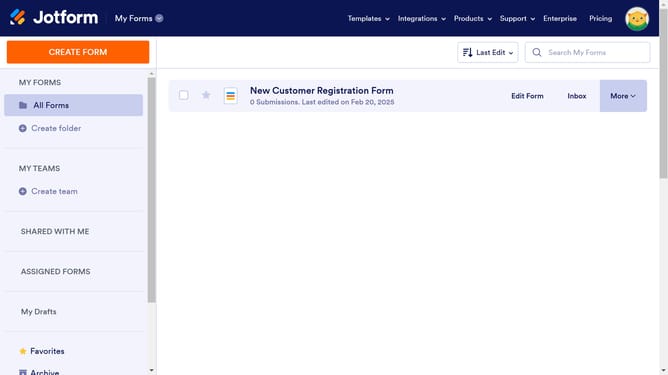
- Then click on "Edit Form" button at the right side of the form name that you want to edit
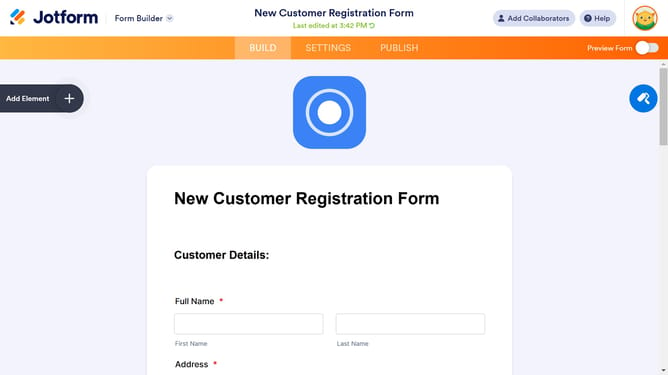
- Next click on "Add Element" button in the left sidebar
- Finally select "Star Rating" element in the left sidebar
Why should you add a star rating field to a registration form in Jotform
Jotform is a versatile online form builder designed to simplify the process of data collection.
Adding a star rating field to your registration forms in Jotform enriches the user experience and provides valuable feedback at a glance.
This feature allows users to quickly rate their experiences or preferences, making it easier for you to gather insights without extensive surveys.
Using this visual tool enhances engagement and encourages more detailed responses, ultimately leading to improved decision-making based on user feedback.
Last update