How to disable browser auto complete in forms in Jotform
Here is how to disable browser auto complete in forms in jotform
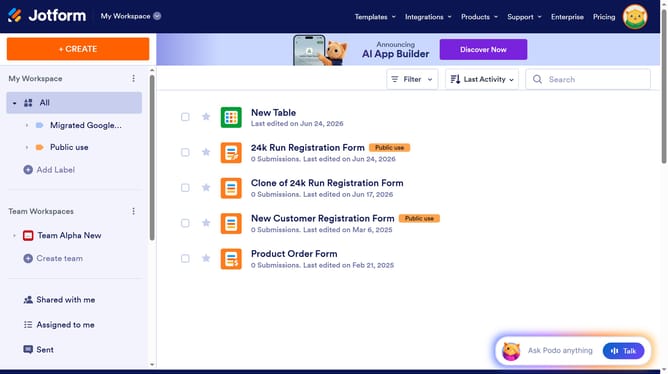
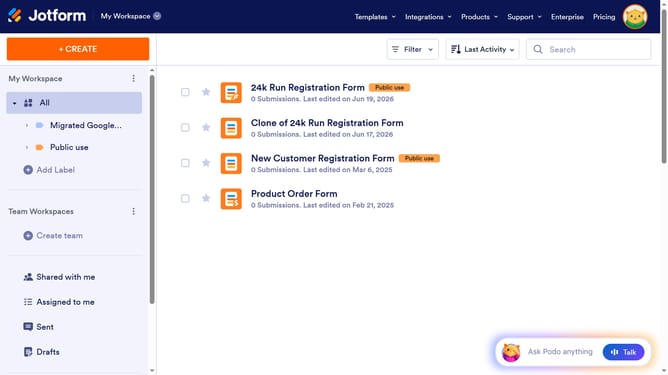
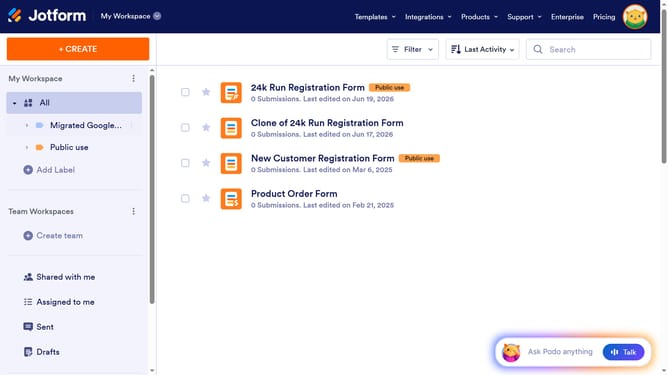
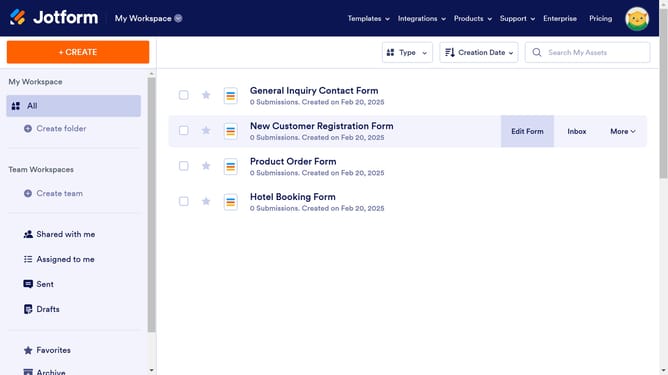
- First, click on the "All" item in the left sidebar
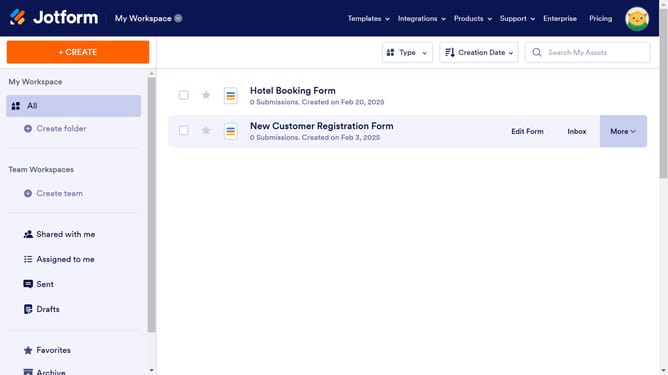
- Then, select the checkbox for the form that you want to manage
- Next, click on the "More" button in the top right actions menu
- After that, select "Settings" from the dropdown menu
- Next, click on the dropdown menu for "Allow Browser Autocomplete"
- Finally, select "No" from the dropdown menu
Why should you disable browser auto complete in forms in Jotform
Jotform is an intuitive platform designed to simplify the form-building process for personal, business, and professional use.
Disabling browser auto-complete in forms on Jotform ensures greater control over the user's data entry experience. This feature is particularly beneficial for maintaining data accuracy and preventing unwanted autofill errors that users may encounter.
By managing this setting, you can enhance the security of the information collected, ensuring that sensitive data is entered manually. This leads to a more personalized and accurate form submission process.
Last update