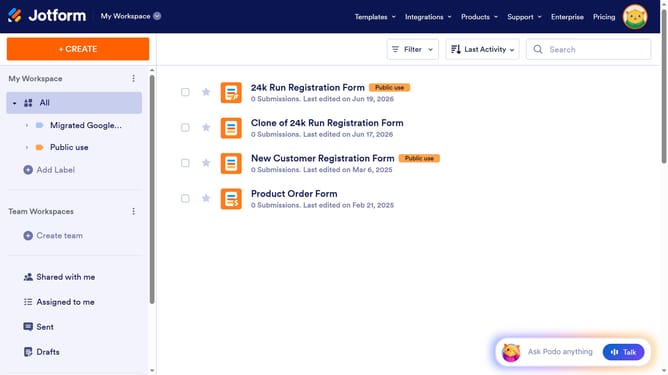
How to archive a data table in Jotform
Here is how to archive a data table in jotform
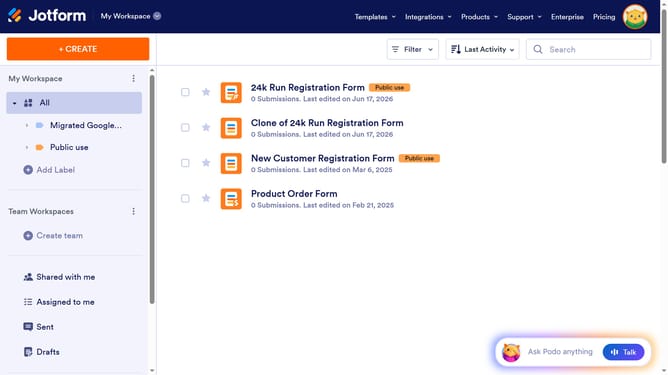
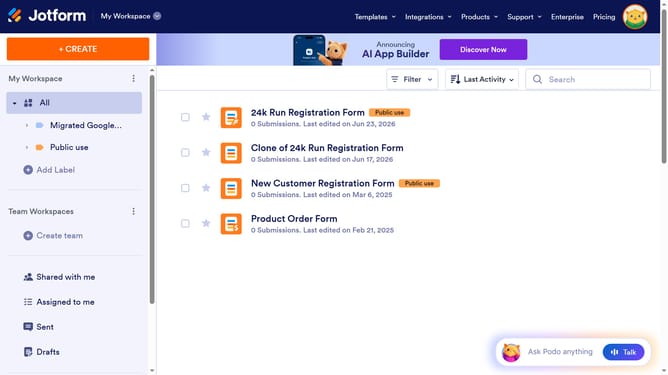
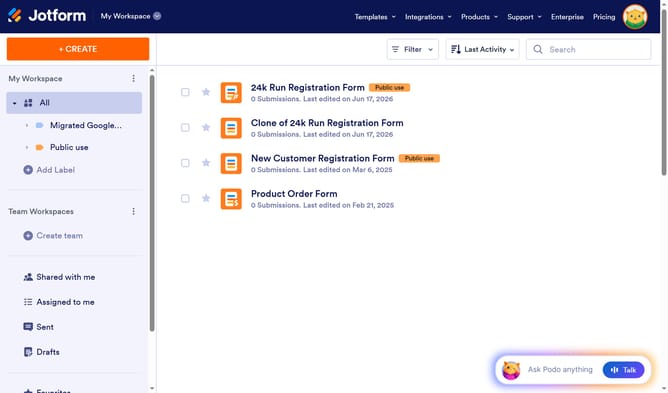
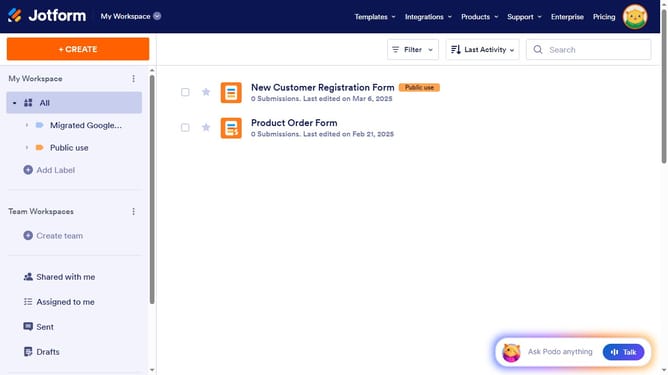
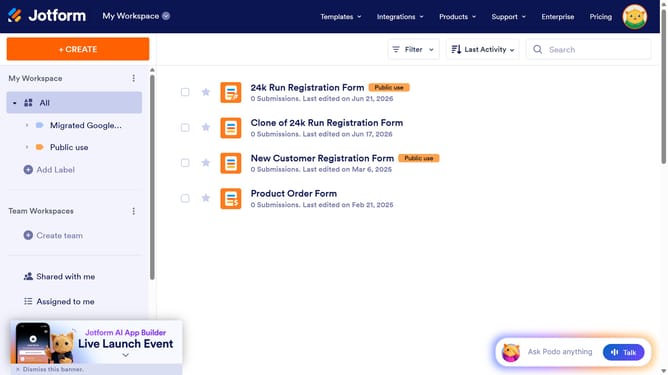
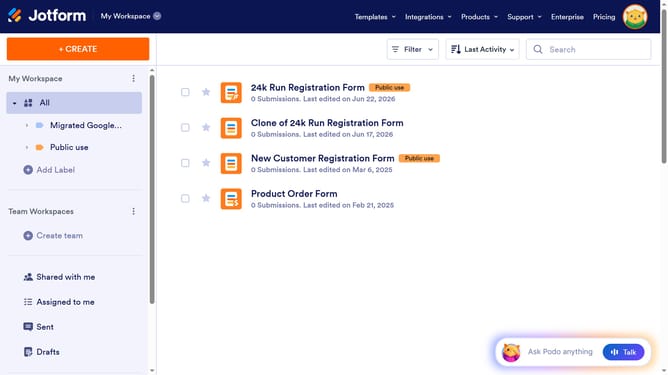
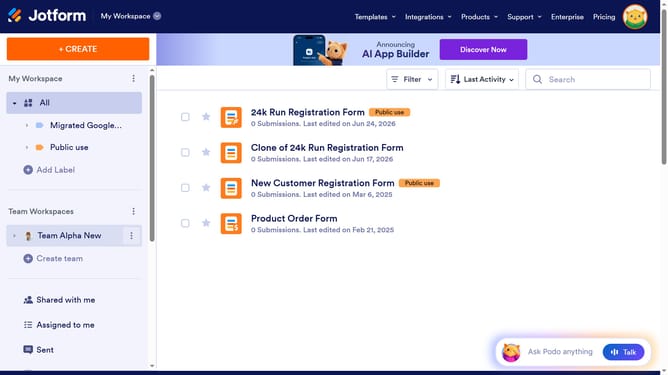
- First click on "All" in the left sidebar
- Then click on the "More" button in the main window
- Finally select "Archive" from the dropdown menu
Why should you archive a data table in Jotform
Jotform is a versatile online tool that streamlines form creation and data management effortlessly.
Archiving a data table in Jotform provides a seamless way to declutter your workspace while securely storing important information. With this feature, you can neatly tuck away tables that are no longer needed for daily tasks, ensuring a clean and organized data management system.
Using this function offers the dual benefit of maintaining easy access to archived data when required, alongside improving efficiency, allowing you to focus on active projects without distraction.
Last update