How to set submit button style in a registration form in Jotform
Here is how to set submit button style in a registration form in jotform
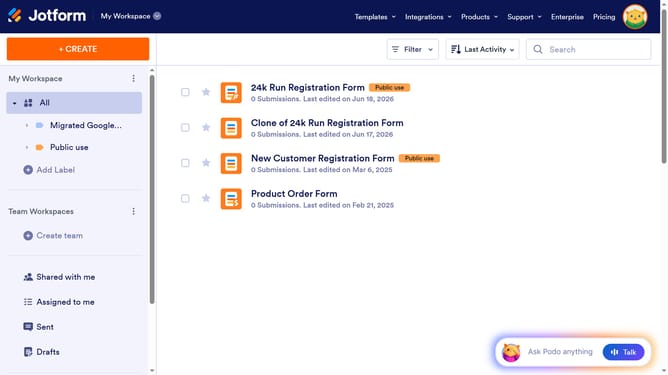
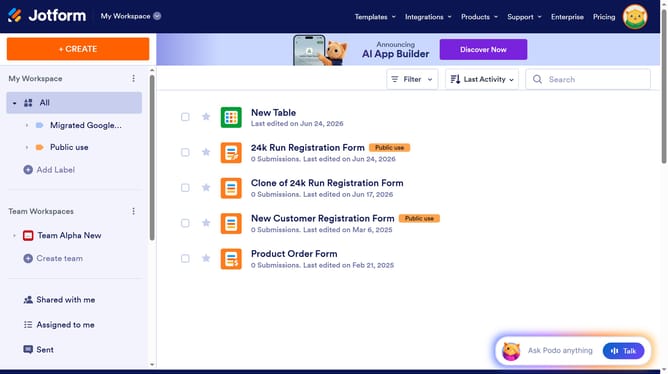
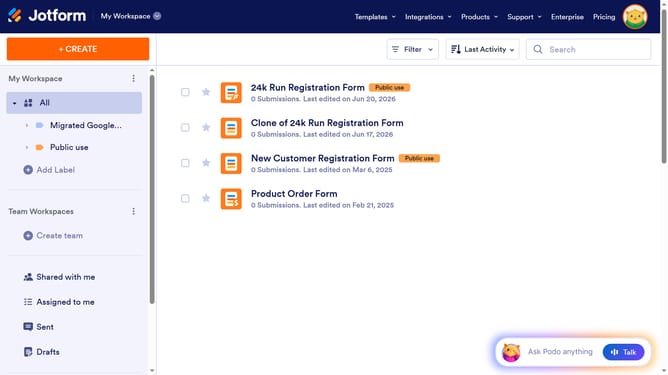
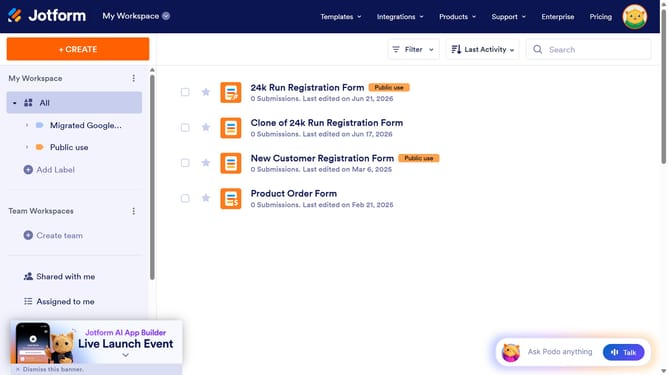
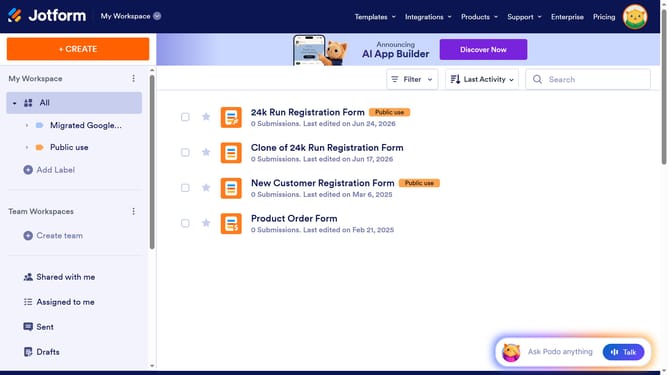
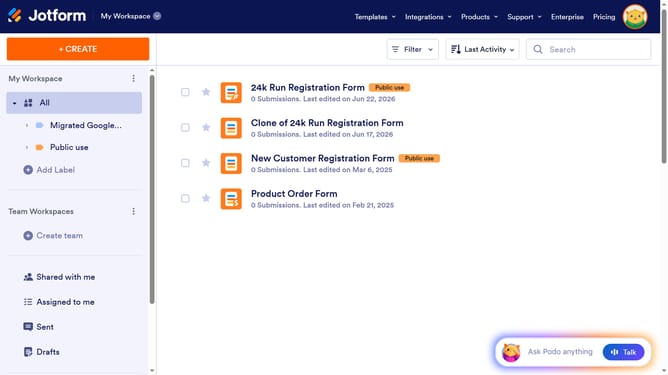
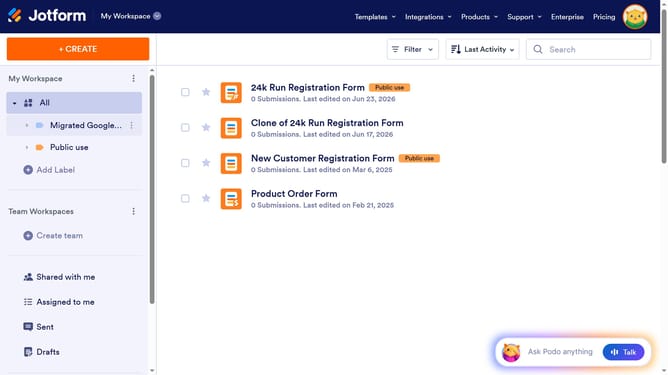
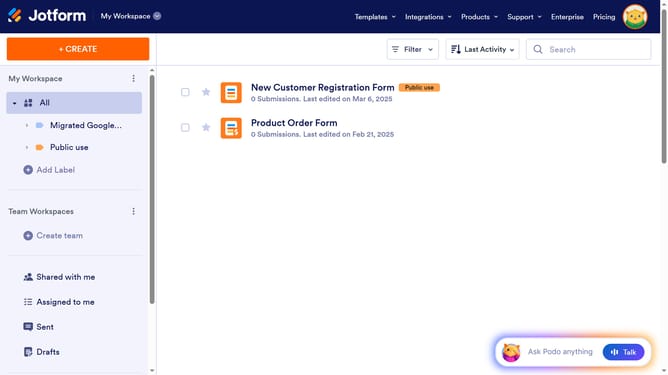
- First click on "All" in the left sidebar
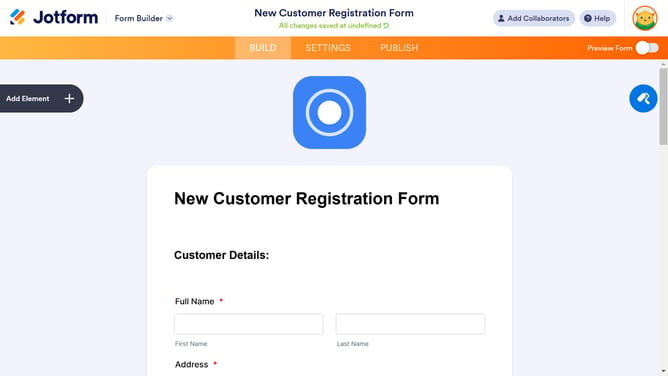
- Next click on "Edit Form" button at the right side of the form name that you want to manage
- Then click on the "Submit" button area
- Then click on the "Properties" button in the form editor toolbar
- In the submit properties panel, click on "Choose Style" under Button Style
- Finally select the "Submit" button style from the available styles
Why should you set submit button style in a registration form in Jotform
Jotform is a versatile online form builder that simplifies data collection and management.
Customizing the submit button style in a Jotform registration form can significantly enhance user experience and aesthetic appeal.
By altering the submit button's appearance, creators can align their forms with branding needs and create a more engaging interaction for users.
This feature allows for a personalized touch, which not only refines the form’s look but also encourages users to complete submissions intuitively.
Last update