How to make your form background transparent on Jotform
Here is how to make your form background transparent on jotform
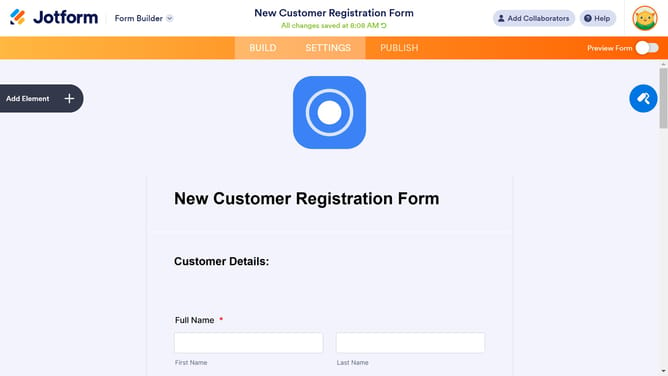
- First click on the design icon in the right sidebar of the form builder
- Then click on the "Form Color" input field in the Form Designer panel
- Finally select the "X" icon from the color options
Why should you make your form background transparent on Jotform
Jotform is a versatile online tool for building custom forms effortlessly.
Making your form background transparent on Jotform adds elegance and adaptability to your designs.
This feature seamlessly blends your forms into various web pages, creating a harmonious visual experience.
A transparent background helps your content stand out, ensuring form fields are the center of attention.
Customize your forms easily while maintaining a professional and clean look, enhancing user interaction.
Last update