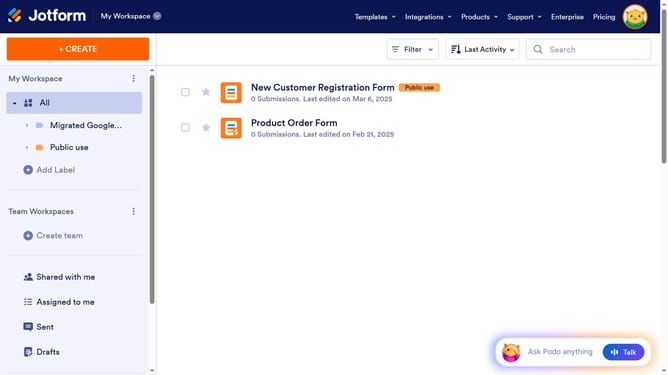
How to add a checkbox column in a data table in Jotform
Here is how to add a checkbox column in a data table in jotform
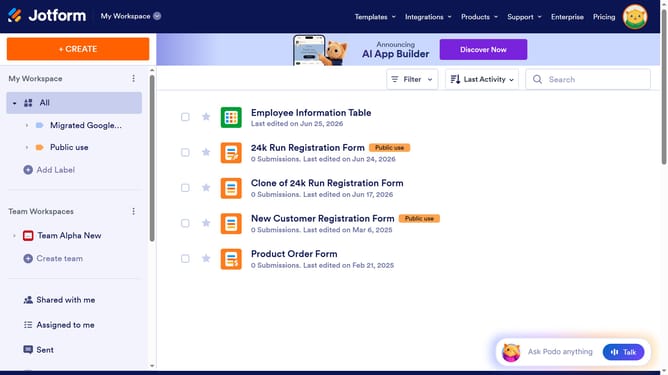
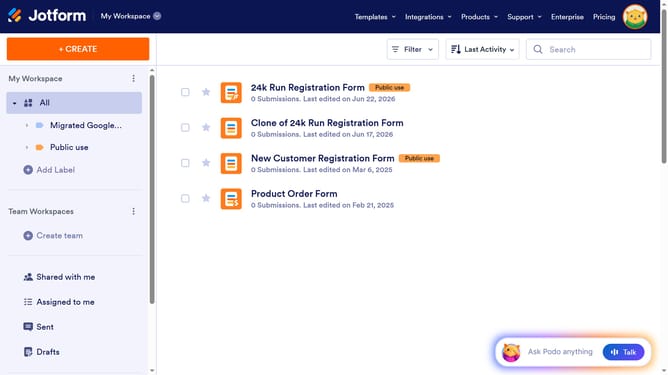
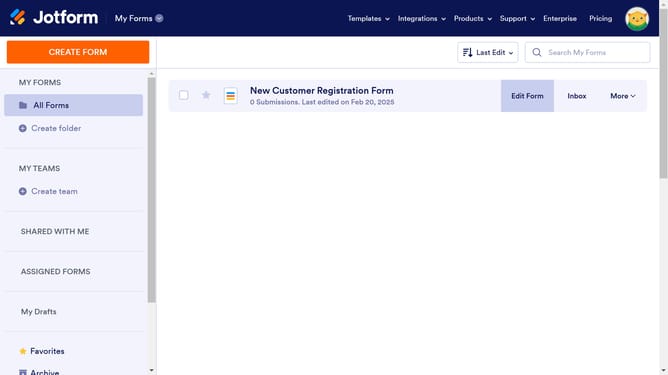
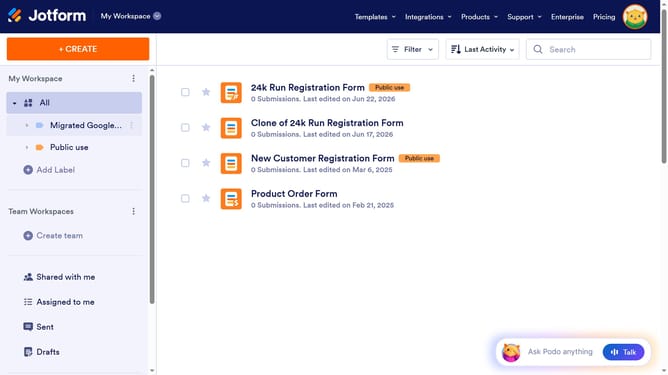
- First, click on "All" in the left sidebar
- Next click on "View Table" button at the right side of the table name that you want to manage
- Next, click the "+ ADD" button
- After that, select the "Checkbox" option
- Then, click the "NEXT" button
- Next, enter the column name in the input field
- Finally, click on the "CREATE COLUMN" button
Why should you add a checkbox column in a data table in Jotform
Jotform is a versatile online form builder designed to streamline the process of data collection and management.
Adding a checkbox column to a data table in Jotform enhances organization by allowing for easy selection and tracking of items.
This feature is beneficial for managing complex datasets with precision, ultimately improving workflow efficiency. It simplifies tasks like marking attendance or tracking project steps, ensuring records are both accurate and up-to-date.
Incorporating checkboxes integrates seamlessly into existing tables, offering a clear visual guide for users.
Last update