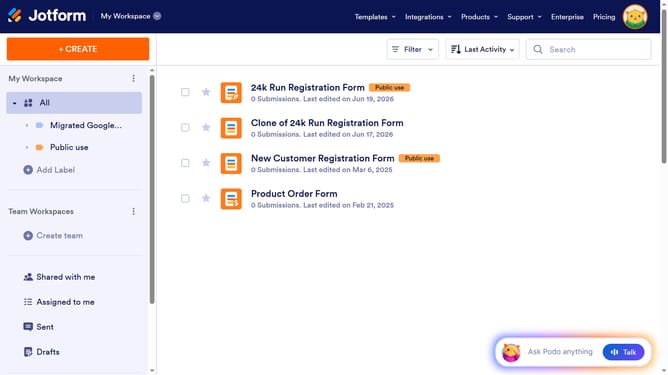
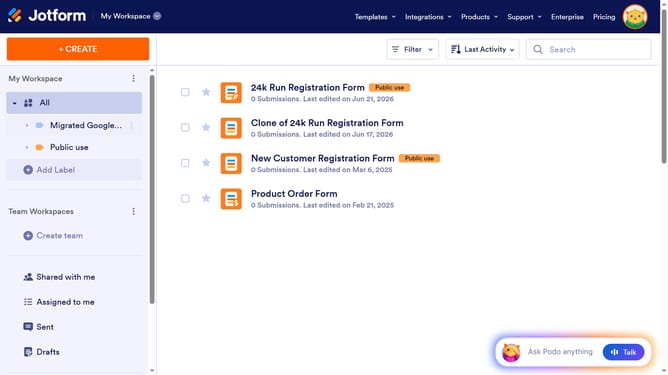
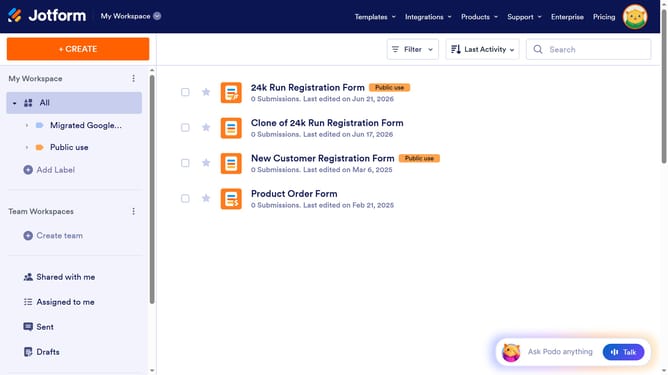
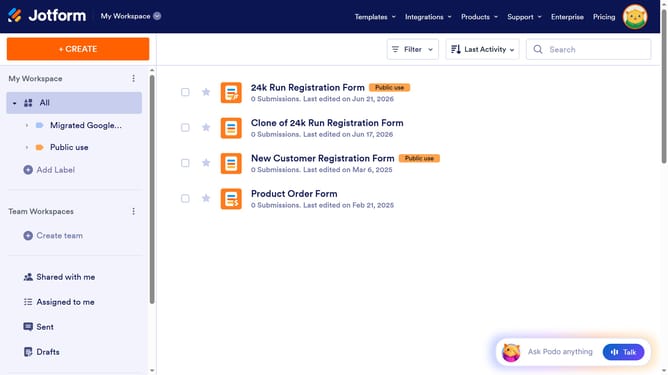
How to display images on your Jotform form
Here is how to display images on your jotform form
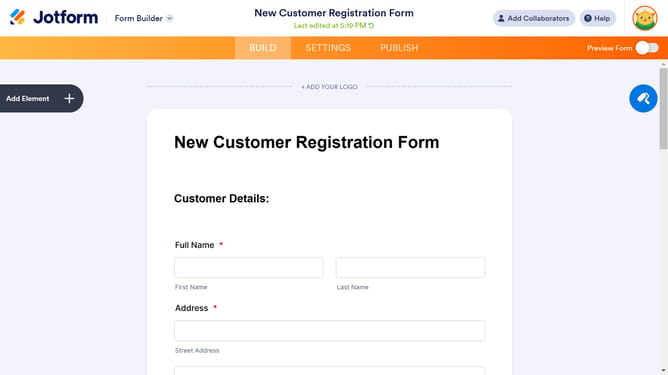
- First click on the "Add Element" button in the left side bar
- Next click the "Image" option from the "BASIC" tab
- Then click here to choose an image you want to add
- Finally click "Upload File" and upload your desired image
Why should you display images on your Jotform form
Jotform is an intuitive platform designed to simplify the process of creating bespoke online forms.
Displaying images on your Jotform form enhances engagement, breaking up text and visually guiding respondents through the form.
By integrating images, you can provide visual context, increase memorability, and make your form more interactive and appealing.
This feature is perfect for showcasing product visuals, adding branding elements, or simply creating a more dynamic user experience.
Last update