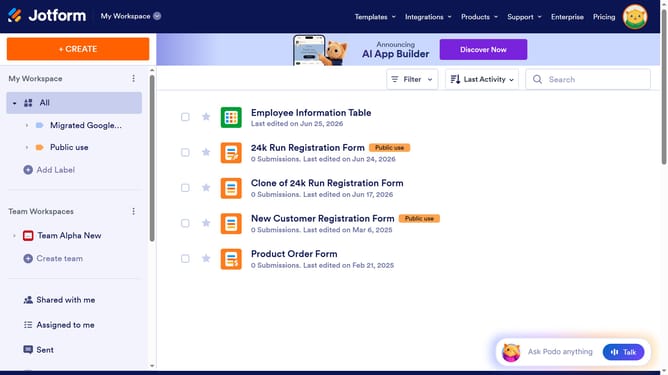
How to add options in a multiple choice field in a registration form in Jotform
Here is how to add options in a multiple choice field in a registration form in jotform
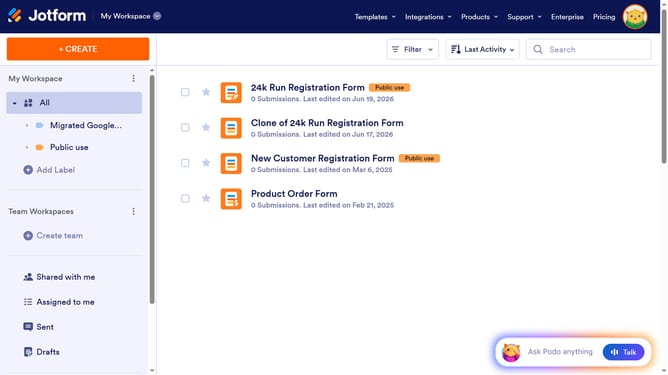
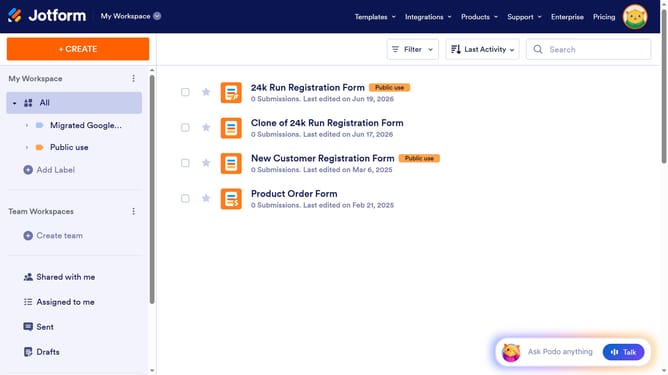
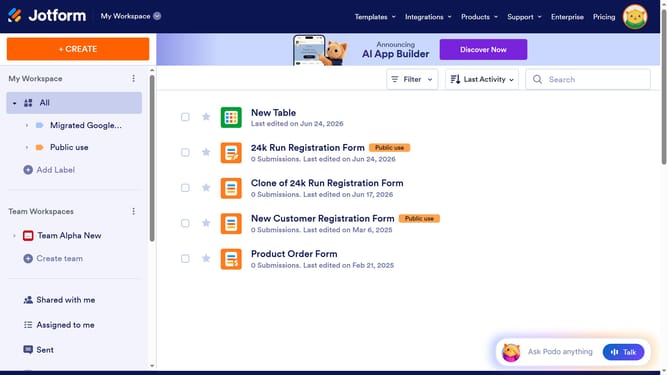
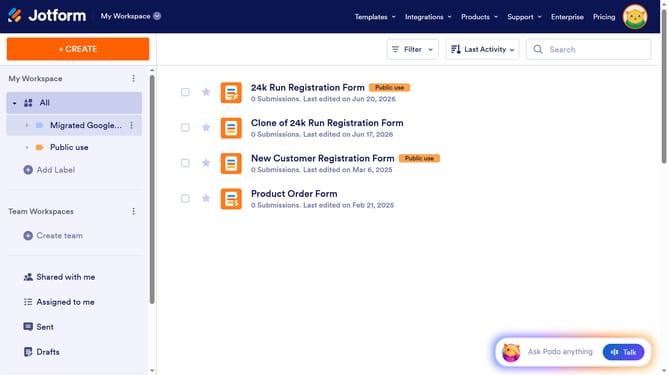
- First, in the left sidebar, click on the "All" folder
- Next click on "Edit Form" button at the right side of the form name that you want to edit
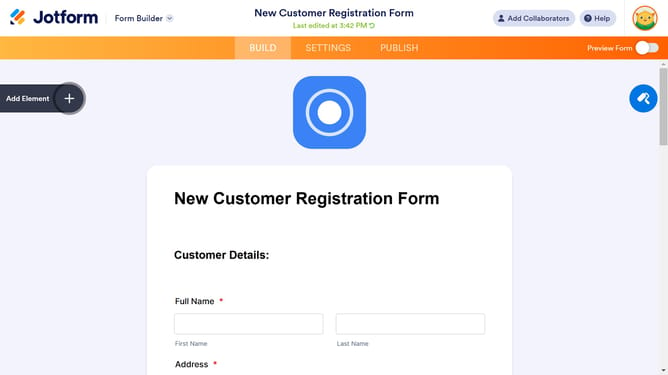
- Next, click on the multiple choice field in the form builder
- Then, click on the "Properties" button
- After that, click on the "OPTIONS" tab in the properties panel
- Then, click on the list of checkboxes under "Options" and enter your preferred options
- Finally, click outside the input field to save changes
Why should you add options in a multiple choice field in a registration form in Jotform
Jotform is a dynamic online tool designed to simplify the creation of customizable forms for various purposes.
Adding options in a multiple choice field within a Jotform registration form is effortless and intuitive. This feature empowers users to tailor their forms, ensuring they cater specifically to their audience's needs.
By leveraging this feature, form creators can easily gather nuanced feedback and data, making their forms more engaging and informative. This flexibility enhances user interaction and allows for a more personalized user experience.
Last update