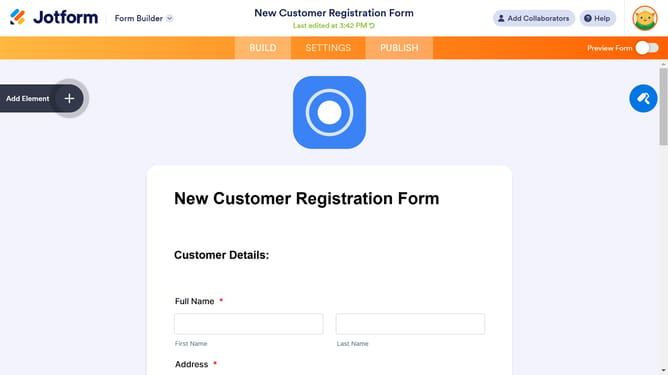
How to set format in a number column in a data table in Jotform
Here is how to set format in a number column in a data table in jotform
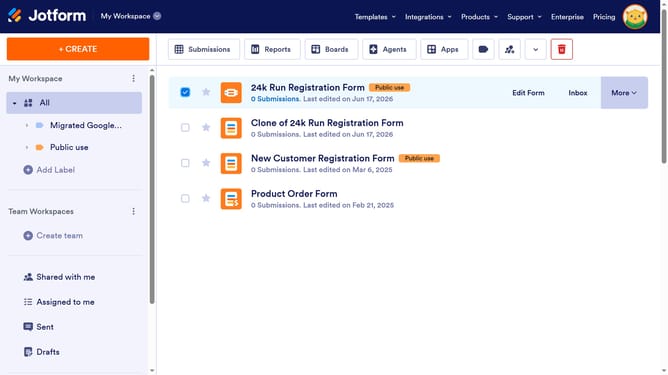
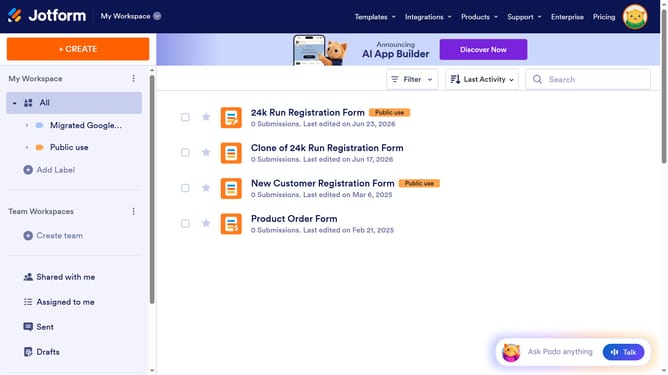
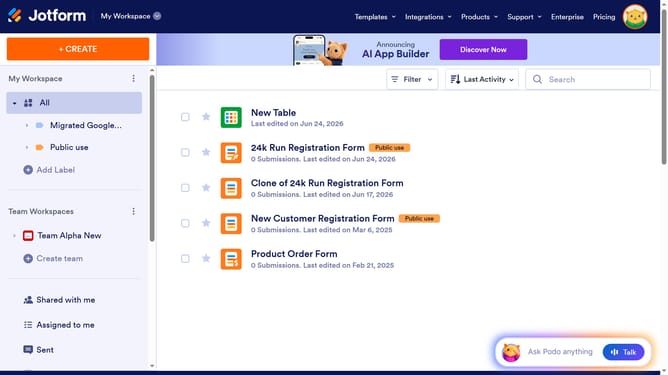
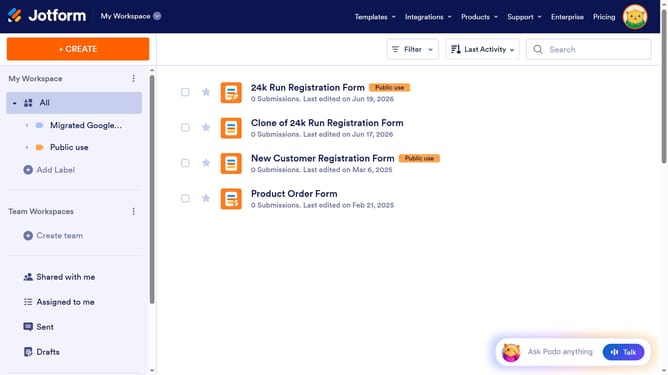
- First click on the "All" item in the left sidebar
- Next click on "View Table" button at the right side of the table name that you want to manage
- Next click on the three dots icon next to the numbered column header
- Then select "Edit column preferences" from the dropdown menu
- Now click on the "Choose a format" dropdown
- Finally select from the dropdown list in the "Number" modal
Why should you set format in a number column in a data table in Jotform
Jotform is a versatile tool designed to streamline data collection and management effortlessly.
One of its standout features is the ability to format number columns in data tables with ease.
Setting a specific format enhances data accuracy and readability, ensuring that information is consistently presented.
This feature saves time and reduces errors, making data analysis and reporting more efficient.
Last update