How to insert image in a paragraph field in a registration form in Jotform
Here is how to insert image in a paragraph field in a registration form in jotform
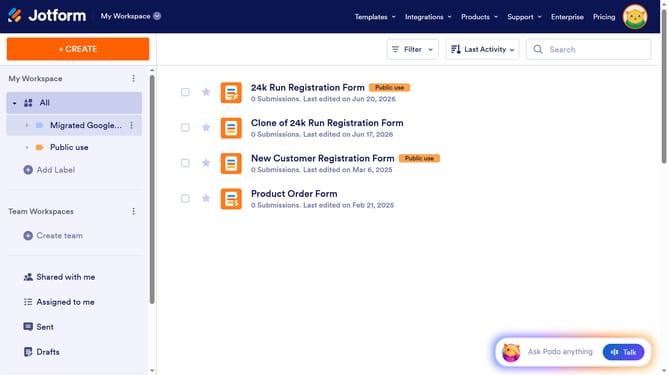
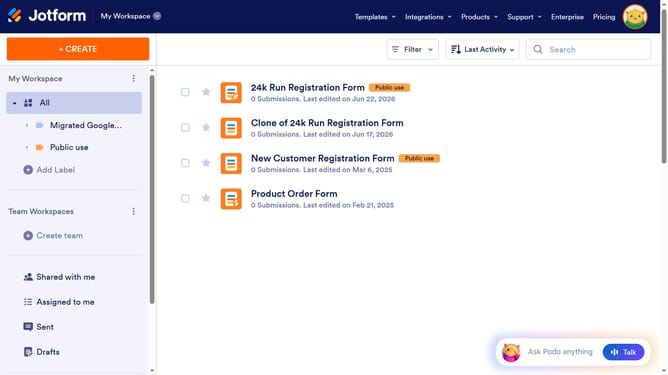
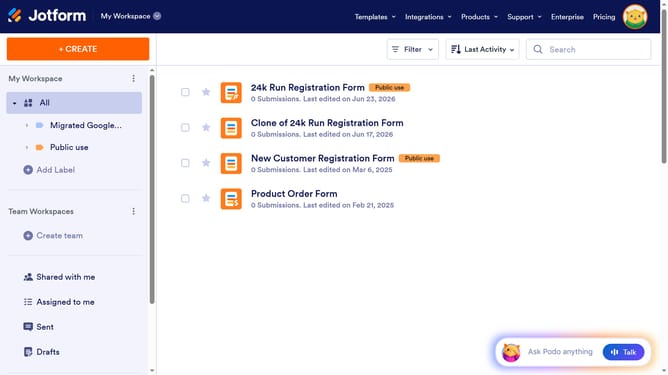
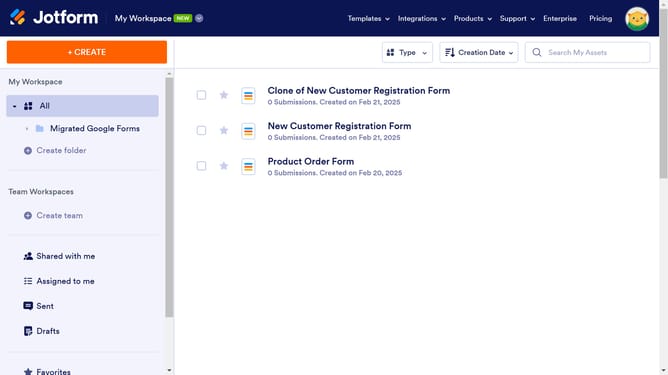
- First click on "All" in the left sidebar
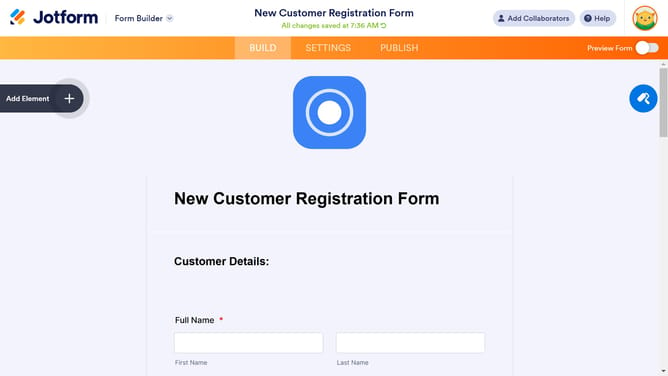
- Next click on "Edit Form" button at the right side of the form name that you want to manage
- Then click on the paragraph field in the form builder
- Then click on the pencil icon to edit elements
- Then click on the image icon in the toolbar
- Then click on the "Upload File" button
- Then click on the "Insert Image" button
- Finally click on the checkmark icon to save changes
Why should you insert image in a paragraph field in a registration form in Jotform
Jotform simplifies creating customizable forms for any need, including registrations.
Inserting an image into a paragraph field on a registration form in Jotform enriches user interaction. This feature allows you to provide visual context, capture attention, or reinforce your brand identity seamlessly within the form.
Utilizing images can enhance the registrant's experience by breaking up text, making forms more engaging, and conveying information quickly. This approach not only makes forms visually appealing but also leaves a memorable impression on users.
Last update