How to import FormStack forms to Jotform
Here is how to import formstack forms to jotform
- First click on the "Migrate Your Forms to Jotform" button on the landing page
- Then click the "Continue" button in the access required popup dialog
- Next click the "Authorize" button on the Formstack authorization page
- Click on "NewForm1" in the form selection modal to view it
- Click the checkbox of the form you want to import
- Click the green "Migrate" button to start the migration process
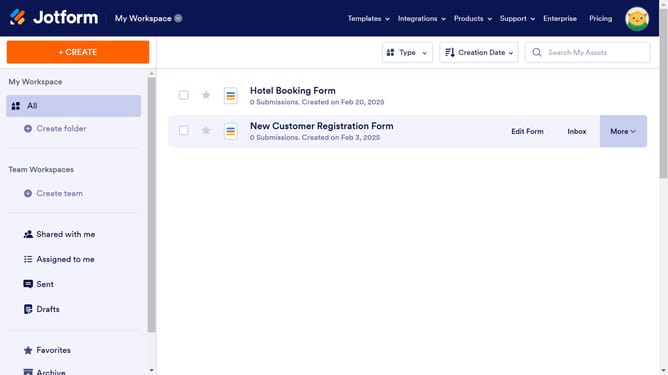
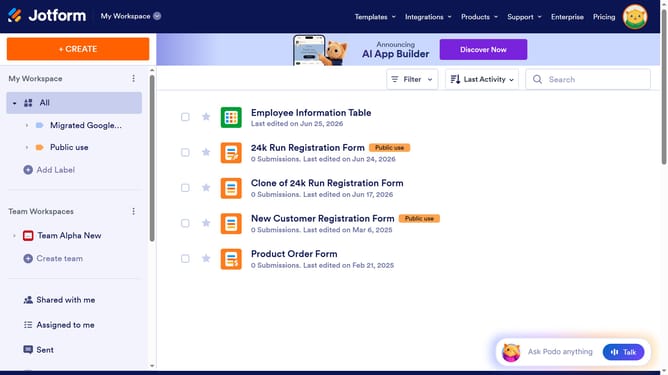
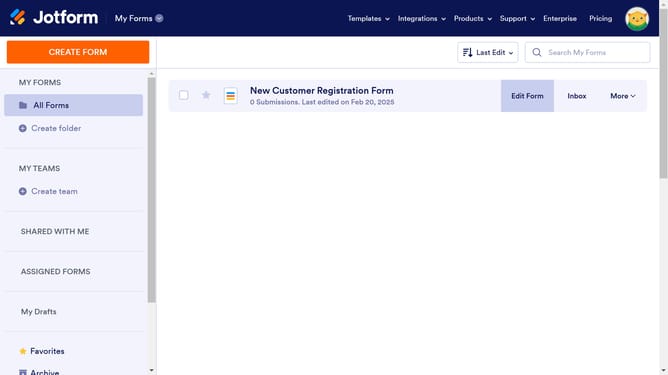
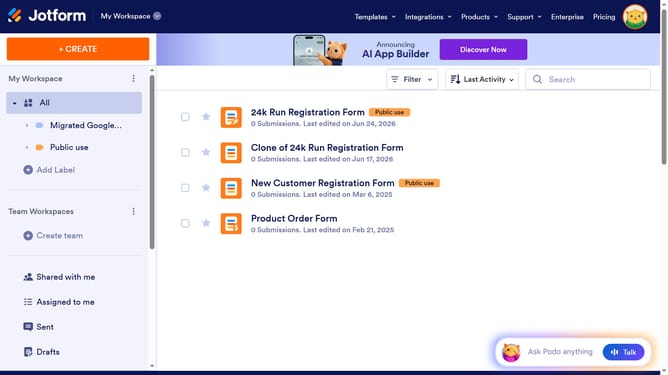
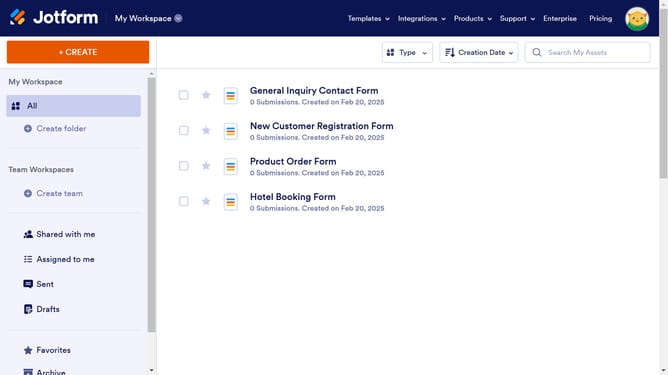
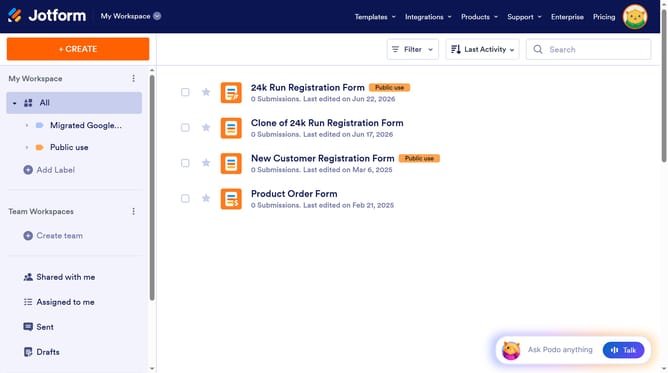
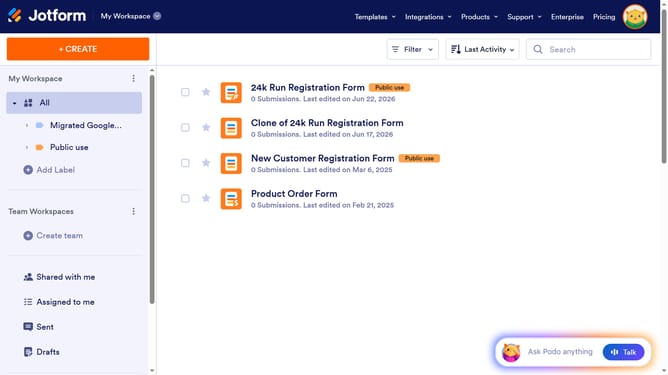
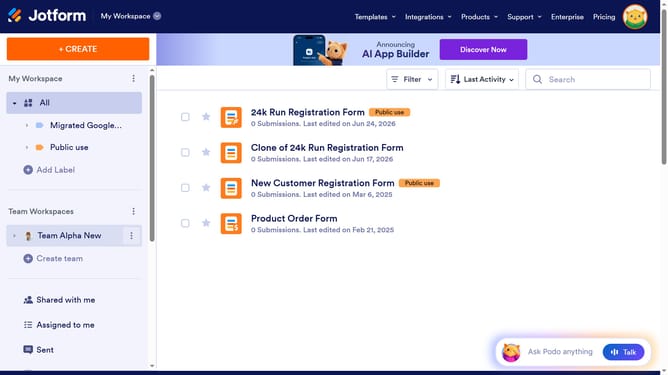
- Finally click "Go to My Forms" button after the migration is completed
Why should you import FormStack forms to Jotform
Jotform is an intuitive online form builder designed to streamline data collection and enhance productivity.
Importing FormStack forms into Jotform is a seamless process that empowers users to effortlessly transition and consolidate their data-gathering tools. Making this switch allows users to take advantage of Jotform's user-friendly interface and extensive customization options.
By transferring your forms, you'll unlock Jotform's advanced features, improved integrations, and enhanced user experience, leading to better data management and efficiency.
Last update