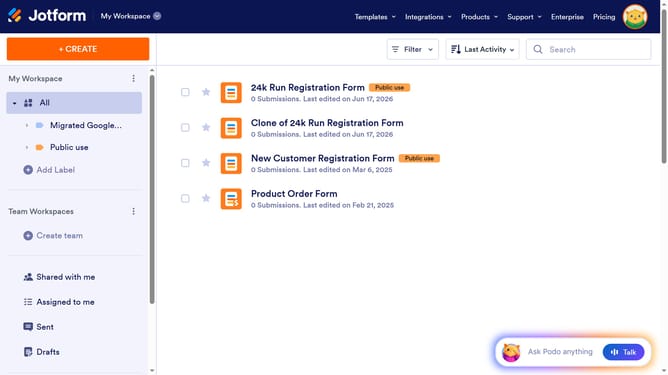
How to clone an embedded form from another web page on Jotform
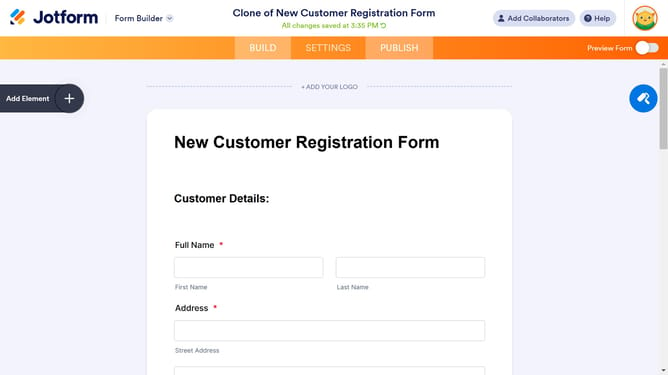
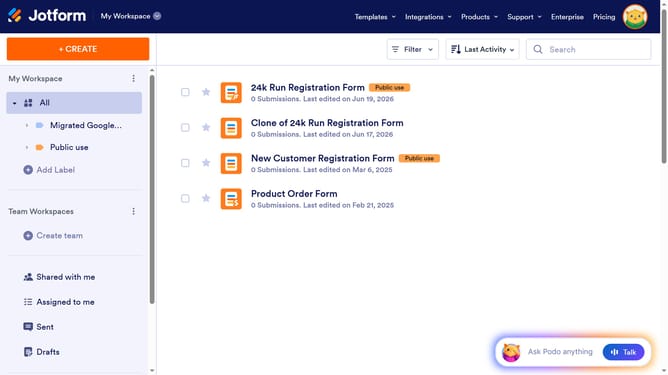
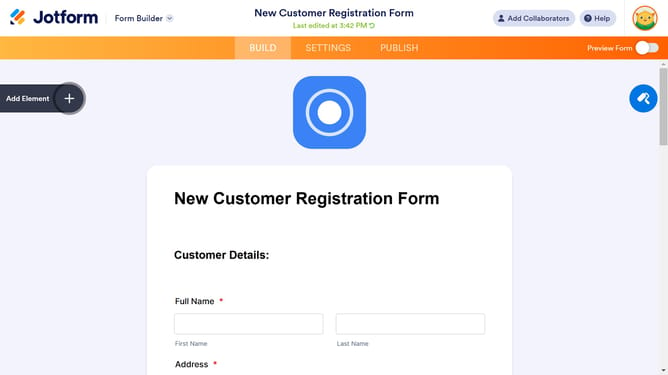
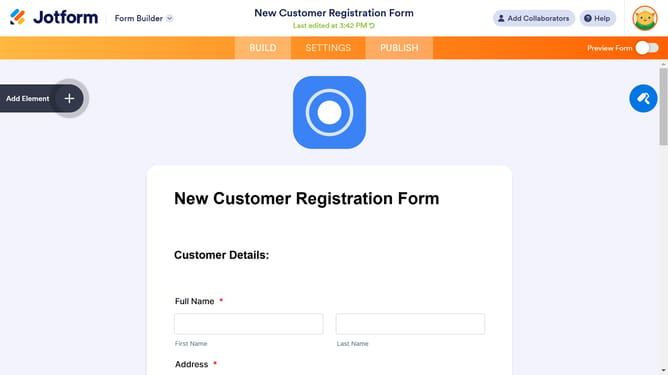
Here is how to clone an embedded form from another web page on jotform
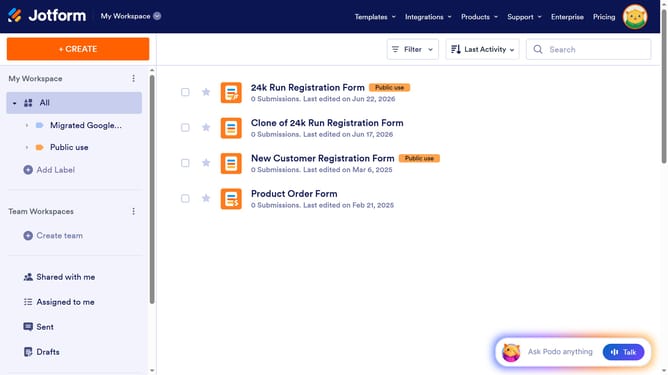
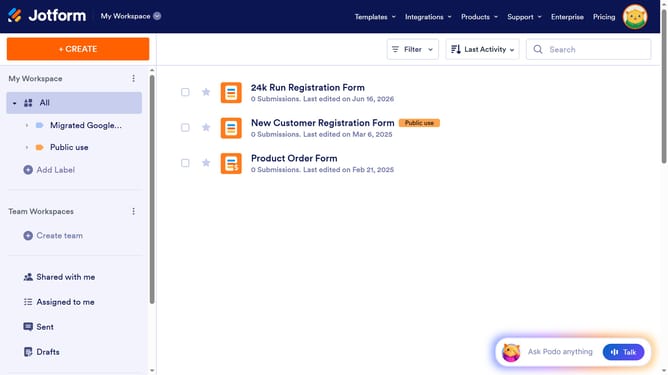
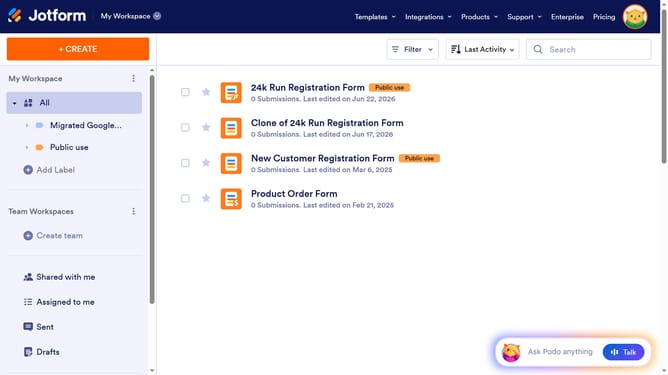
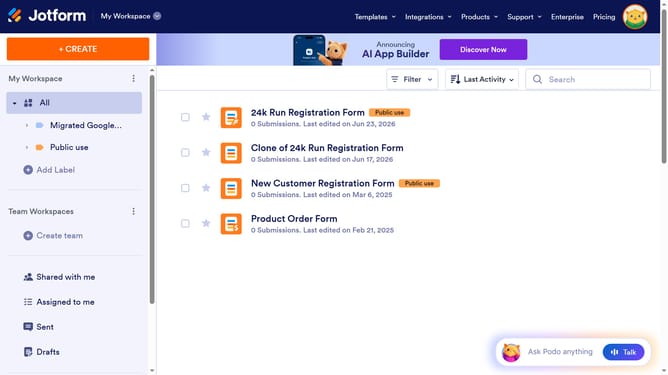
- First click on the green "CREATE" button in the top navigation bar
- Then click on the "Form" card option from the creation options dialog
- Next click on the "Import Form" option from the form creation methods
- Then click on the "From a web page" option in the import form dialog
- Next enter the URL in the text field labeled "Enter URL"
- Finally click on the blue "Create Form" button to import the form
Why should you clone an embedded form from another web page on Jotform
Jotform empowers users to create and share custom online forms effortlessly.
Cloning an embedded form from another webpage on Jotform is an efficient way to replicate forms without starting from scratch. This feature saves time, allowing users to focus on refining their form’s content and functionality to suit their needs.
By using this capability, individuals and businesses can ensure consistency across multiple forms, maintaining brand integrity and streamlining processes. It is ideal for duplicating complex, well-designed forms with ease.
Last update