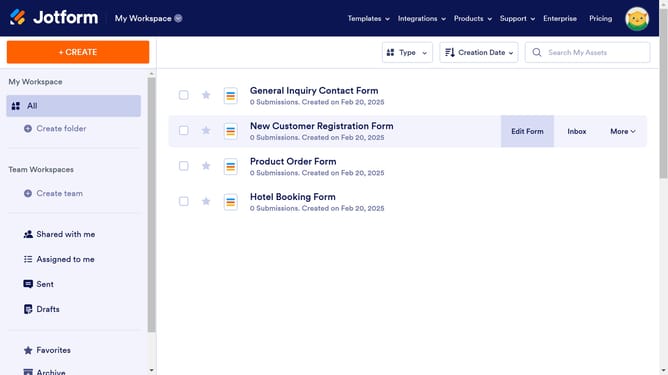
How to clone a form in Jotform
Here is how to clone a form in jotform
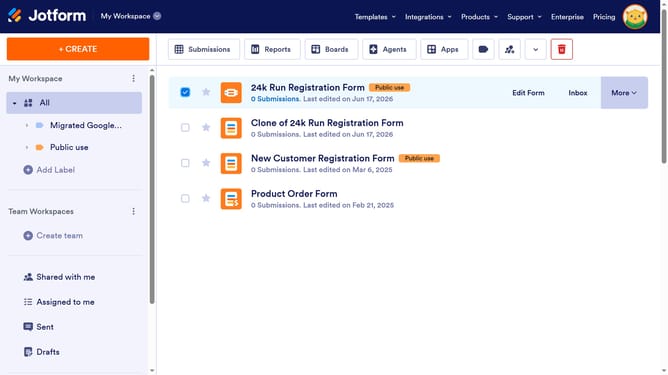
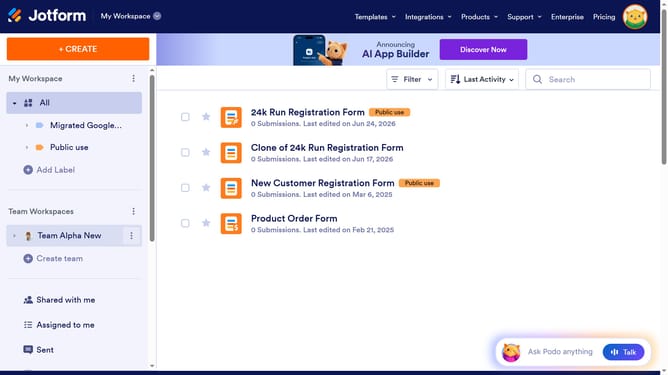
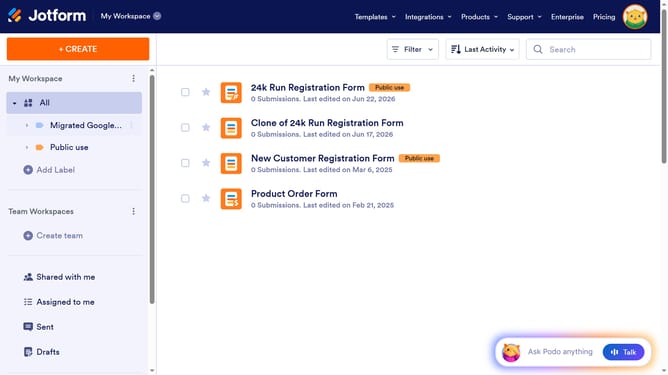
- First click on "All" in the left sidebar
- Then click on the checkbox next to the form you want to delete
- Next, click on the "More" button in the top action bar
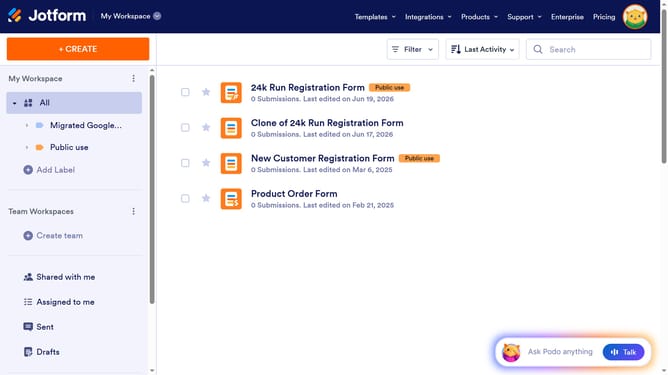
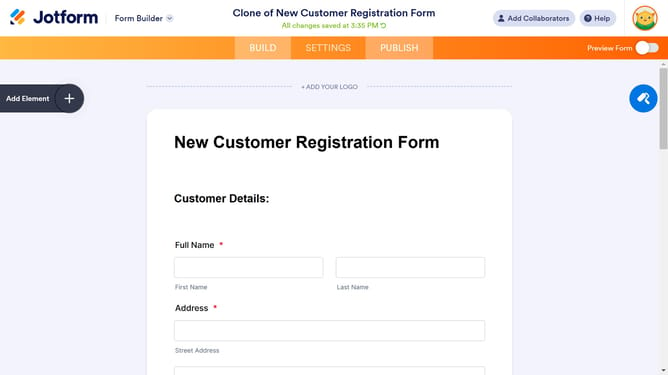
- Finally, click on the "Clone" option in the dropdown menu
Why should you clone a form in Jotform
Jotform simplifies online form creation, empowering users to build versatile forms effortlessly.
One of its standout features is the ability to clone a form, which allows users to duplicate existing forms quickly. This is especially beneficial for those looking to maintain consistent design and functionality across multiple projects without starting from scratch.
By cloning forms, users can save time and ensure uniformity in data collection, making the overall process more efficient and streamlined.
This feature proves invaluable in managing multiple campaigns or repetitive tasks with ease and precision.
Last update