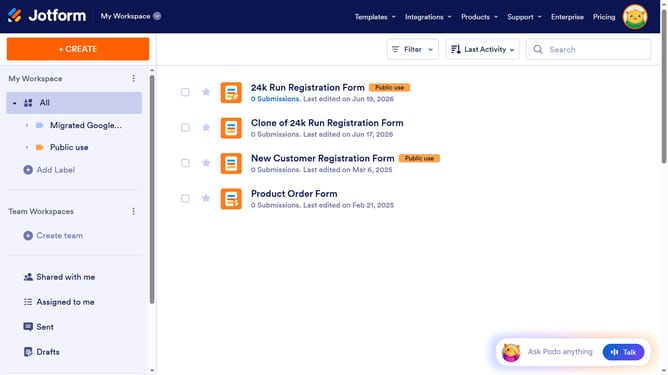
How to set form question layout in Jotform
Here is how to set form question layout in jotform
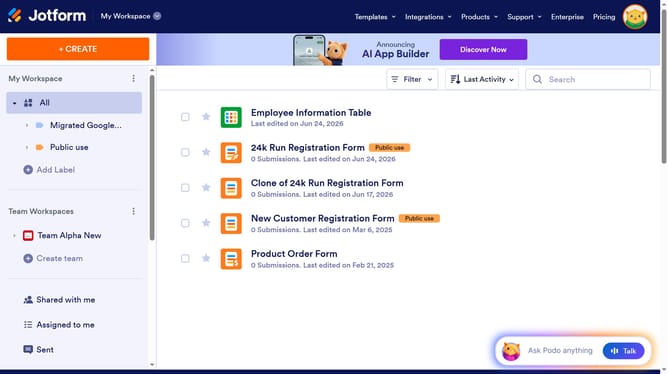
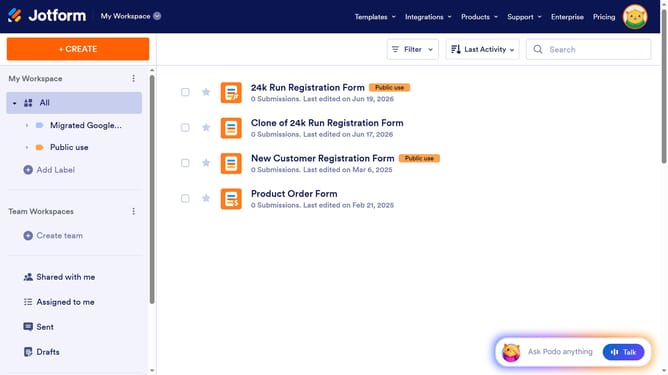
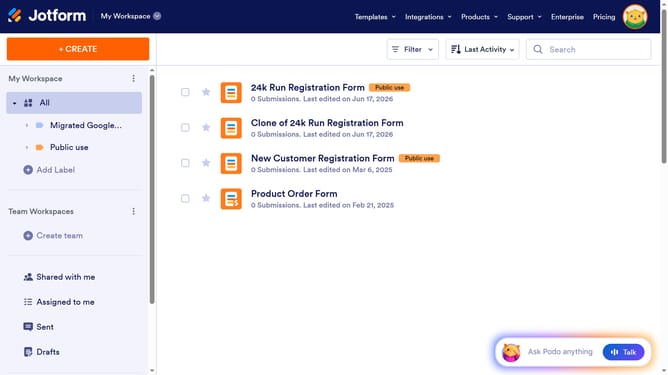
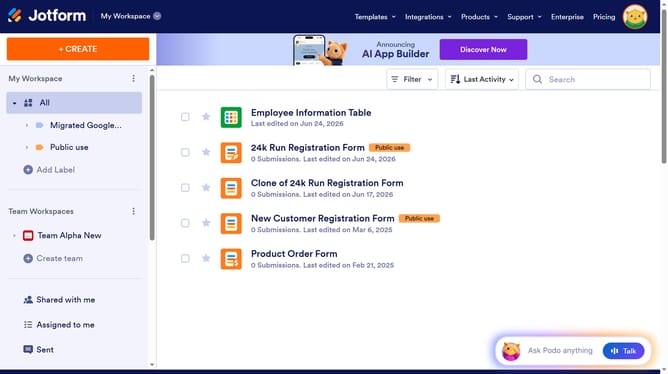
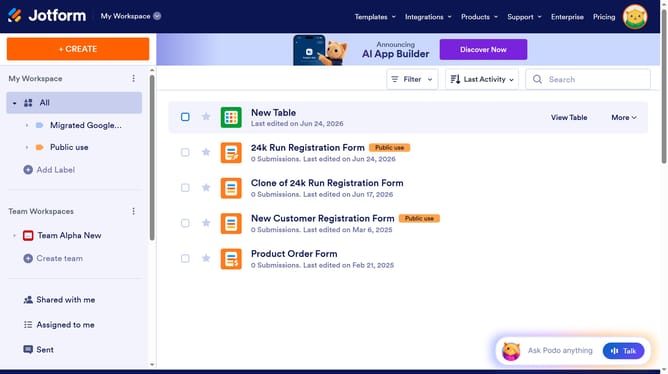
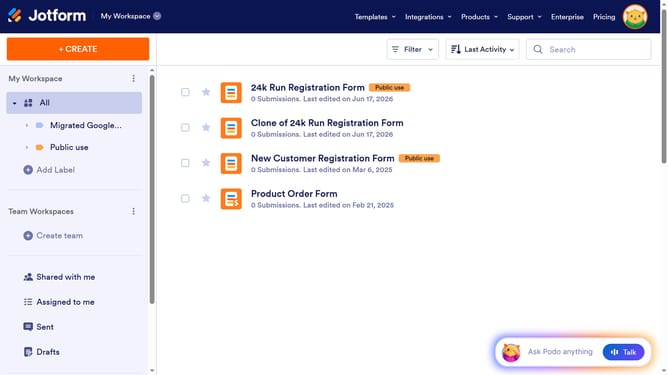
- First click on "All" option in the left sidebar
- Then click on "More" dropdown button
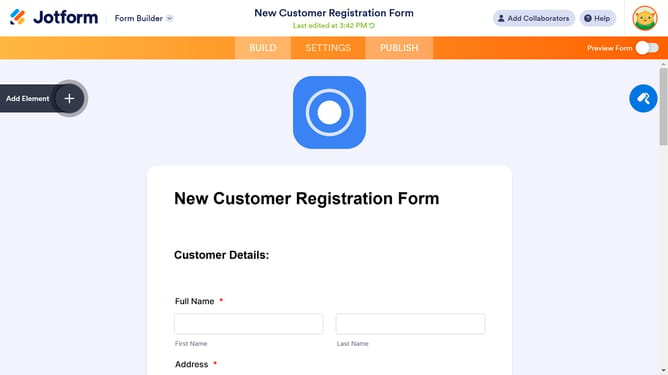
- Next select "Settings" option from the dropdown menu
- Then click on "SHOW MORE OPTIONS" button
- Then click on the "Form Layout" dropdown
- Finally click an option confirm the selection
Why should you set form question layout in Jotform
Jotform is a versatile online platform designed to simplify form creation for businesses and individuals.
The ability to set form question layouts in Jotform enables users to customize the presentation of questions to enhance user engagement and make data collection more effective.
This feature not only maximizes the aesthetics and functionality of forms but also ensures that respondents can interact with forms effortlessly, leading to improved response rates and higher quality data.
Ultimately, customizing question layouts within Jotform provides a more tailored experience that aligns with specific branding or workflow needs.
Last update