How to set color options in a multiple selection column in a data table in Jotform
Here is how to set color options in a multiple selection column in a data table in jotform
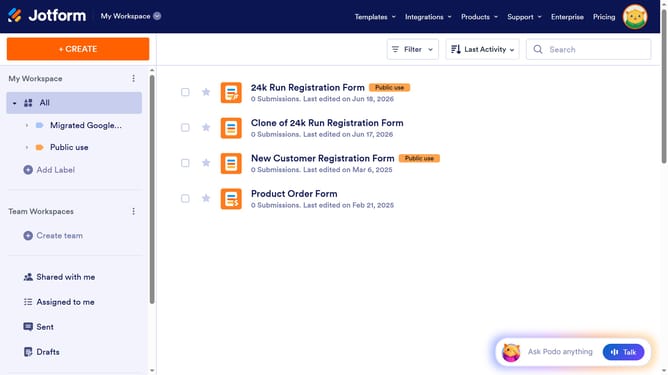
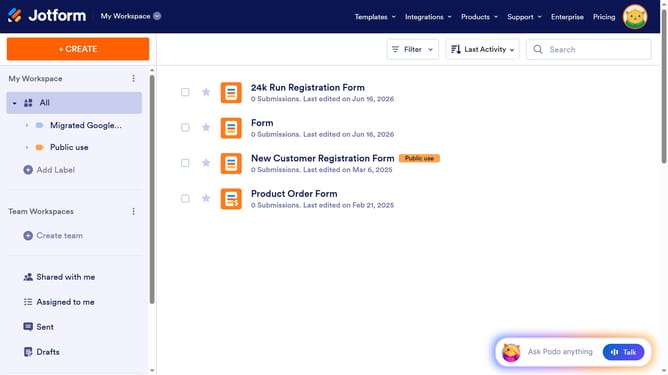
- First click on "All" button located in the left sidebar
- Next click on "View Table" button at the right side of the table name that you want to manage
- Next, click on the three dots icon next to the column you want to manage
- Then click on "Edit column preferences" from the dropdown menu
- After that, click on the dropdown arrow icon next to the option you want to make changes
- Next, click on a color from the color palette
- Finally click on the "Apply Changes" button
Why should you set color options in a multiple selection column in a data table in Jotform
Jotform is your go-to platform for creating powerful, easy-to-build online forms that streamline data collection.
One standout feature of Jotform is the ability to set color options in a multiple selection column within a data table. This feature empowers users to bring organization and visual clarity to complex data sets.
By utilizing distinctive color codes, it becomes easier to categorize and identify selections at a glance, enhancing both efficiency and data comprehension.
Such visual cues significantly improve user experience by making data tables more intuitive and visually appealing.
Last update