How to rename row in a table field in a registration form in Jotform
Here is how to rename row in a table field in a registration form in jotform
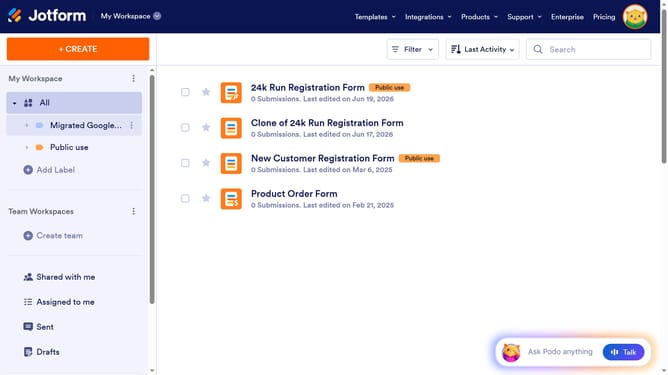
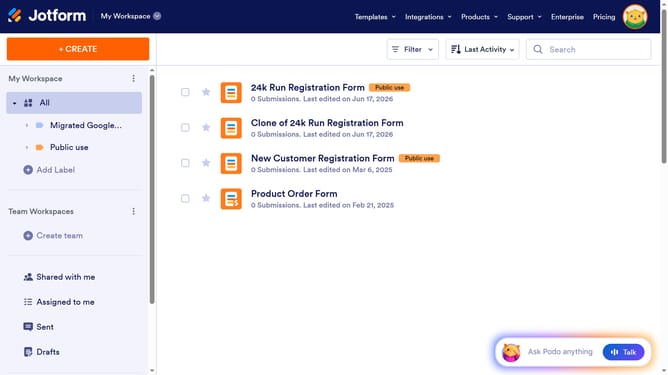
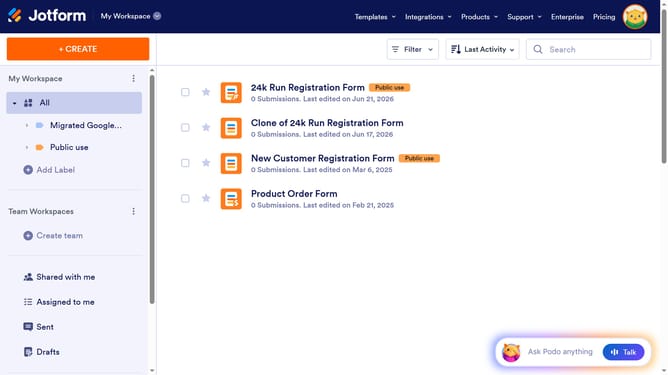
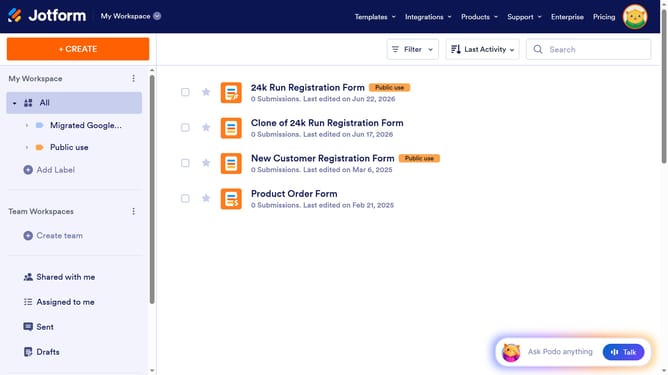
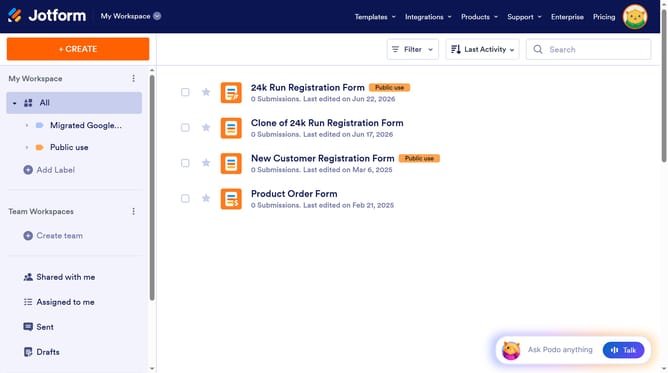
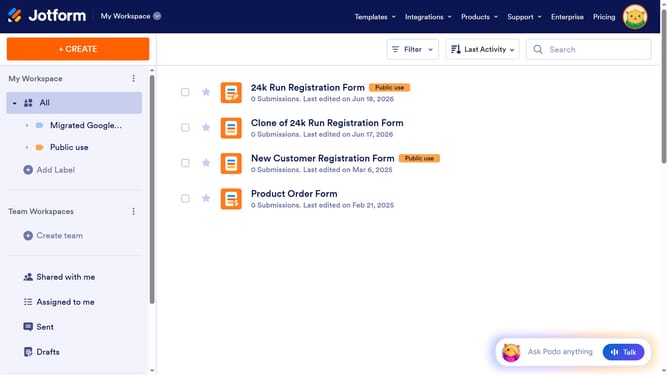
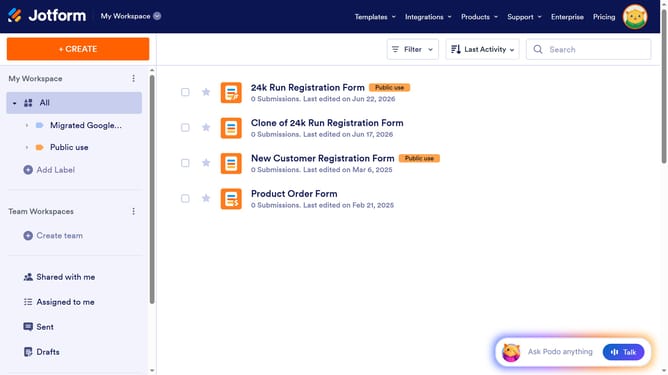
- First click on "All" item in the left sidebar
- Next click on "Edit Form" button at the right side of the form name that you want to manage
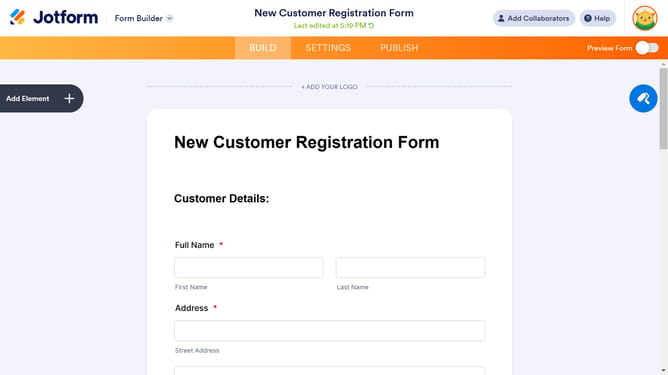
- Then click on the table input field in the form builder
- Click on the gear icon next to the "Properties" button
- In the "Input Table Properties" modal, select the "Fields" tab
- Finally, click on the row that you want to edit and edit text
Why should you rename row in a table field in a registration form in Jotform
Jotform is a versatile tool for creating online forms effortlessly.
Renaming a row in a table field within a registration form in Jotform is a simple yet powerful feature. It allows for precise customization, ensuring that the form aligns perfectly with your needs.
This feature enhances user experience by making data collection more intuitive and organized. By clearly labeling rows, you minimize confusion and streamline the process, which results in higher form completion rates.
Ultimately, it empowers you to manage your data efficiently, making meaningful insights readily accessible.
Last update