How to set highest rating value in a scale rating in a registration form in Jotform
Here is how to set highest rating value in a scale rating in a registration form in jotform
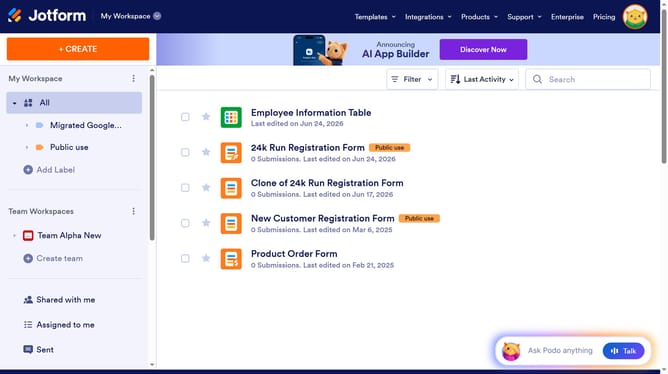
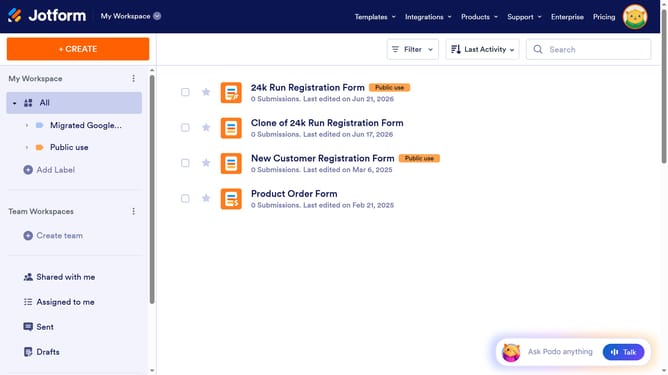
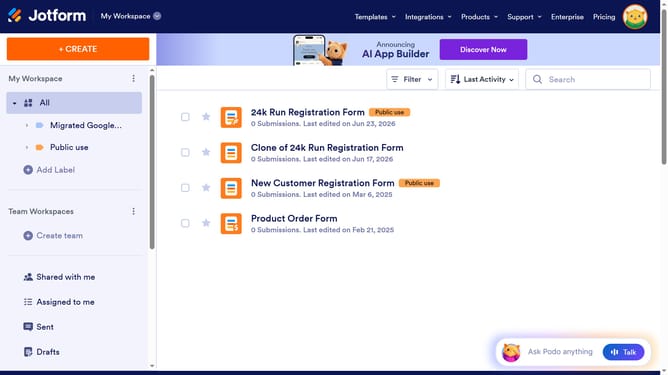
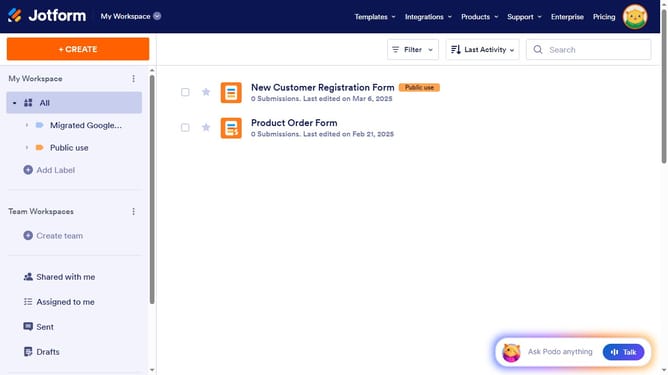
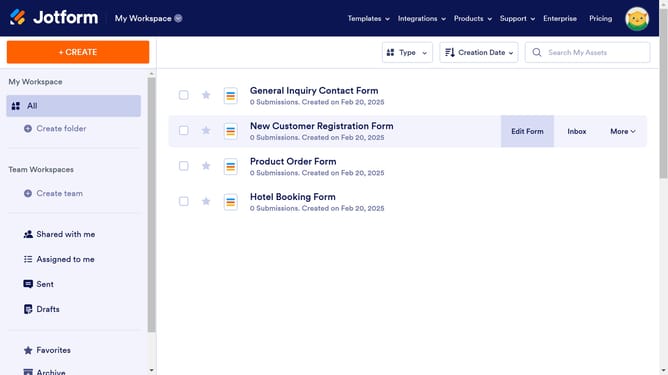
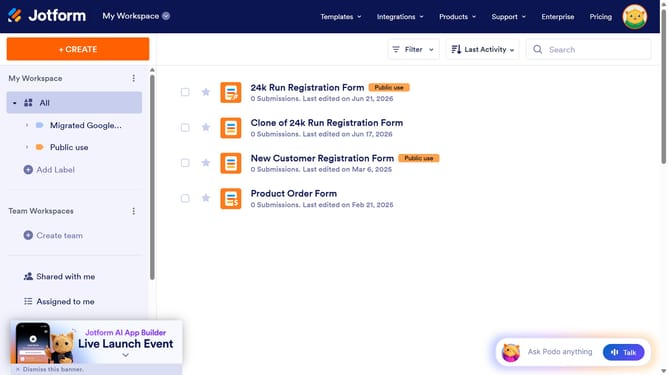
- First click on "All" in the left sidebar
- Next click on "Edit Form" button at the right side of the form name that you want to manage
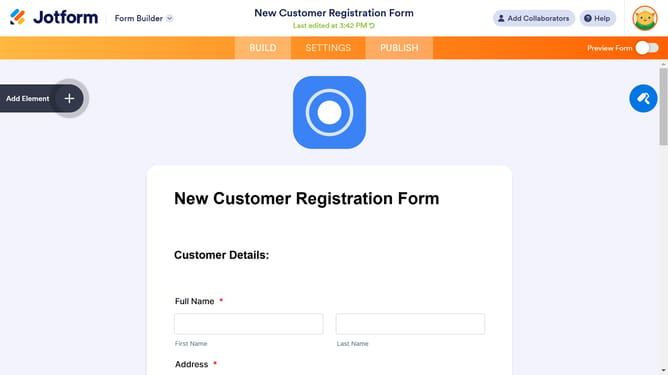
- Then click on the scale rating field in the form builder
- Then click on the "Properties" button with a gear icon
- Then click on the "Options" tab
- Finally select the "Highest Rating Value" input field and enter value
Why should you set highest rating value in a scale rating in a registration form in Jotform
Jotform is a versatile tool that allows anyone to create custom online forms effortlessly.
Setting the highest rating value in a scale rating on your registration form in Jotform is incredibly beneficial. It ensures clarity and precision in data collection, allowing respondents to express preferences or satisfaction levels effectively.
This feature streamlines the feedback process, making data analysis straightforward and actionable. By customizing the highest rating, organizations can better interpret responses and drive informed decision-making.
Ultimately, this enhances user experience while providing valuable insights tailored to specific needs.
Last update