How to disable column options in a multiple choice field in a registration form in Jotform
Here is how to disable column options in a multiple choice field in a registration form in jotform
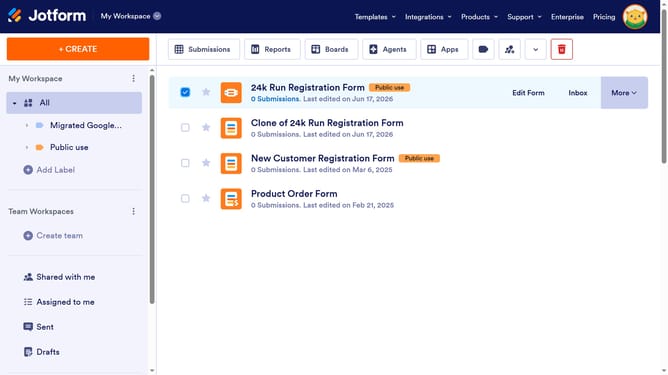
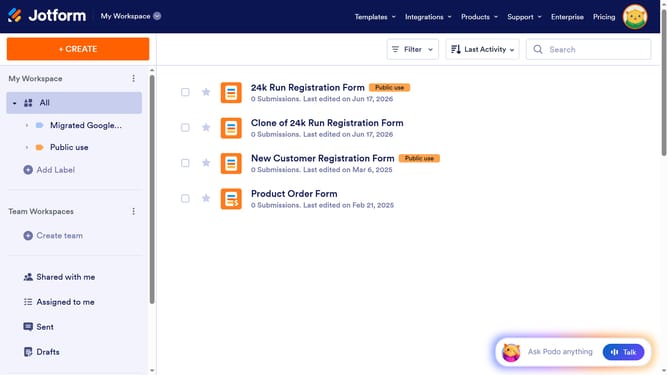
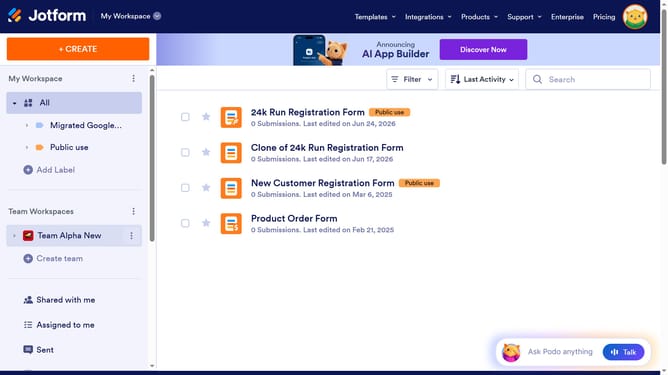
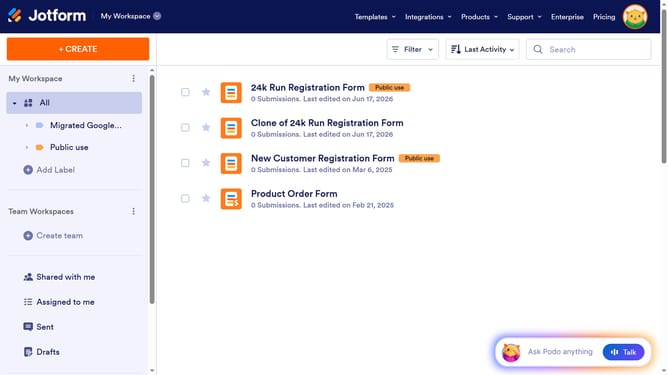
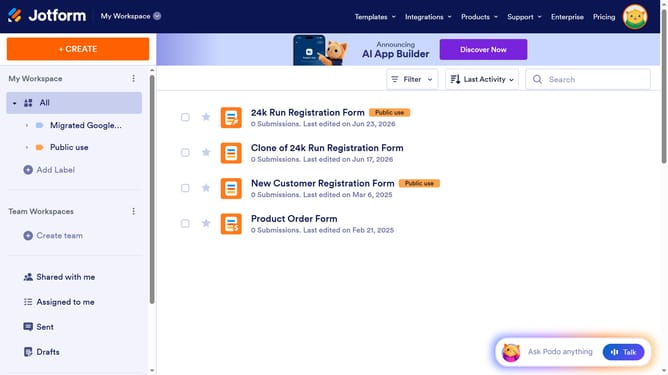
- First click on the "All" item in the left sidebar
- Next click on "Edit Form" button at the right side of the form name that you want to edit
- Next click on the "L" radio button option in the form builder
- After that, click on the "Properties" button
- After that, click on the "Properties" button
- Finally click on the "Spread to Columns" slider to disable it
Why should you disable column options in a multiple choice field in a registration form in Jotform
Jotform is an intuitive online form builder designed to streamline data collection.
The ability to disable column options in a multiple-choice field within a registration form enhances customization control. This feature allows you to seamlessly manage which choices are available to respondents, ensuring that only relevant options are shown at the appropriate time.
Employing this feature can lead to a more streamlined and user-friendly registration process, removing unnecessary clutter and making data collection more efficient.
Last update