How to add a list in a paragraph field in a registration form in Jotform
Here is how to add a list in a paragraph field in a registration form in jotform
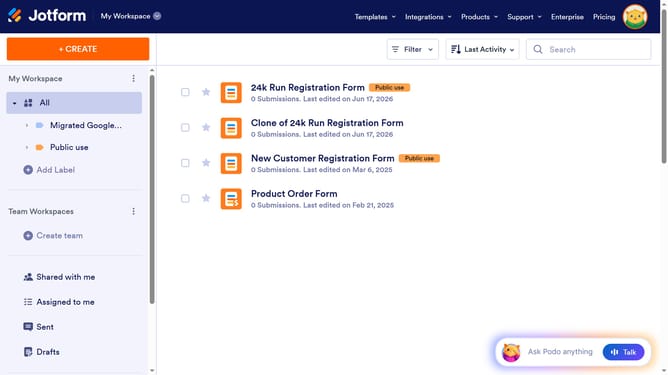
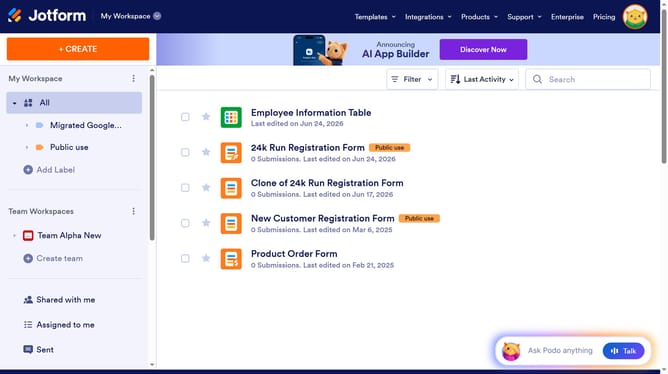
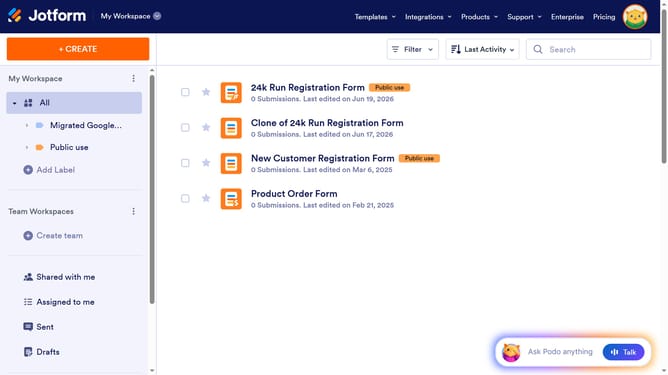
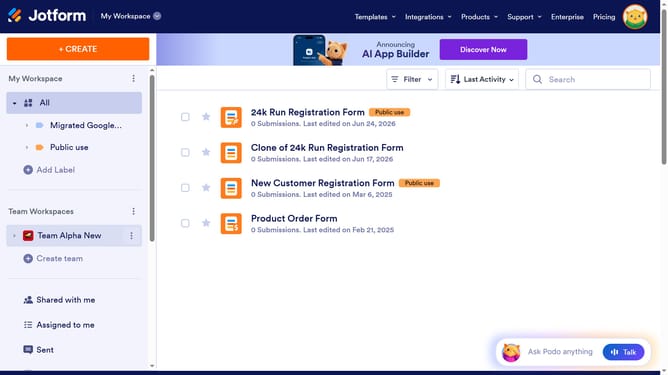
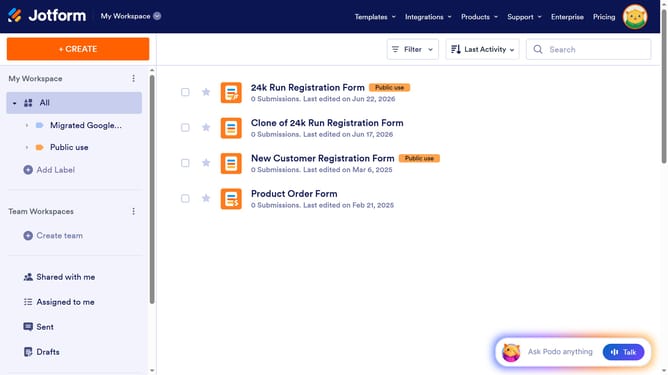
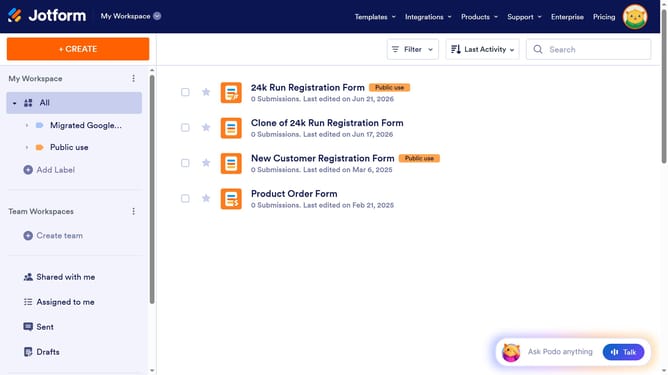
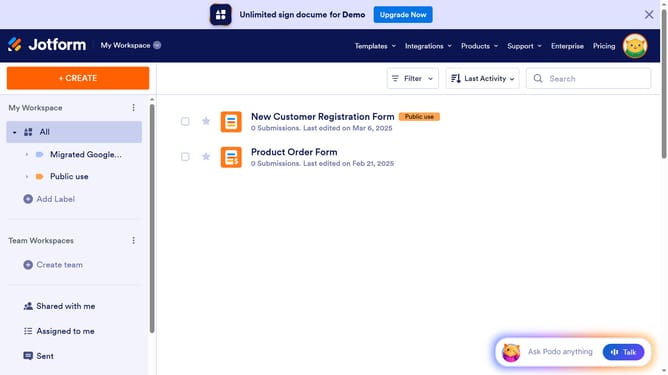
- First, click on "All" in the left sidebar
- Next click on "Edit Form" button at the right side of the form name that you want to manage
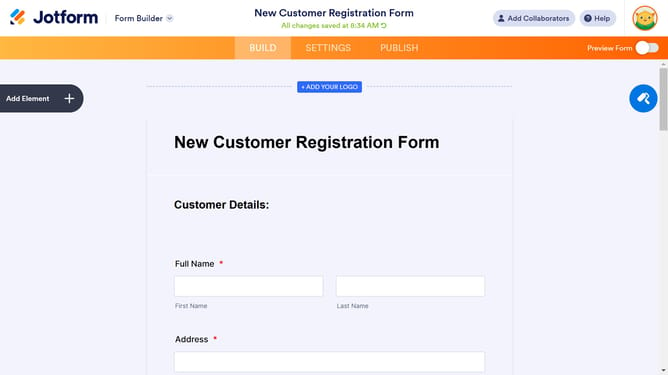
- Then click on the paragraph field in the form builder
- Then, click on the "Edit Text" button
- After that, click on the "List" icon in the formatting toolbar
- Then, click on the "List" icon from the formatting toolbar
- Finally, click on the empty space to start typing a list item
Why should you add a list in a paragraph field in a registration form in Jotform
Jotform is a powerful tool designed to simplify the creation of custom forms for businesses and individuals alike.
Adding a list to a paragraph field in a registration form on Jotform enhances readability and organization. When information is structured in lists, it’s easier for users to digest crucial details quickly.
Utilizing this feature can streamline the respondent’s experience, creating a seamless interaction while reducing abandonment rates and boosting successful form submissions. This subtle enhancement offers clarity and efficiency, making your forms more user-friendly and engaging.
Last update