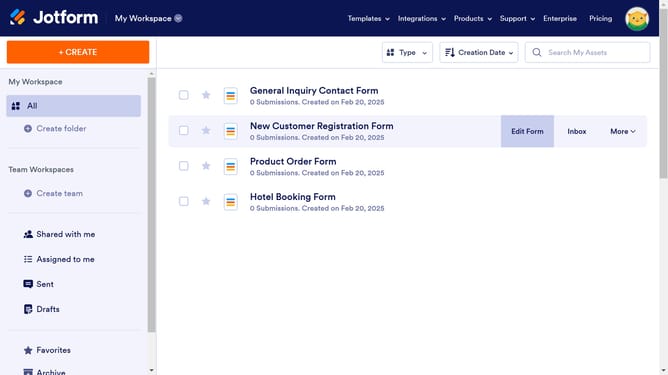
How to change a preview image when you share a Jetform form on social media
Here is how to change a preview image when you share a jetform form on social media
- In the form header area, click on the "+ ADD YOUR LOGO" button
- In the Logo Properties sidebar that appears, click on the "Upload File" button in the upload section
Why should you change a preview image when you share a Jetform form on social media
Jotform is a versatile online tool designed to streamline form-building and data collection with ease.
Sharing your Jetform form on social media just got more appealing with the ability to change the preview image.
Customizing the preview image allows you to visually represent your brand, grabbing attention instantly.
It enhances the visual appeal and relevance of your content, making your form stand out amidst the digital clutter. This feature not only draws more clicks but also amplifies brand presence.
Last update