How to create file upload forms on Jotform
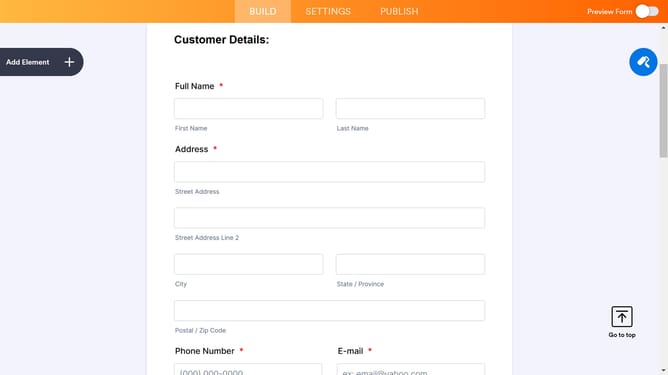
Here is how to create file upload forms on jotform
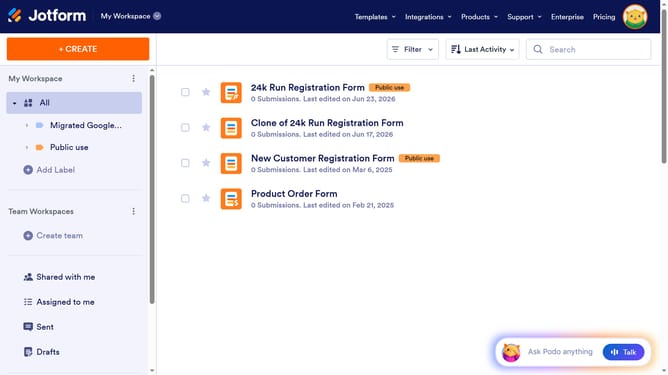
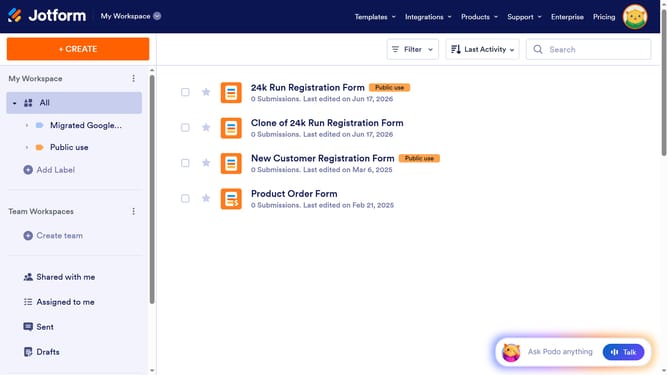
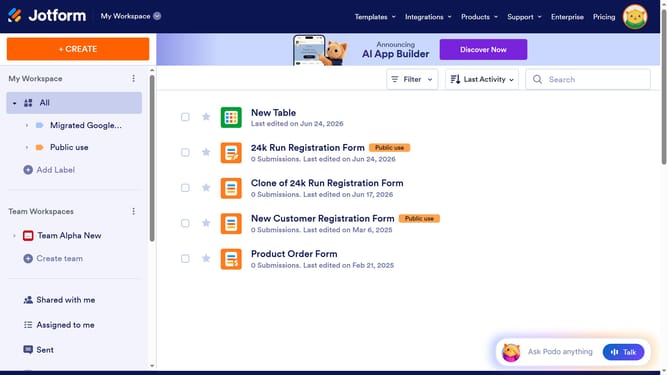
- First click on the "Edit Form" button next to the form you want to use
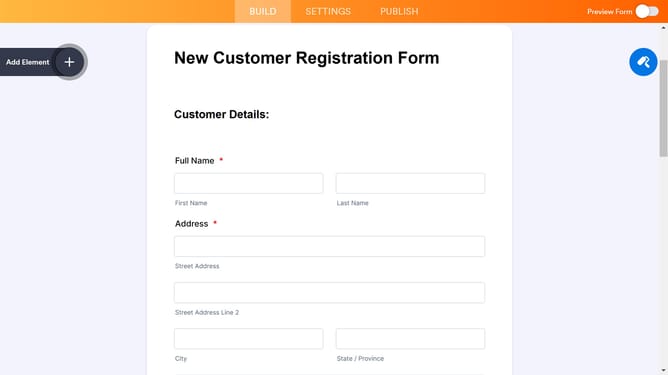
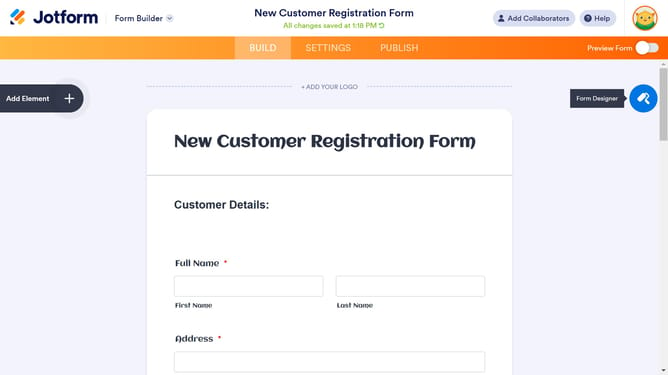
- Then click on the "Add Element" button in the left sidebar
- Next click the "File Upload" in the list
- Then click the "Properties" button to open the settings for your "File Upload" field
- Here you can find different options to customize your upload field
Why should you create file upload forms on Jotform
Jotform is a versatile platform that empowers users to create customized forms effortlessly.
Creating file upload forms on Jotform is an intuitive process that enhances user interaction and data collection efficiency. By incorporating this feature, you can easily gather necessary documents, images, or any type of file, streamlining operations and saving valuable time.
Whether collecting resumes for job applications or receiving project submissions, Jotform's file upload functionality simplifies complex workflows, making data management seamless and organized.
Last update